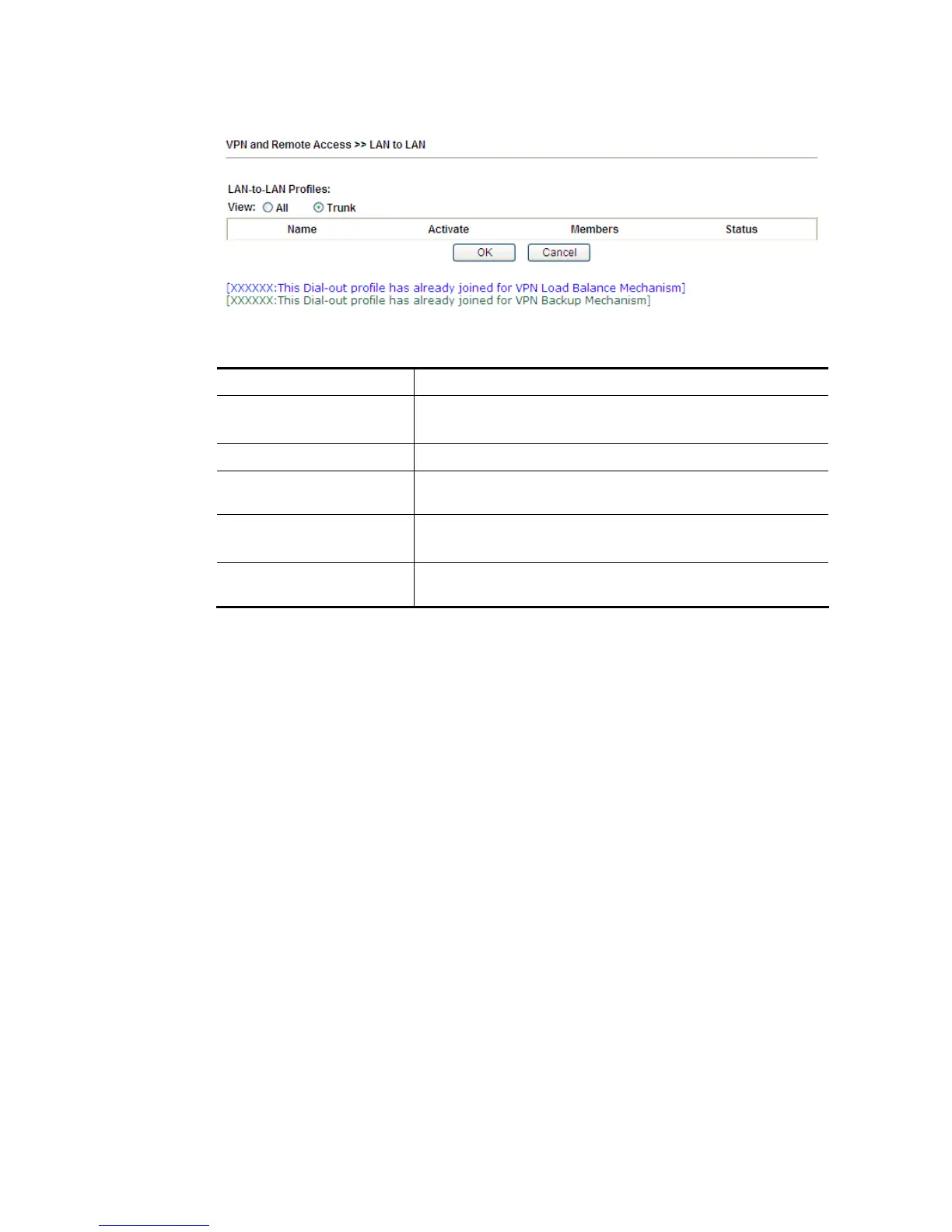
If there is no profile joined yet, this page will be shown as follows:
Available settings are explained as follows:
Item Description
View All – Click it to display the LAN to LAN profiles.
Trunk – Click it to display the Trunk profiles.
Set to Factory Default Click to clear all indexes.
Name Indicate the name of the LAN-to-LAN profile. The symbol ???
represents that the profile is empty.
Active V – means the profile has been enabled.
X – means the profile has not been enabled.
Status Indicate the status of individual profiles. The symbol V and X
represent the profile to be active and inactive, respectively.
To edit each profile:
1. Click each index to edit each profile and you will get the following page. Each
LAN-to-LAN profile includes 4 subgroups. If the fields gray out, it means you may leave it
untouched. The following explanations will guide you to fill all the necessary fields.














 To Next Page