4. Click Finish. A page of Quick Start Wizard Setup OK!!! will appear. Then, the system
status of this protocol will be shown.
5. Now, you can enjoy surfing on the Internet.
W
W
i
i
r
r
e
e
l
l
e
e
s
s
s
s
(
(
2
2
.
.
4
4
G
G
)
)
W
W
A
A
N
N
2
2
-
-
S
S
t
t
a
a
t
t
i
i
c
c
I
I
P
P
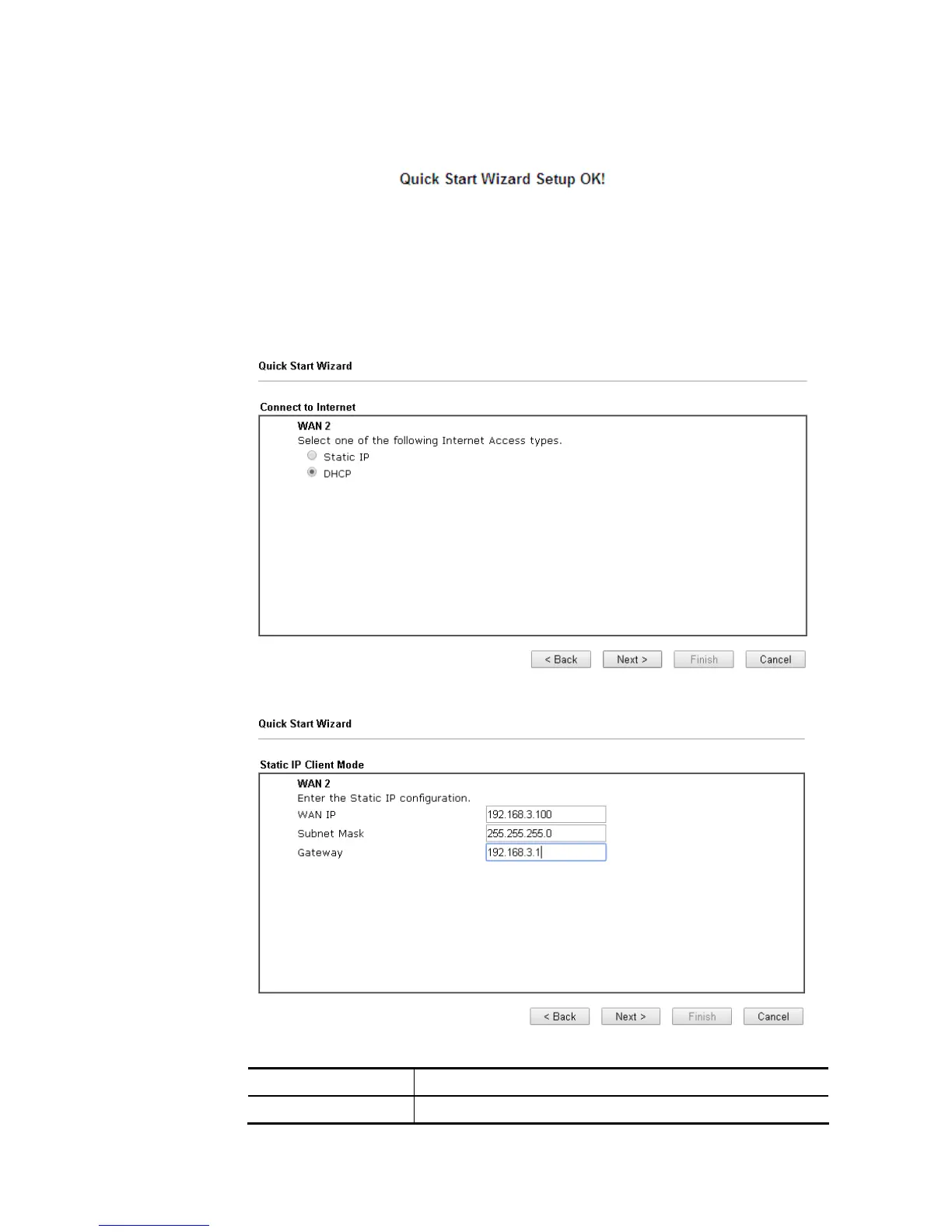
1. Choose WAN2 as the WAN Interface and choose Wireless (2.4G) as the Physical Mode.
Click the Next button. The following page will be open for you to specify Internet Access
Type.
2. Click Static IP as the Internet Access Type. Simply click Next to continue.
Available settings are explained as follows:
Item Description
WAN IP Type the IP address.














 To Next Page