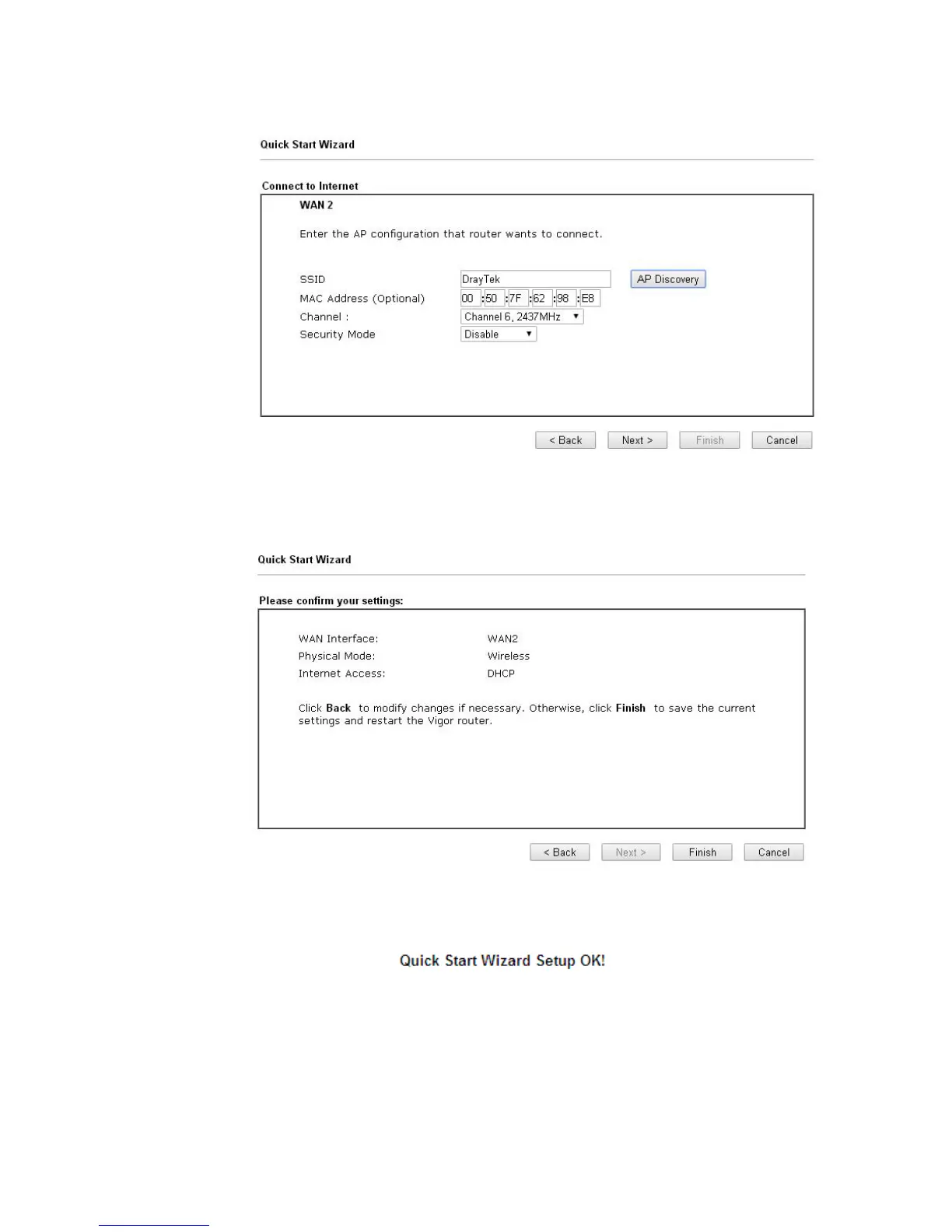
5. Select your Wireless AP and click the Add to button.
6. All settings except the encryption key will be filled automatically. If the Security Mode
is WEP, type in the WEP Keys. If the Security Mode is WPA/PSK or WPA2/PSK, type in
the Pass Phrase. Then click Next for next step.
7. Click Finish. A page of Quick Start Wizard Setup OK!!! will appear. Then, the system
status of this protocol will be shown.
Now, you can enjoy surfing on the Internet.














 To Next Page