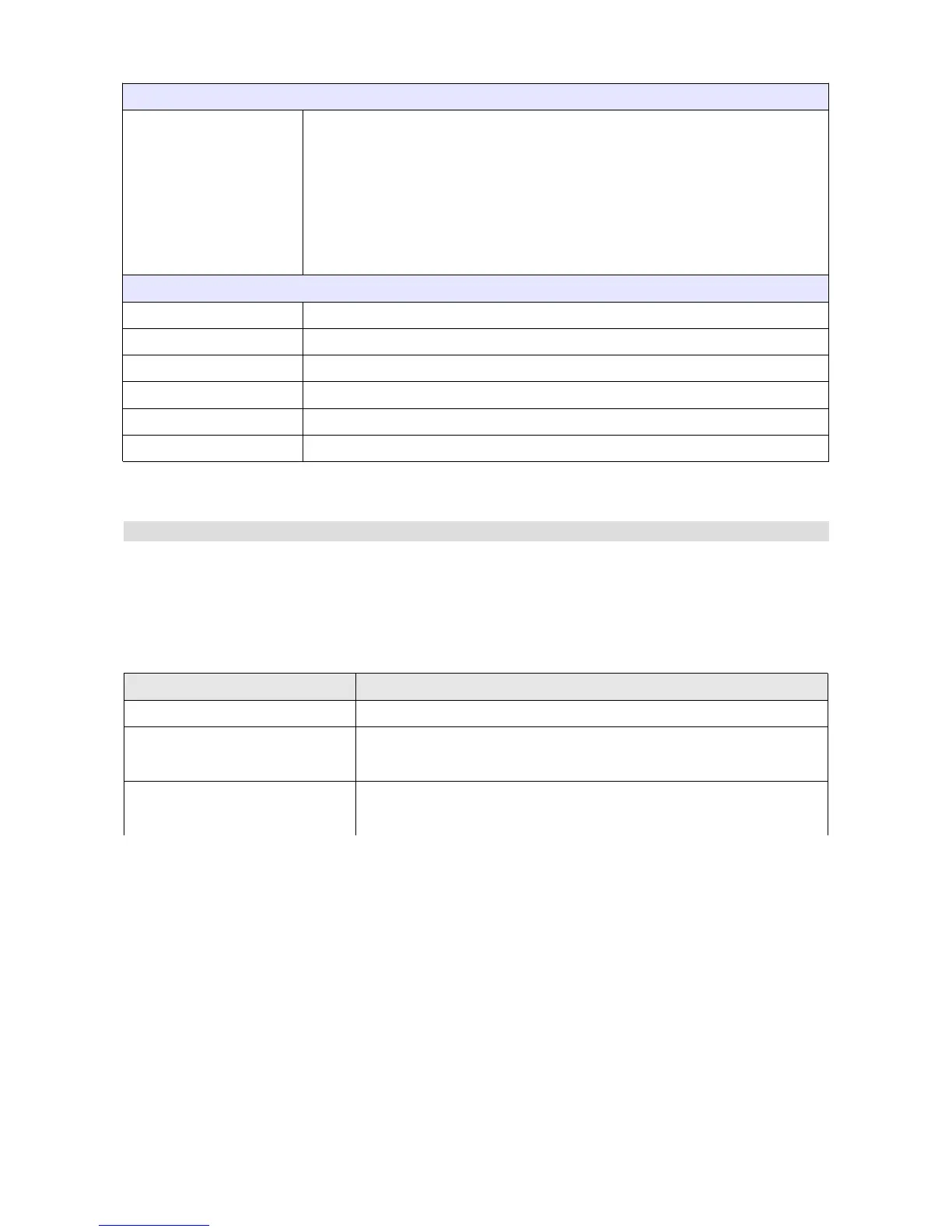
Min/Max reset
Reset min/max mode This parameter defines the behaviour of the min/max values for the ecu
channels*.
Every power off – the min/max values are deleted each time the device
is activated
Every firmware upgrade – the min/max values are deleted when the
internal device software is replaced
Startup screen
Enable Activates the startup screen
Texture The texture that will be displayed on the startup screen (centred)
Scale The scale of the displayed texture
Duration The time during which the startup screen will be displayed
Color The colour of the displayed texture
Background color The colour of the background
Protection
The Protection panel contains options related to the password protection of the device. A
password must be provided before any changes can be made to the device if protected. If no
password is provided, the only way to remove the protection is by restoring the default settings.
Parameter Description
Enable password protection Activates the password protection of the device
Copyrights The information displayed when attempting to connect to the
device if protected
Contact info Contact information (e-mail, telephone) displayed when
attempting to connect to the device if protected
Page 127/137


 To Next Page