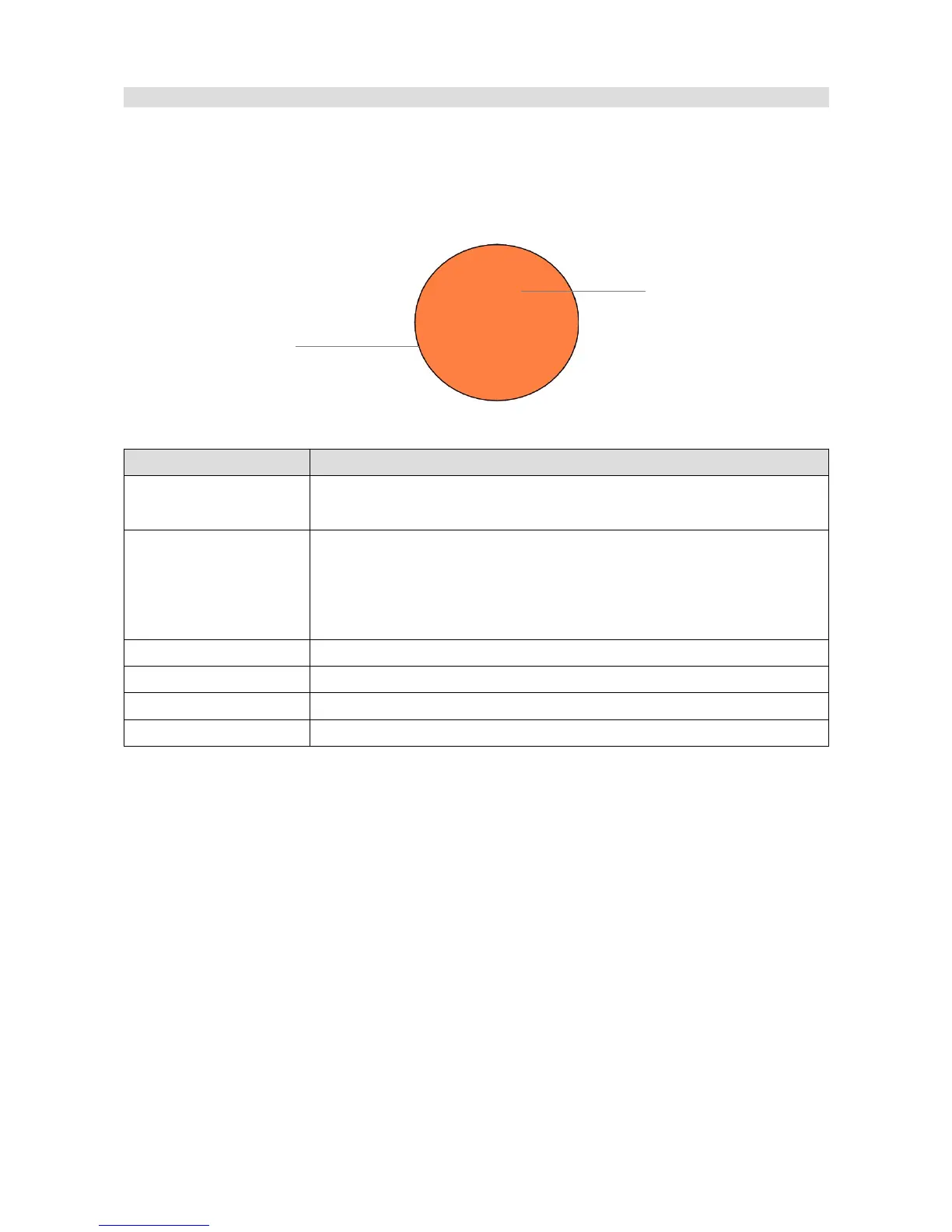
Circle
The Circle object allows you to draw a circle on the page. You may define the circle diameter,
border width, and fill colour.
Parameter Description
Position X,Y Object position on the page The reference point is the upper-left corner
of an rectangle around the object.
Circle type The type of circle displayed.
Border – displays only the rectangle frame,
Border + fill – displays the frame and its fill (fill)
Only fill - displays only the fill (fill)
Color The frame colour
Fill color The fill colour
Thickness The width of the frame in pixels
Radius The circle radius
Page 74/137
Object description
Circle
Border
Fill


 To Next Page