Analyzer User Guide
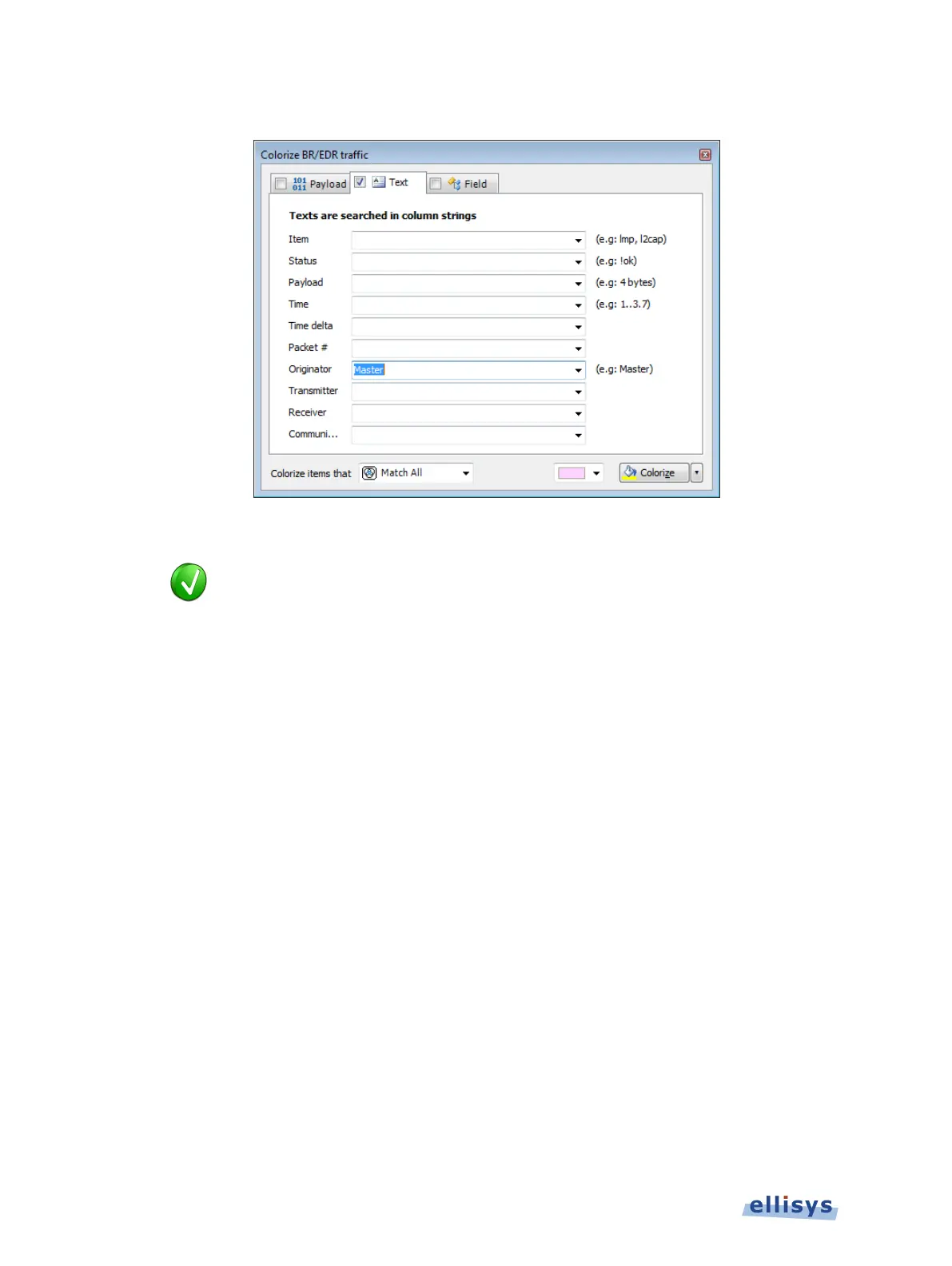
The Text tab appears:
2. Use the one or more text string drop-down menus provided to characterize the color search.
Text entered into the var
ious boxes by selecting an item in the drop-down
be edited, or text may simply be entered directly into the boxes
without selecting the drop
-
down menus. Use commas to separate OR items on
any line. Use of the ! (not) symbol will exclude a text string from the search.
3. Select the desired color and click on Colorize.
Events matching are colorized in the Overview.
To colorize events by field value:
1. Select the Field tab.
82 of 201 | Overview Windows



 To Next Page