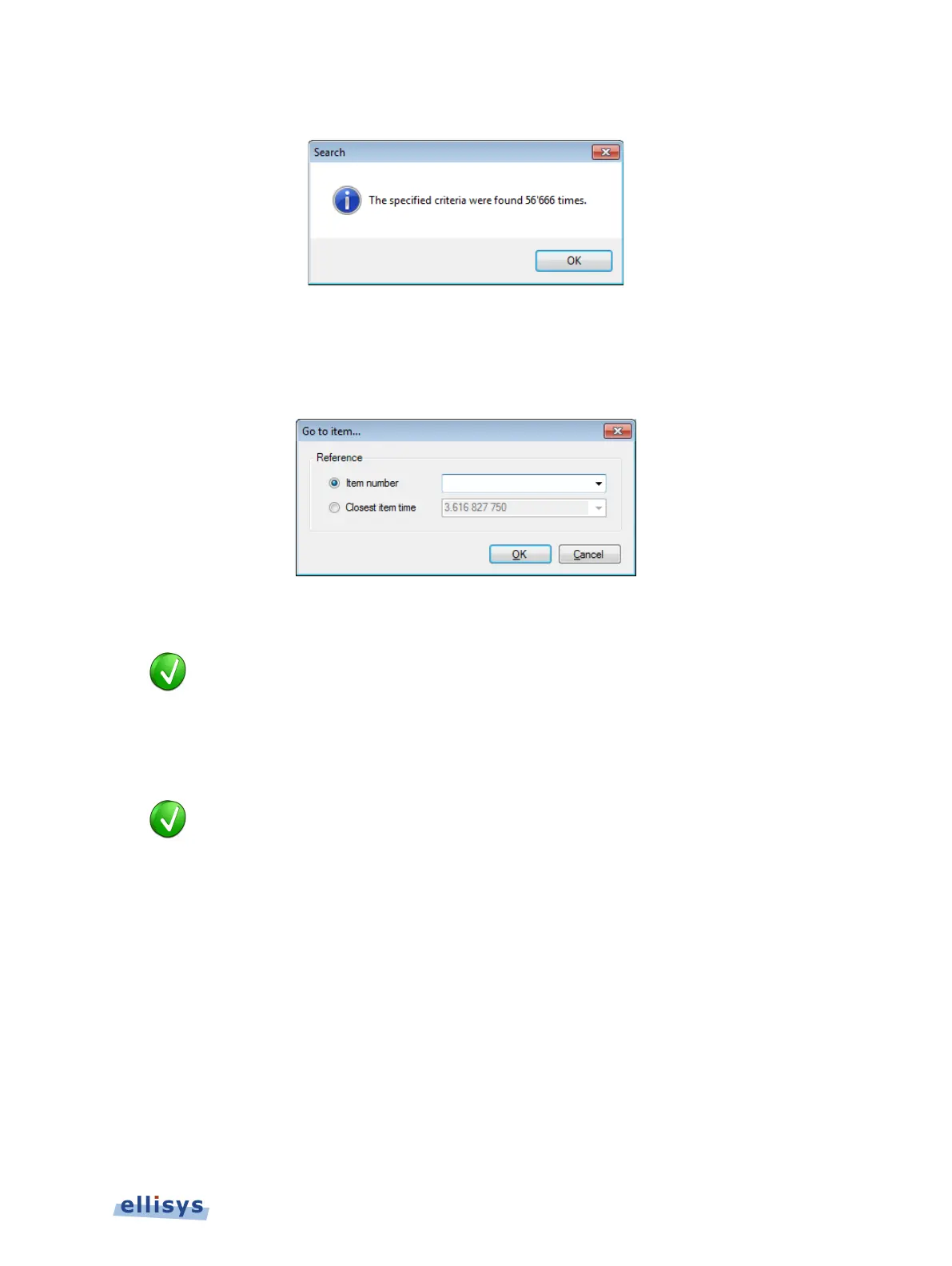
A count of items matching the criteria is displayed:
To search using an Item Number or Item Time:
1. Select Search | Go To (Ctrl+G) from the menu.
The Go to item dialog appears:
2. Select Item number and enter an item number or alternatively, select Closest item time
and enter a timestamp in x.xxx xxx xxx format.
est item time value may be entered as an abbreviated timestamp,
such as x.xxx or x.x, in order to approximate the search.
3. Click on OK.
The item found is highlighted in the Overview.
The Item Number correlates to the Packet Number column, which is availa
ble
Overview. If it is not displayed, right-click on the column header to add
To use a content-sensitive search:
1. Select Search | Go to next or Search | Go to previous from the menu, as desired.
Overview Windows | 93 of 201



 To Next Page