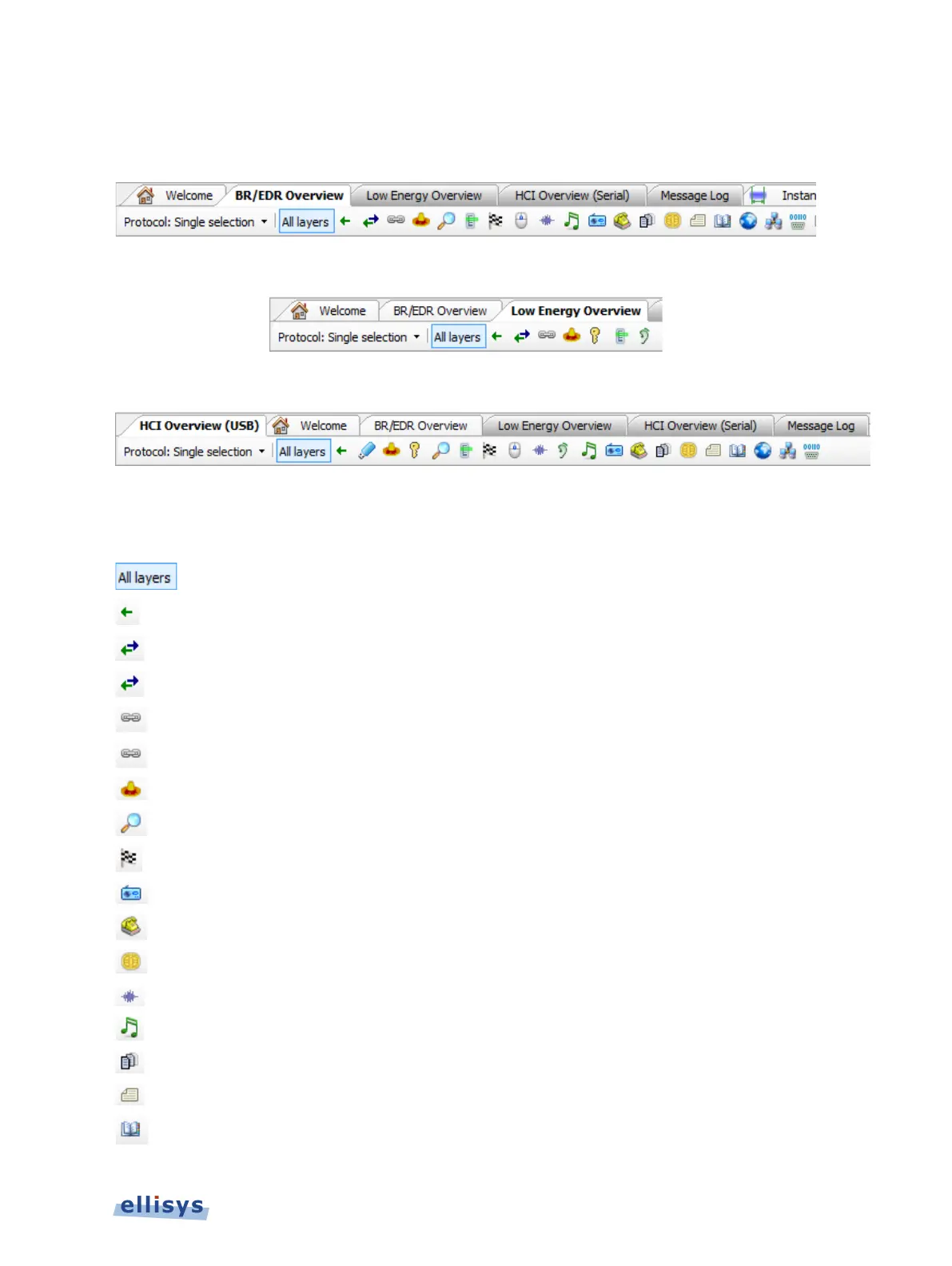
are based on the particular item selected on the Protocol bar.
The protocol/profile filters available for the BR/EDR Overview are shown below:
The protocol/profile filters available for the Low Energy Overview are shown below:
The protocol/profile filters available for the HCI Serial and HCI USB Overviews are shown below:
The table below describes the various filter icons and their functions:
Shows all protocols and profiles BR/EDR LE HCI Single
Shows packets-only view BR/EDR LE HCI Single
Show/Hide Baseband BR/EDR Single, Custom
Show/Hide Link Layer LE Single, Custom
Show/Hide LMP BR/EDR Single, Multiple, Custom
Show/Hide LLCP LE Single, Multiple, Custom
Show/Hide SDP BR/EDR HCI Single, Multiple, Custom
Show/Hide A2MP BR/EDR HCI Single, Multiple, Custom
Show/Hide RFCOMM BR/EDR HCI Single, Multiple, Custom
Show/Hide AT BR/EDR HCI Single, Multiple, Custom
Show/Hide SAP BR/EDR HCI Single, Multiple, Custom
Show/Hide SCO/eSCO BR/EDR HCI Single, Multiple, Custom
Show/Hide AVDTP/AVCTP BR/EDR HCI Single, Multiple, Custom
Show/Hide MAP BR/EDR HCI Single, Multiple, Custom
Show/Hide PBAP BR/EDR HCI Single, Multiple, Custom
Display Filters | 99 of 201



 To Next Page