EnGenius EOC1650 Wireless Access Point / Client Bridge Version 2.0
15
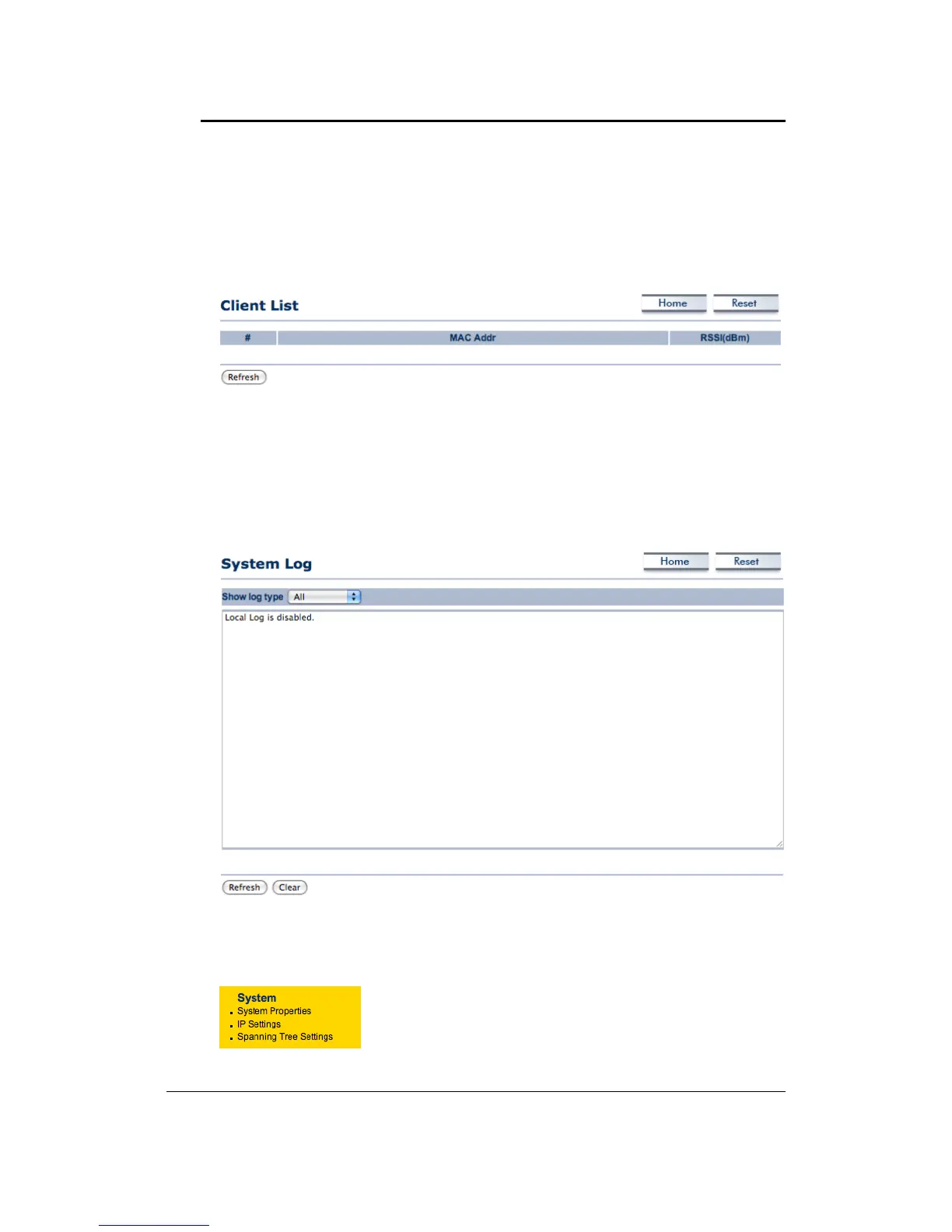
4.2.2 WirelessClientList
ClickontheWirelessClientListlinkundertheStatusdrop‐downmenu.Thispagedisplaysthelist
ofClientsthatareassociatedtotheAccessPoint.
TheMACaddressesandsignalstrengthforeachclientisdisplayed.ClickontheRefreshbuttonto
refreshtheclientlist
.
4.2.3 SystemLog
Click on the System Log link under the Status drop‐down menu. The device automatically logs
(records) events of possible interest in its internal memory. If there is not enough internal
memoryforallevents,logsofoldereventsaredeleted,butlogsofthelatesteventsareretained.
4.3 System
ClickontheSystemlinkonthenavigation drop‐down menu.
Youwillthenseethreeoptions:SystemProperties,IPSettings,
andSpanningTreeSettings.Eachoptionisdescribedindetail
below.



 To Next Page