2 UnderstandingtheHardware
2.1 HardwareInstallation
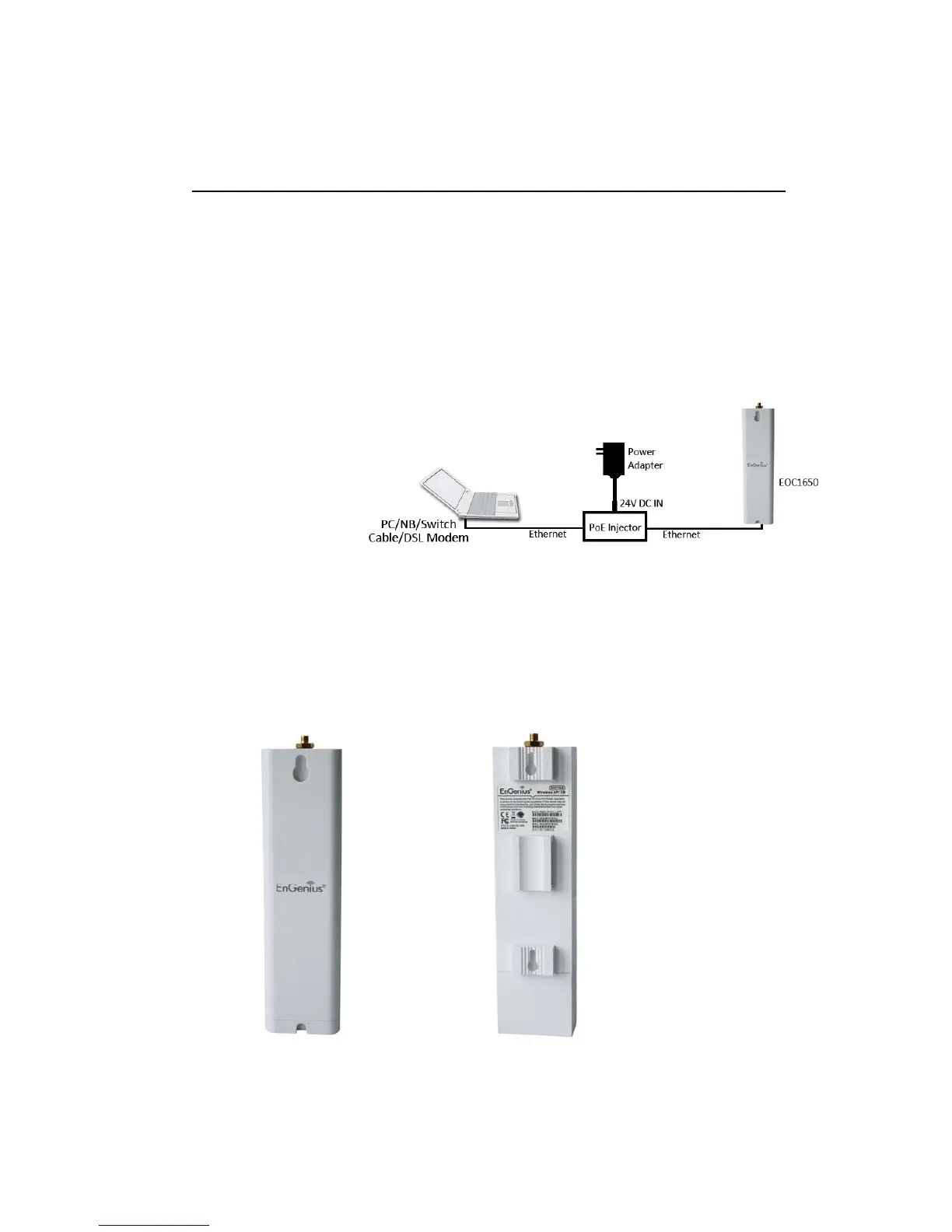
1. Placetheunitinanappropriatelocationafterconductingasitesurvey.
2. Plug one end of the Ethernet cable intothe Network port of the PoE injector and another end
intoyourPC/Notebook.
3. PlugoneendofanotherEthernetcabletoAP/BridgeportofthePoEinjectorand
theotherend
intoyoucable/DSLmodem(Internet)
4. InserttheDC‐inletofthepoweradapterintothe24VportofthePoEinjectorandtheotherend
intothepowersocketonthewall.
Thisdiagramdepictsthehardwareconfiguration
2.2 HardwareDescription
Theimagesbelowdepictthefrontandrearpaneloftheunit.
Front Panel Rear Panel



 To Next Page