EnGenius EOC1650 Wireless Access Point / Client Bridge Version 2.0
10
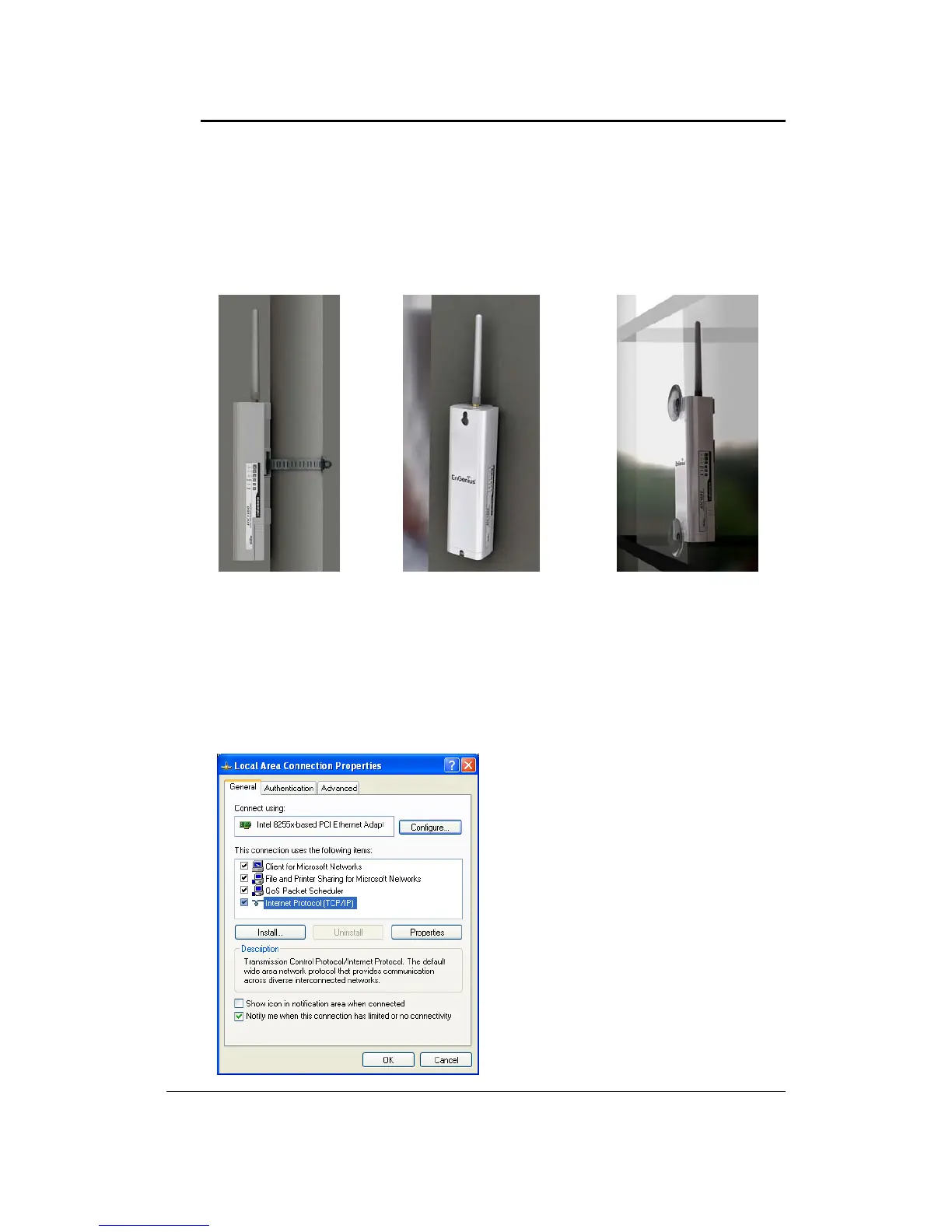
2.3 Mountin g Kits
Theimagesbelowdepictthestandardmountingkits.
2.4 IPAddressConfiguration
This device canbe configuredas aAccess Point / Client Bridge/ WDS Bridge / Client Router.The
default IP address of the device is 192.168.1.1. And in order to log into this device, you must first
configuretheTCP/IPsettingsofyourPC/Notebook.
1. Inthecontrolpanel,doubleclickNetworkConnectionsandthendoubleclickontheconnection
ofyourNetworkInterfaceCard(NIC).Youwillthenseethefollowingscreen.
Pole Mount Wall Mount Window Mount



 To Next Page