EnGenius EOC1650 Wireless Access Point / Client Bridge Version 2.0
43
6.2 Status
Click on the Status link on the navigation drop‐down
menu. You will then see three options: Main, WDS
Link Status,and System Log.Each option isdescribed
indetailbelow.
6.2.1 Main
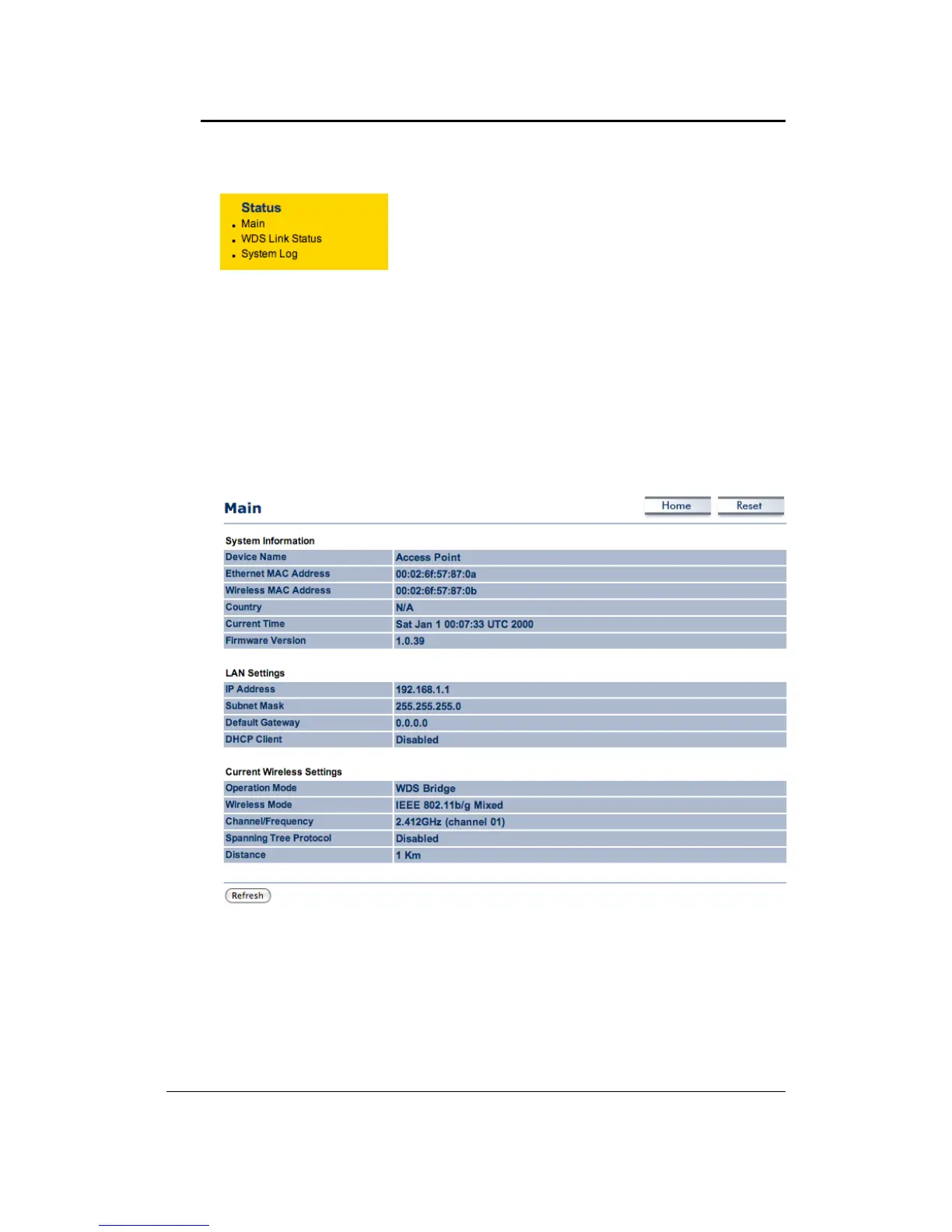
Click on the Main link under the Status drop‐down menu. The status that is displayed
corresponds with the operating mode that is selected. Information such as Device Name,
Ethernet MAC Address, Wireless MAC Address, Country, Current Time and Firmware are
displayed in the ‘System Information’ section. IP address, Subnet
Mask, Default Gateway
andDHCPClientaredisplayedinthe‘LANSettings’section.Inthe‘CurrentWirelessSettings’
section, the Operation Mode, Wireless Mode, Channel/Frequency, Spanning Tree Protocol
andDistancearedisplayed.



 To Next Page