EnGenius EOC1650 Wireless Access Point / Client Bridge Version 2.0
47
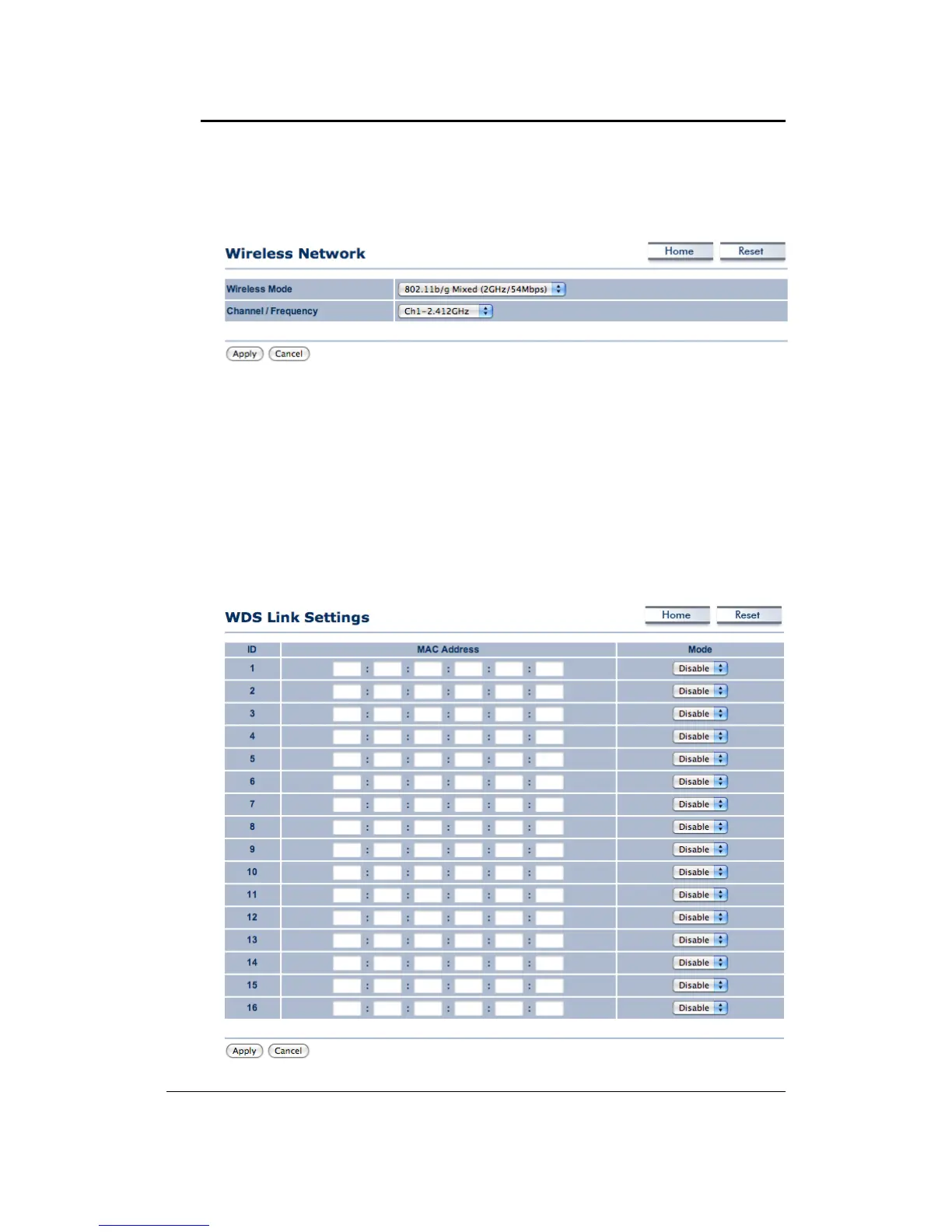
6.4.1 WirelessNetwork
TheWireless Network pageallows youto configurethe wirelessmode,channel, SSID,and
securitysettings.
Wireless Mode: Depending on the type of wireless clients that are connected to the
network,you mayselectB, GorB/G‐mixed.Ifyouarenot sureaboutwhichclientswill be
accessingthewirelessnetworks,itisrecommendedthatyouselectB/G‐mixedforthebest
performance.
Channel/Frequency: Select a channel from the drop‐down list. The channels available are
basedonthecountry’sregulation.
6.4.2 WDSLinkSettings
Clickon theWDS Link Settings linkunder theWirelessdrop‐downmenu.This pageallows
youtosettingyourWDSdevicelinkupto16units.



 To Next Page