EnGenius EOC1650 Wireless Access Point / Client Bridge Version 2.0
48
MACAddress:youcaninputtheMACaddressofWDSdevice,whichyouwanttolink.
Mode:Enabletoconnect,andDisabletodisconnect.
ClickontheApplybuttontosavethechanges.
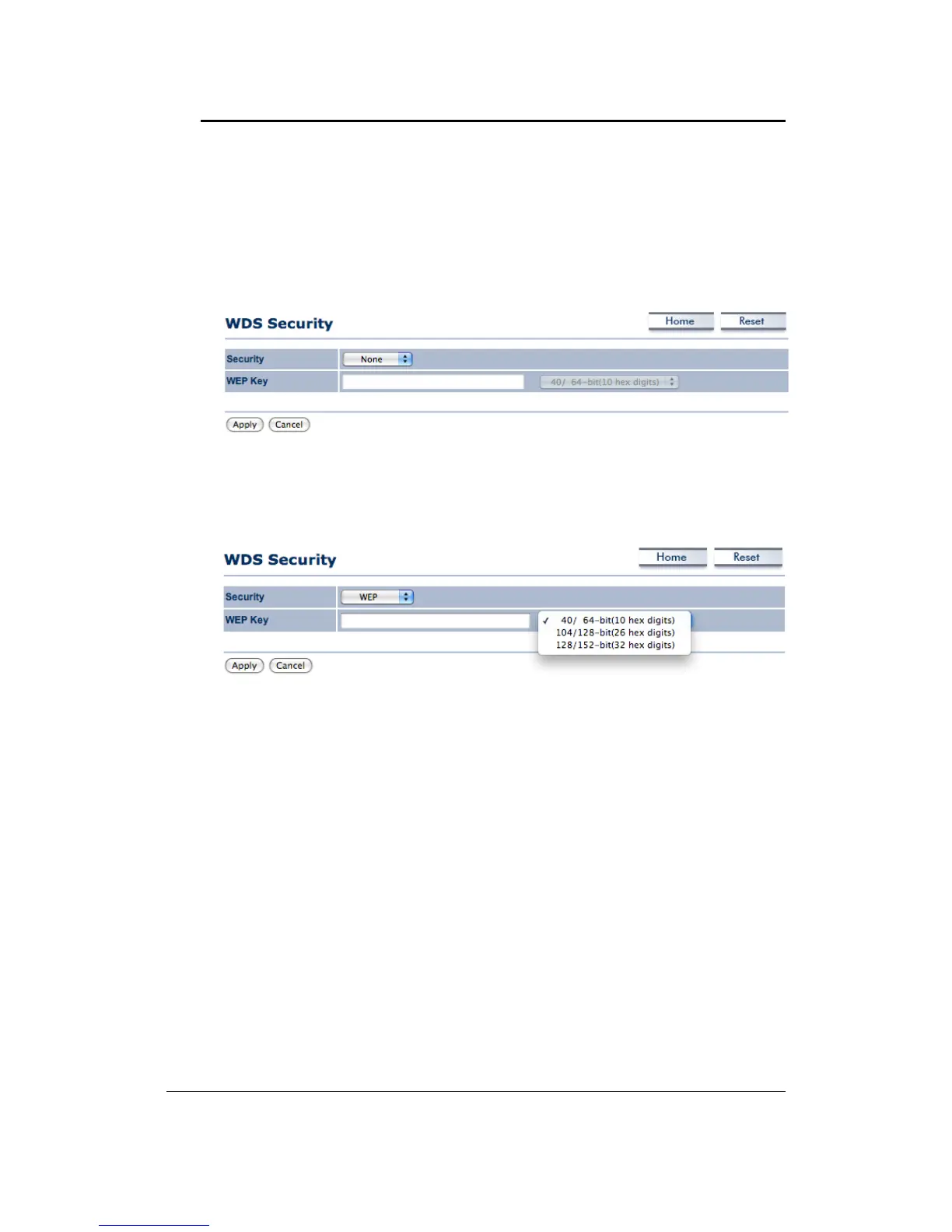
6.4.3 WDSSecurity
Security Mode: Select WEP from the drop‐down list if your wireless network uses WEP
encryption.WEPisan acronymforWiredEquivalentPrivacy,andisasecurityprotocolthat
providesthesamelevelofsecurityforwirelessnetworksasforawirednetwork.
WEPKey:Selectakeyformatfromthedrop‐downlist.64bit‐hexkeysrequire10characters,
whereas 128‐bit keys require 26 characters and152‐bitskeysrequire32characters.A hex
key is defined as a number between 0 through 9 and letter between A
through F and a
throughf.
ClickontheApplybuttontosavethechanges.
6.4.4 WirelessAdvancedSettings
ClickontheWireless AdvancedSettingslink.Onthispageyou canconfiguretheadvanced
settingstotweaktheperformanceofyourwirelessnetwork.Optionsavailableare:datarate,
transmitpower,fragmentationthreshold,RTSthreshold,protectionmodeanddistance.



 To Next Page