EnGenius EOC1650 Wireless Access Point / Client Bridge Version 2.0
63
interface and clickthe Connectbutton manually any time that you wish to connect to the
Internet.
Domain Name Service: Select Get Automatically from ISP if the ISP will provide the DNS
address, if not, select Use these DNS servers and specify the primary and secondary DNS
serverIP
address.
ClickontheApplybuttontosavethechanges.
7.4.2 LANSettings
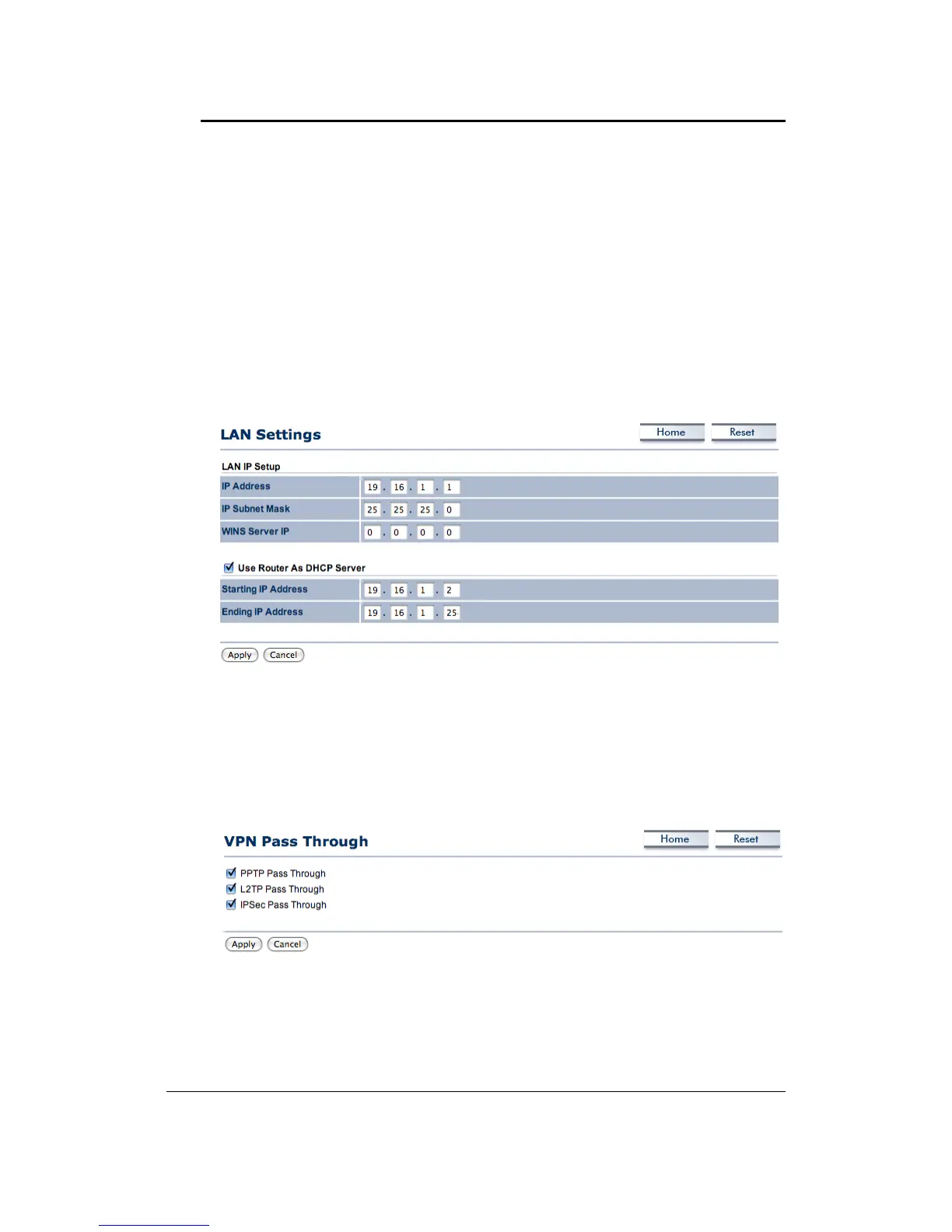
Click on theLAN Settingslink under theRouter drop‐downmenu.This page allowsyou to
configure the LAN interface as IP address, IP subnet mask and WINS server IP. When you
enable‘UseRouterAsDHCPServer’,specifytheIPaddressfromstartingtoending.
7.4.3 VPNPassThrough
ClickontheVPNPassThroughlinkundertheRouterdrop‐downmenu.Thispageallowsyou
toenablethepassthroughfeature.
PPTPPass Through:Placeachec kin thisbox if youwouldliketoenable thispassthrough.
PPTPisaprotocol(setofcommunicationrules)thatallowscorporationstoextendtheirown
corporatenetworkthroughprivate"tunnels"



 To Next Page