EnGenius EOC1650 Wireless Access Point / Client Bridge Version 2.0
53
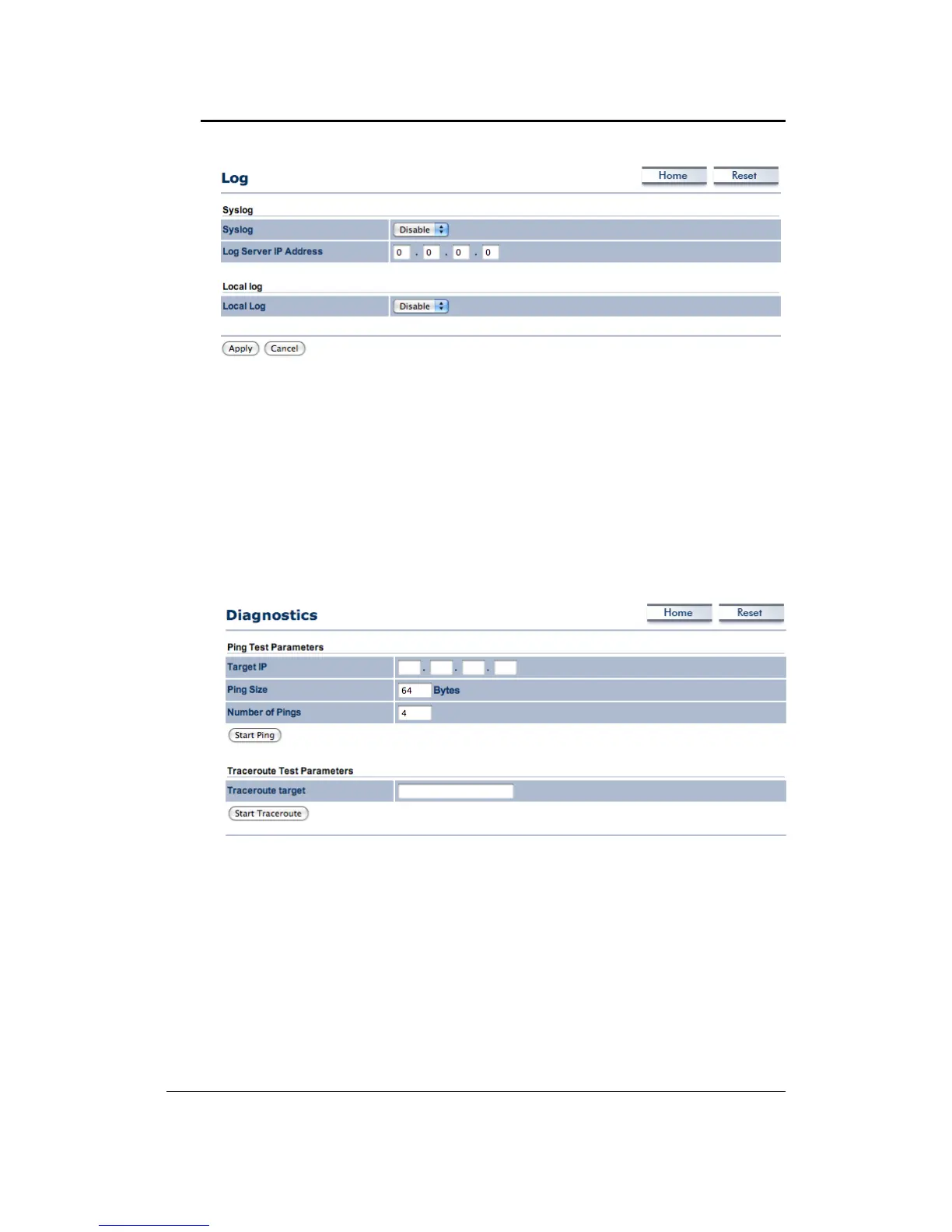
Syslog:Choosetoenableordisablethesystemlog.
LogServerIPAddress:SpecifytheIPaddressoftheserverthatwillreceivethesystemlog.
LocalLog:Choosetoenableordisablethelocallog.
ClickontheApplybuttontosavethechanges.
6.5.7 Diagnostics
ClickontheDiagnosticslinkundertheManagementmenu.Inthispage,usercanletunitto
pingothernetworkequipment.Anduseralsocanmonitoraroutefromunittoyourtarget.
Ping Test Parameters : User can input Target IP, Ping Size and Ping Quantity of other
networkdevicewhichconnected youwant.And thenyou canfind thepingconditionafter
clickStartPing.
Traceroute Test Parameters: This functionhelp user to monitor a networktrace.User
can
inputIPordomainnameonTraceroutetarget.



 To Next Page