Operating of the Machine
Paraquda Startup & Safety © Essemtec AG
4-51
0000003/11 / November 4, 2014
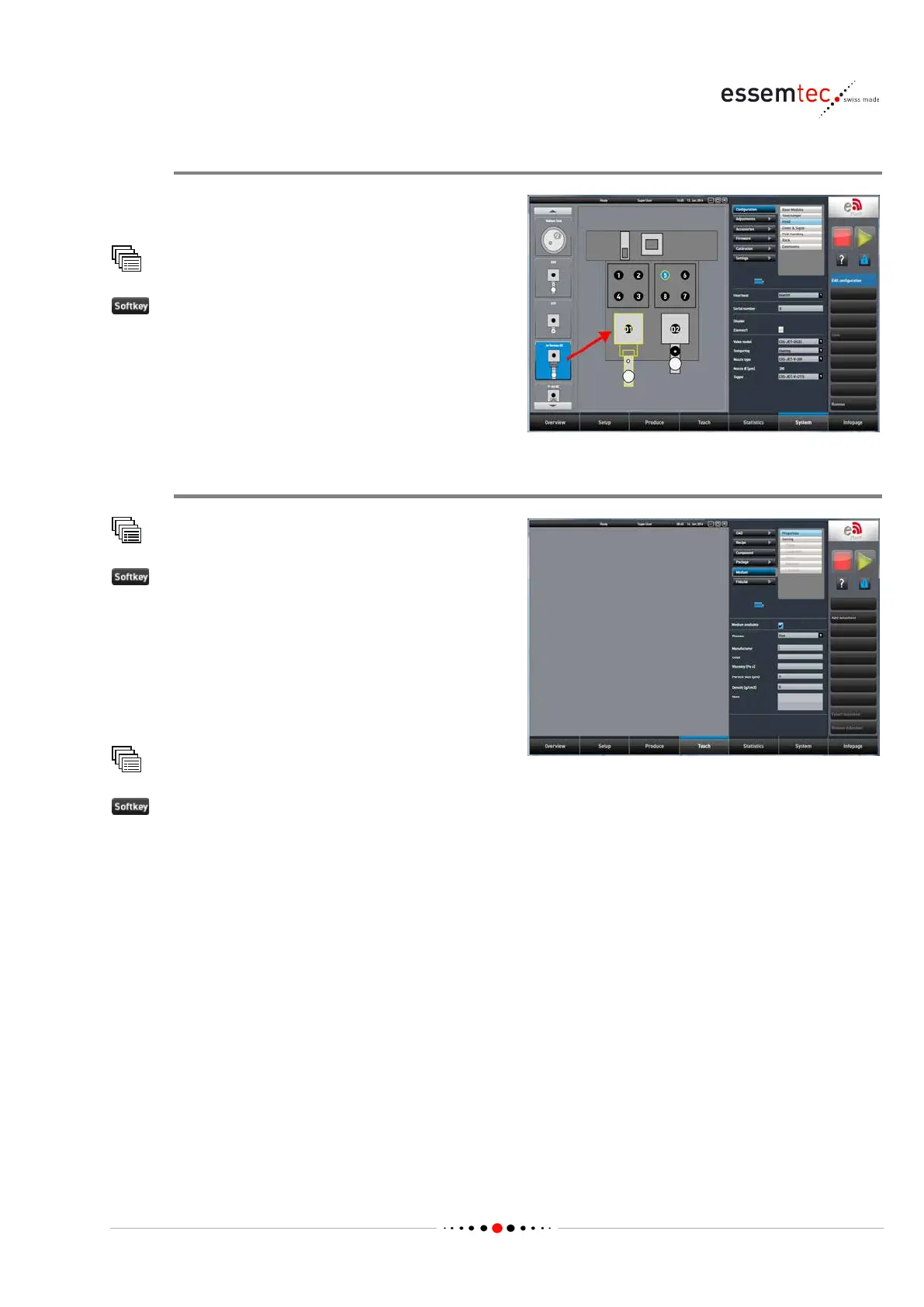
Define Dispense Module and Valve
First of all, the dispense module, the valve and
its position on the head has to be defined.
Configuration Head
onfiguration to make screen editable.
Drag and drop the desired dispense module
(DTP, DSV, P
-Jet QC etc.) to the desired position
on the head. Further on select the desired valve
model and all the necessary parameters.
Create Medium
Medium
to go to Properties screen and to create a
Select the process and enter all the necessary
parameters like manufacturer, color etc. See
online help for furth
er information.
If available and desired, a datasheet can be
attached (press key
Add datasheet)
Medium
or Save as... to save the new medium.



 To Next Page