Operating of the Machine
4-58 © Essemtec AG Paraquda Startup & Safety
0000003/11 / November 4, 2014
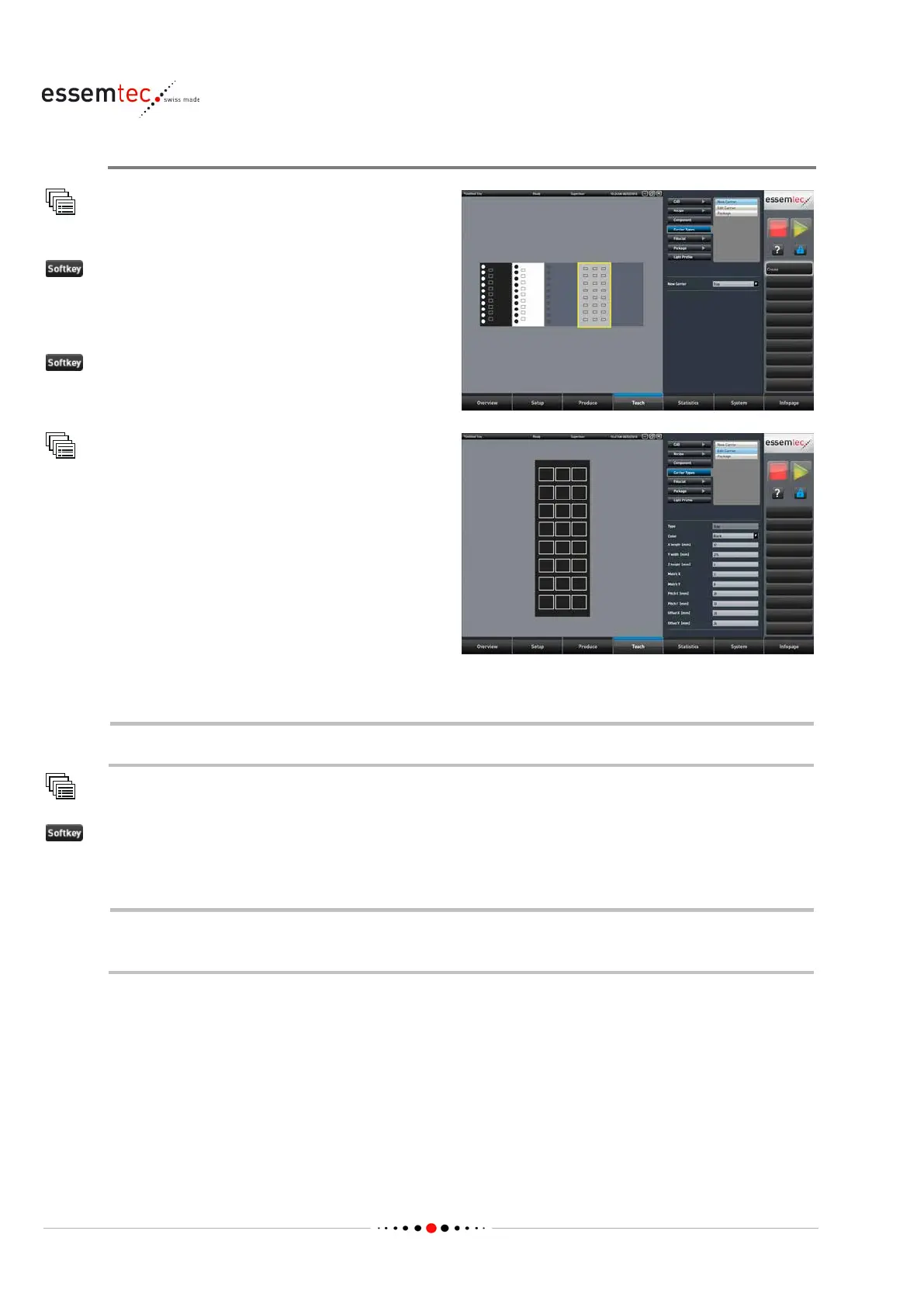
Create new carrier Type
Carrier Types
New Carrier
New Carrier select one of
the basic carrier types (tape / tray / stick) out of
the drop down menu or out of the graphical
section.
the menu will change to Edit Carrier
Carrier Types
Edit Carrier
Type in the appropriate values to the following
parameters according to the new carrier:
• Color
• Length / width / height
• Matrix
• Pitch
The list of parameters depends on the chosen basic carrier type.
Teach
Carrier Types
Save as... to save the new carrier type
Type in the name of the new carrier type and click Save
If the packages applicable to the new carrier type already exist, they can be assigned to the
new carrier type by using the menu
Teach - Carrier Types - Package.



 To Next Page