Operating of the Machine
Paraquda Startup & Safety © Essemtec AG
4-59
0000003/11 / November 4, 2014
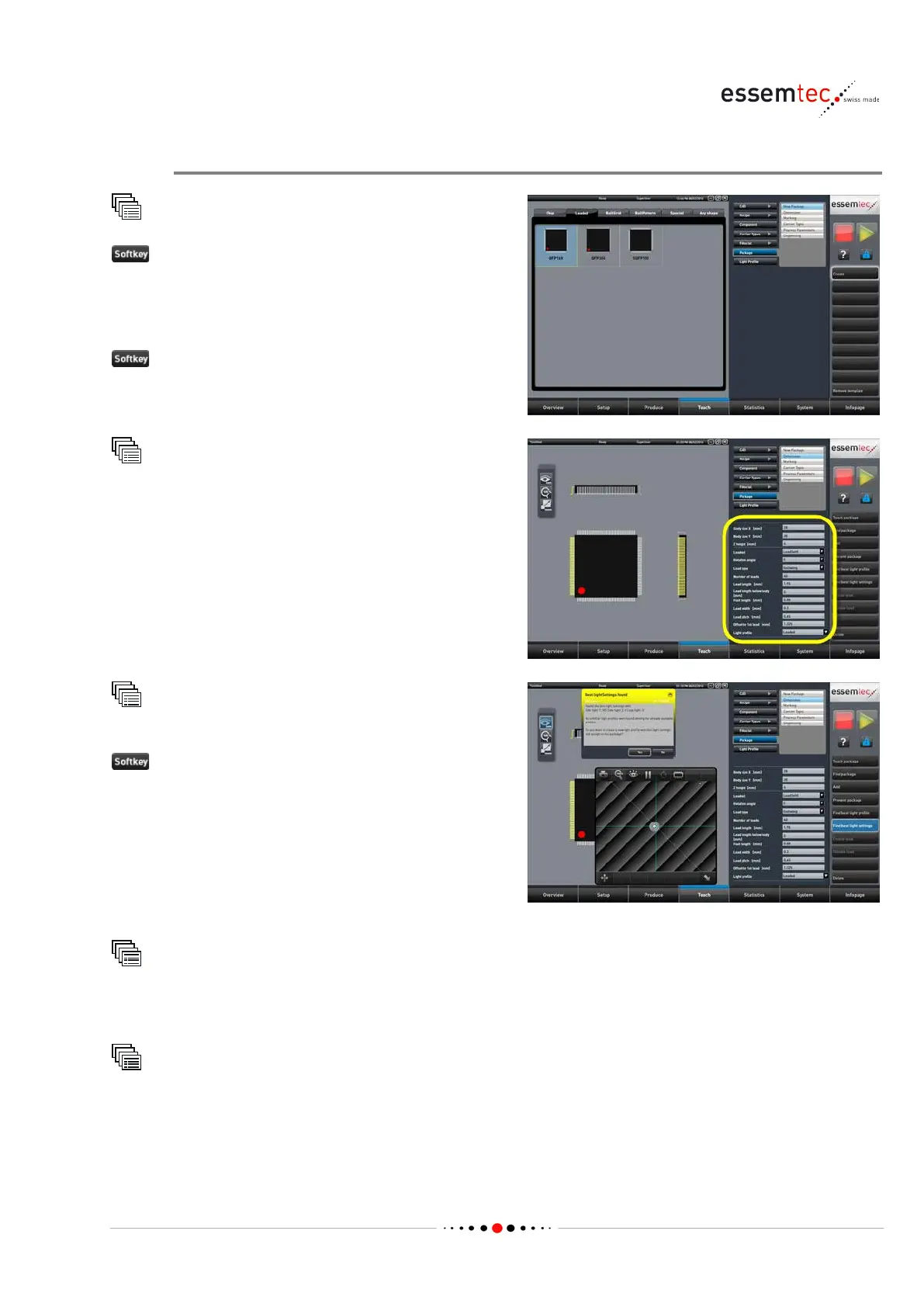
Create new Package
Package
.
ose one of the given package shape for
further editing or choose
Any shape to create a
completely new package type.
the menu will change to Dimension
ach
Package
Dimension
Type in all dimension parameters for the new
package (see online help for detailed
information of each parameter).
Package
Dimension
st light settings
The machine is searching the best light settings
for the new package. The found settings are
compared with existing light profiles. The
machine lists the existing light profiles which are
close to the found settings. Choose one of the
fou
nd profile or store a new one with the exact
Teach
Package
Marking
Choose and define the desired marking of the package (e.g. pin 1 etc.). See online help for details.
Teach
Package
Process Parameters
Type in the correct process parameters for the new package (see online help for detailed
information of each parameter).



 To Next Page