Operating of the Machine
4-66 © Essemtec AG Paraquda Startup & Safety
0000003/11 / November 4, 2014
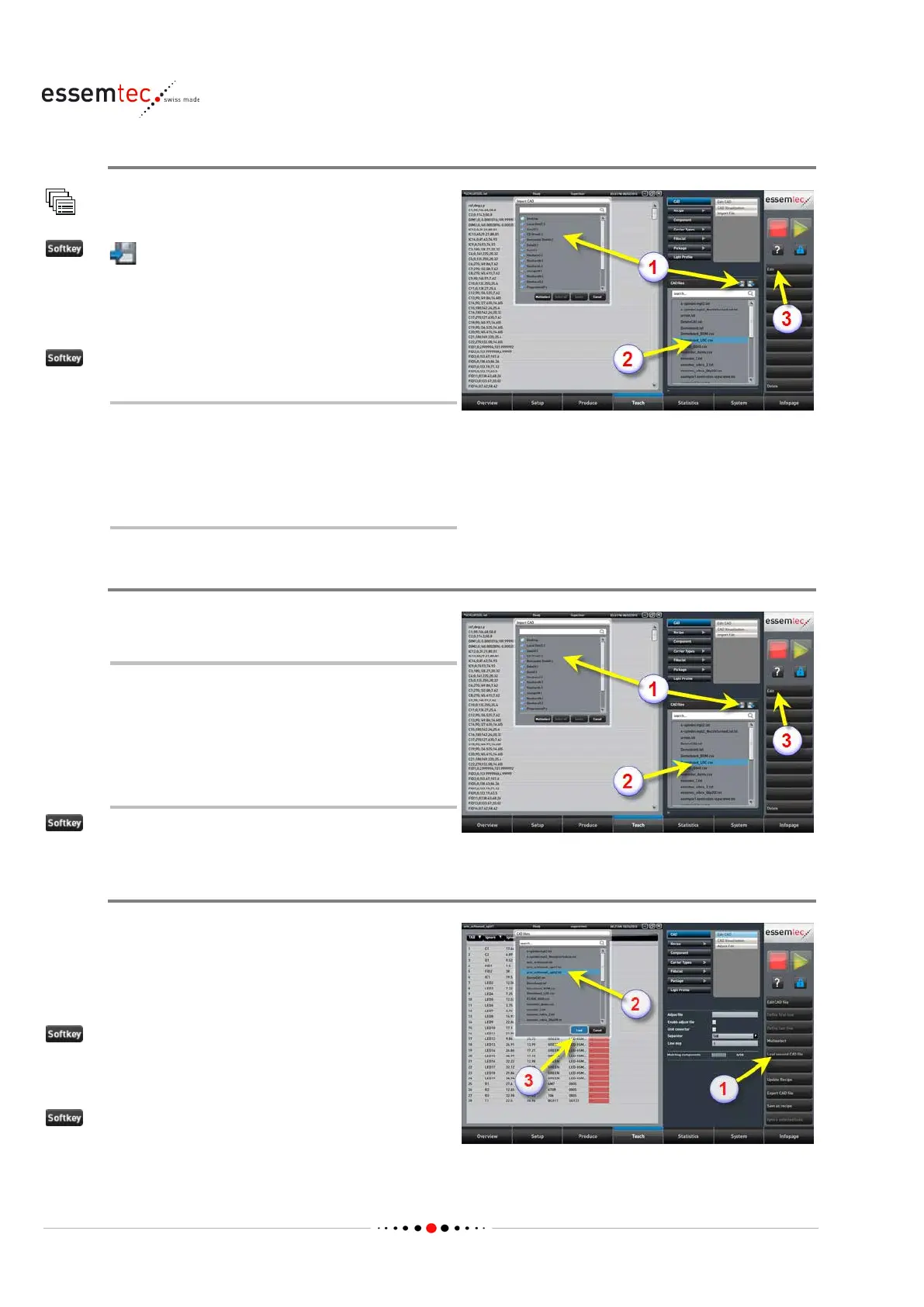
Import CAD File for editing
CAD
(1), the pop-up window 'Copy CAD from'
Goto the correct drive where the CAD file is
stored. Select the desired CAD file to import (1).
.
CAD data can be splitted into 2 separate
fil
es. In this case do the above step also
If the desired CAD files are already on the
machine (2), ignore the import step.
Edit CAD File
ted file (2).
The file content is displayed in the
graphical section. At that time the
column separator is well apparent.
Memorize the type of column separator
(space, tab, semicolon etc.) for
subsequent step.
(3).
Load second CAD File
If the CAD data are made up of 1 file only, skip
this step.
In case the CAD data are splitted into 2 files, load
the second CAD file as follows:
(1).
he second CAD file out of the poping up
(3).



 To Next Page