Operating of the Machine
4-78 © Essemtec AG Paraquda Startup & Safety
0000003/11 / November 4, 2014
To access package and carrier type, described in following steps, the Essemtec Library and
the Actual Library have to be synchronized (
System - Library - Package / System - Library
Carrier types)).
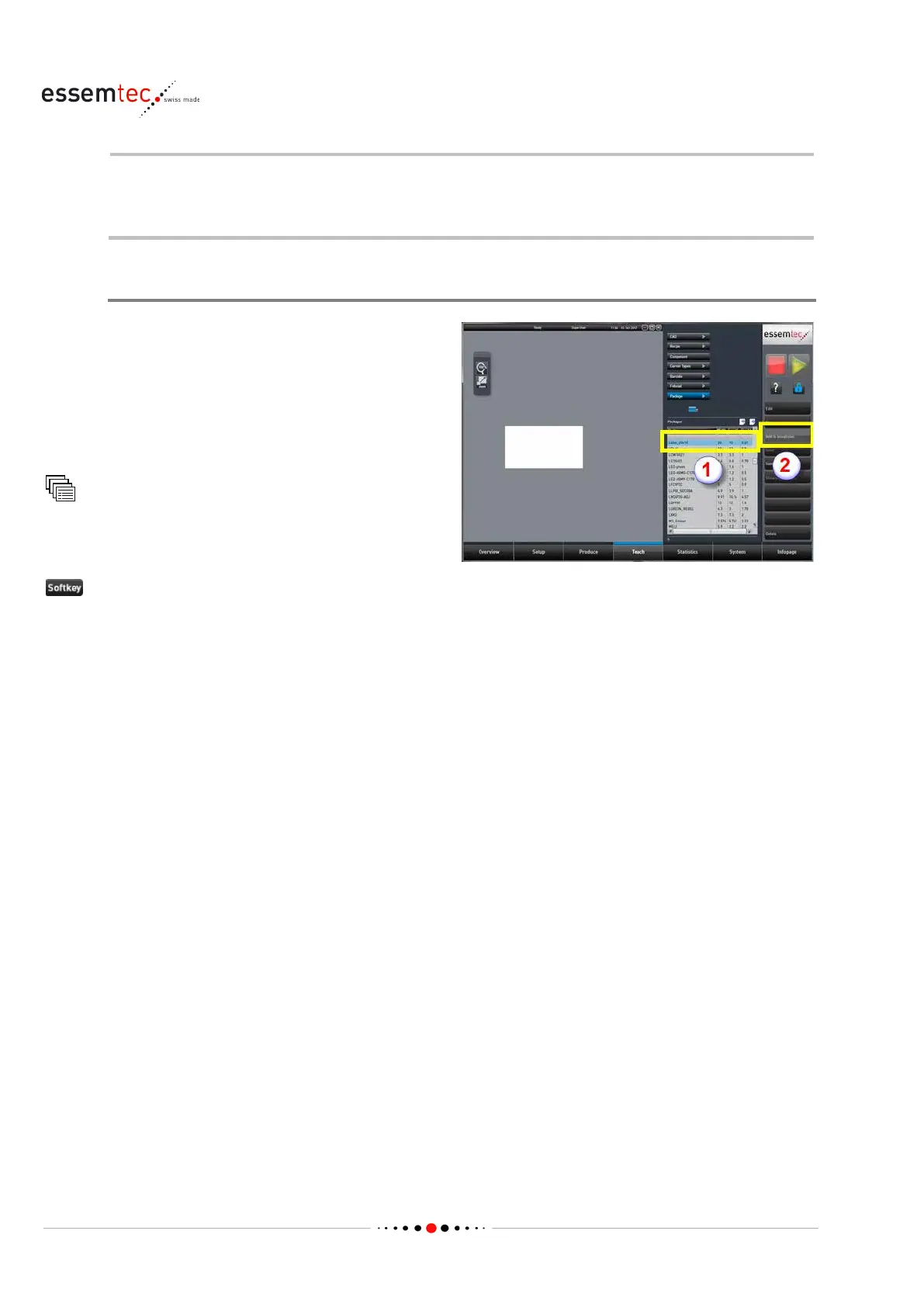
Add a Label to the Chip Template
As factory setting, a label has been added as
chip package to the package library.
It is named
'Label_20x10' . But the label is not integrated to
the Chip Package Template. To create a label the
very first time, it is recommended to implement
the factory label to the template first. If the label
is already in the template, skip this step
.
Package
Out of the packages table (1), in the parameter
section, select the package
Label_20x10.
to add the label to the Chip



 To Next Page