Operating of the Machine
4-4 © Essemtec AG Paraquda Startup & Safety
0000003/11 / November 4, 2014
Startup
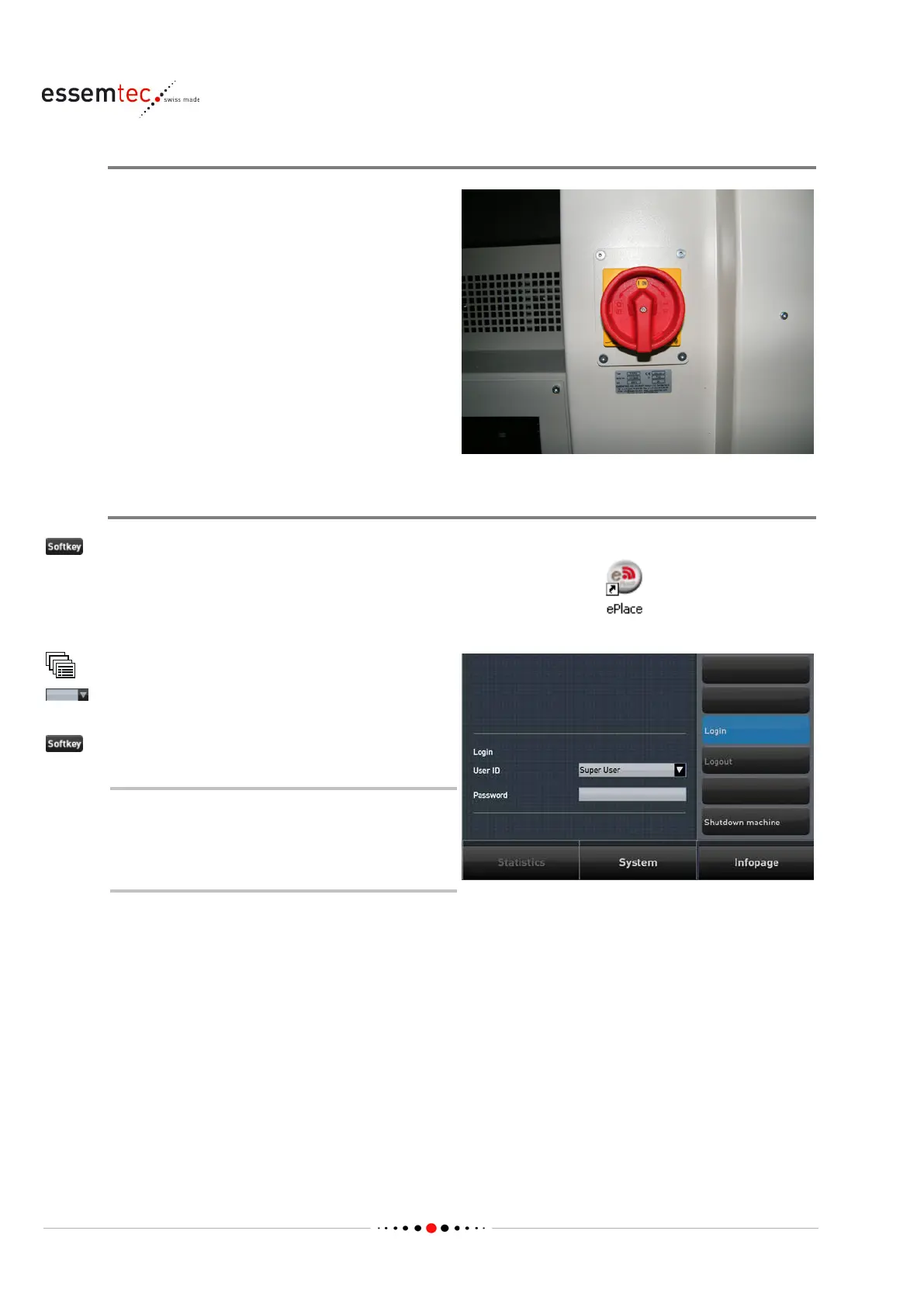
Turn the main power switch to
I (ON)
d the PC will start up
Start ePlace / Log in
Double click the ePlace icon to start up the
Graphical User Interface (GUI).
Out of the drop down list select the appropriate
user ID and enter the password (if required).
As long as no user has been logged in,
ePlace always appears in English. After
the login, ePlace switches to the user
related language immediately.



 To Next Page