Operating of the Machine
Paraquda Startup & Safety © Essemtec AG
4-15
0000003/11 / November 4, 2014
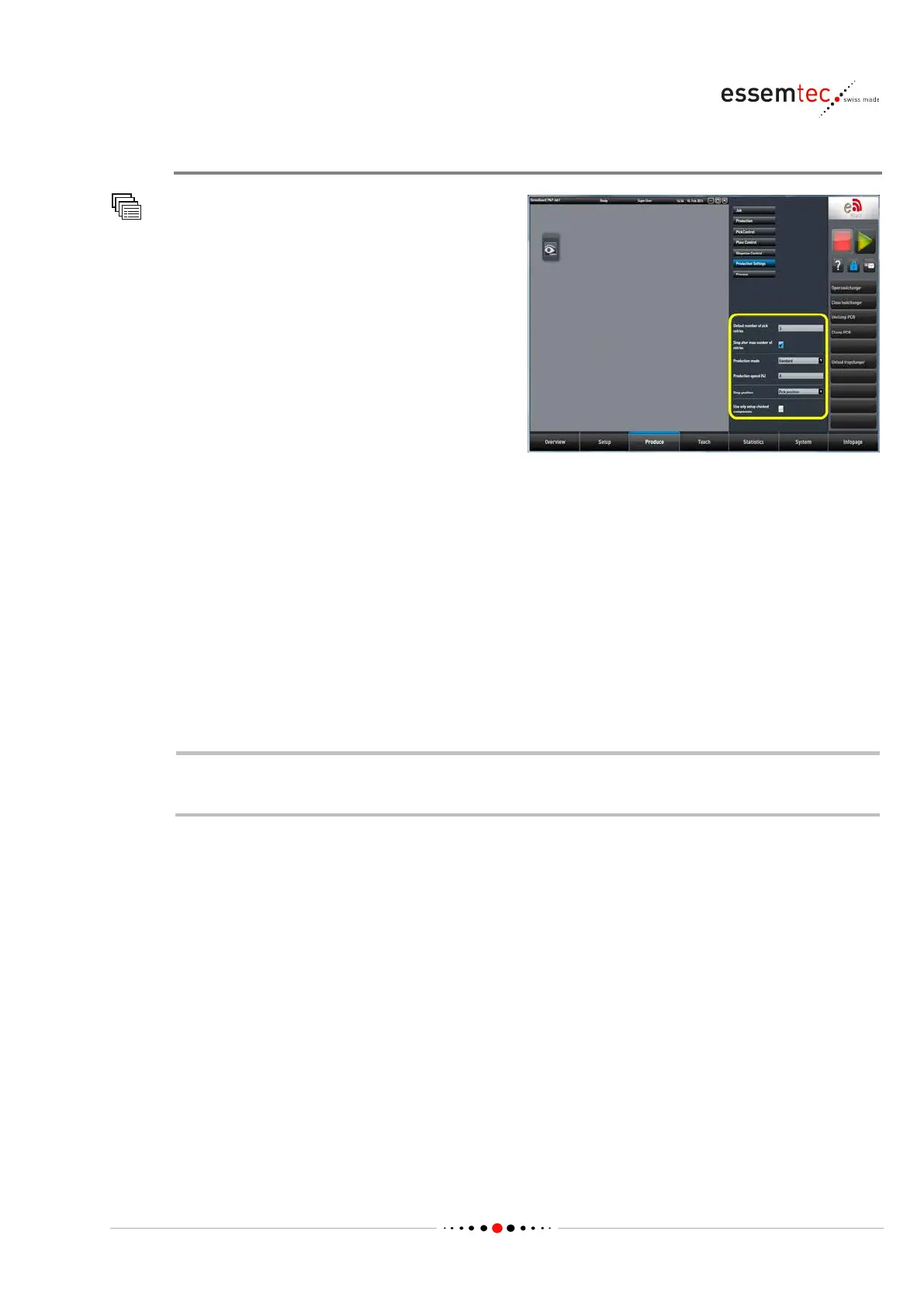
Check Production Settings
Production Settings
All parameters have a default value stored on
the machine. Check these values and change it if
necessary:
• Default number of pick retries: this is the
maximum number of pick retries per feeder
lane and is valid for all components which
have no particular number of pick retries
defined in the recipe (Teach - Component).
In addition each component can have a
particular number of pick retries, stored in
the recipe. This specific number overrides
• Stop after max number of retries: if checked, the machine stops after reaching the number
of pick retries per feeder lane, if not checked the machine continues with other components
after reaching the number of pick retries; the ignored component(s) are displayed on the
Ignore List on screen Produce - Production.
• Stop position: position of the head in case of a stop.
• Production mode: standard production or dry run without material (no pick and no place of
components, no dispensing).
• Production Speed [%]: for each move the speed is set to the appropriate percentage (1 ..
100%).
Production speed less than 100% will decrease the CPH (Components / Dispensing Patterns
Per Hour).



 To Next Page