92 Eos Operations Manual
Opening Setup
To enter the setup screen, press [Displays] > {Setup}.
The CIA will repaint to display the setup screen and the softkeys will change to display the various
subcategories of setup. Eos defaults to display show settings, however if you have changed the
view to another subcategory, Eos will remember the view you were in when you return to setup.
The setup subcategory softkeys are:
•Show
•Desk
•Security
Show
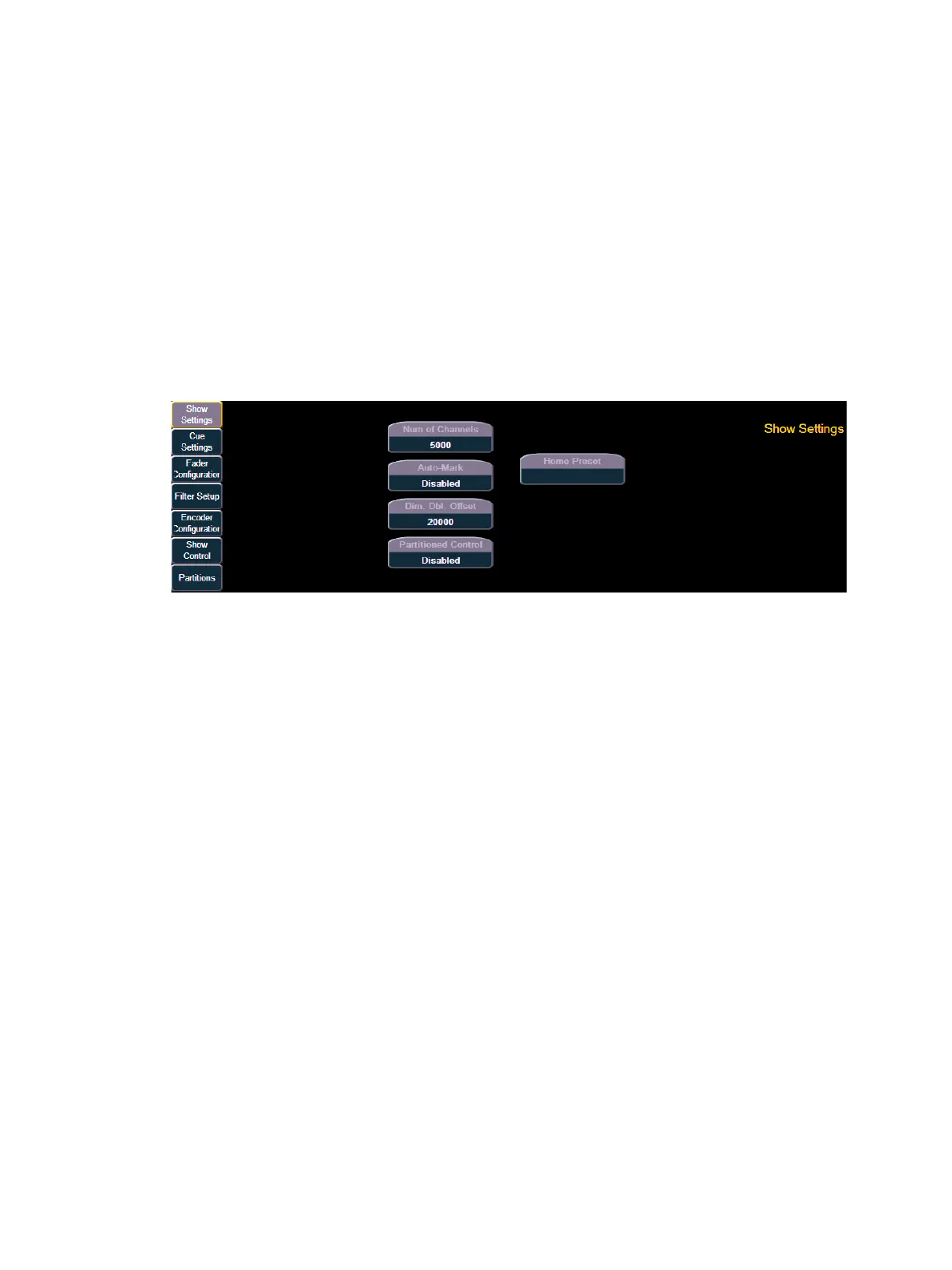
When you select the {Show} softkey, the CIA repaints to display the following screen:
The buttons on the left are the setting categories within show setup. The show setup categories are:
• Show Settings
• Cue Settings
• Fader Configuration
• Filter Setup
• Encoder Configuration
• Show Control
•Partitions



 To Next Page