A Eos Configuration Utility 317
Network Settings
Network Adapter
This reports if the network adapter is “Online” (configured, connected to a network and operational).
It reports as “Offline” if any one of the above conditions is not true.
Protocols
This is for selecting which protocols the console will output and which ones are included in the
default.
ACN Priority
This sets the control priority for ACN data from this console. The valid range for this setting is 1
(lowest) to 200 (highest). This is the reverse of ETCNet2.
ETCNet2 Priority
This sets the control priority for ETCNet2 data from this console. The valid range for this setting is
20 (lowest) to 1 (highest). This is the reverse of ACN.
Local DMX
This enables DMX output from the local ports on an Ion console.
Avab UDP
This sets the subnet for Avab UDP data from this console. The valid range for this setting is 0-9.
ArtNet
This sets the subnet for ArtNet data from this console. The valid range for this setting is 0-15.
Enable Output in Offline Mode
Checking this box allows for output in offline mode for use with a visualization program.
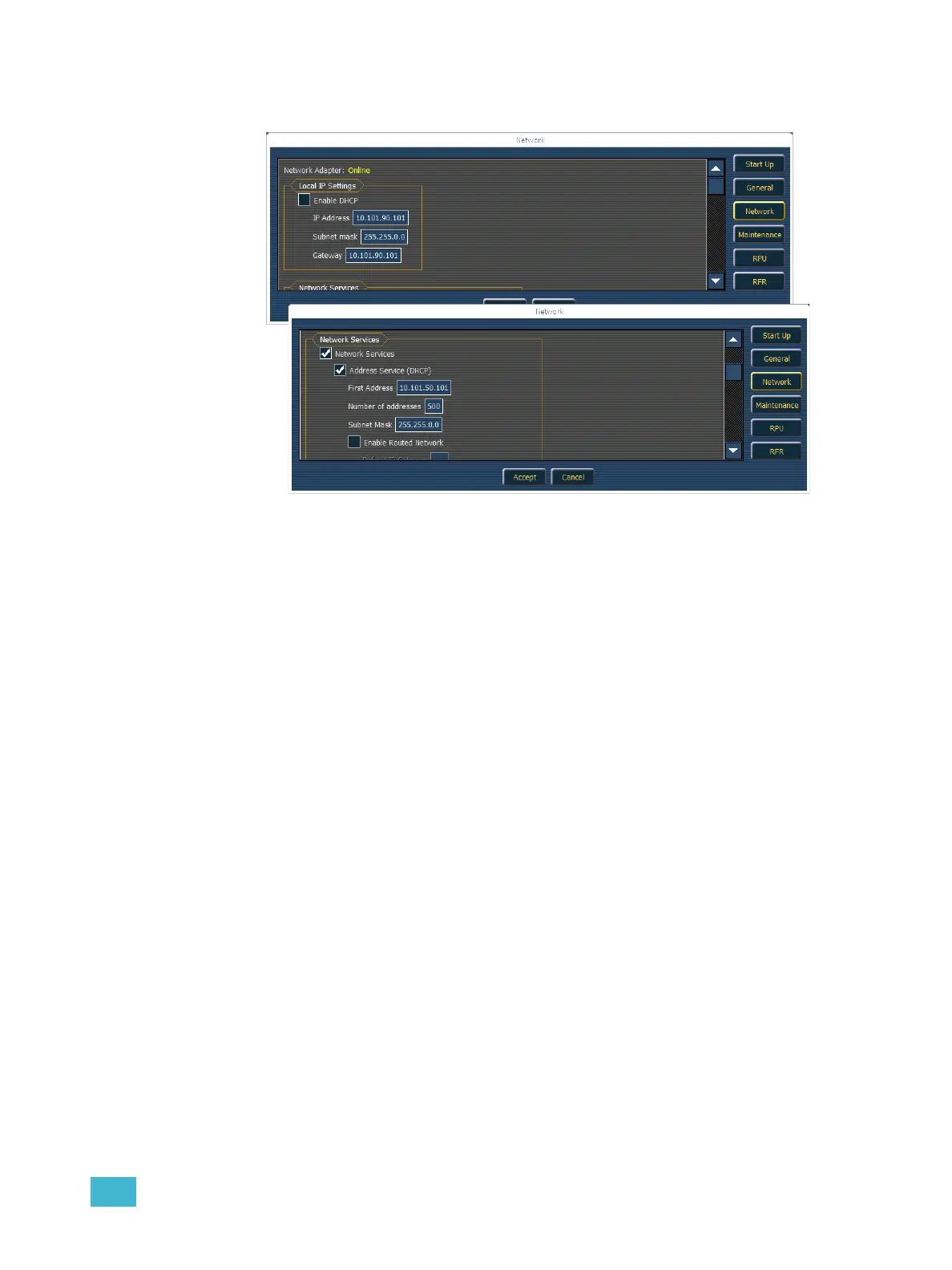
Net3 Services Settings
These are settings for the
network services that may be
running on your Eos console.
If you are unable to enable
them, they are not currently
installed on this console.
Eos Console IP Settings
This is where you specify the IP
address to be used by this
console (manually) or how it
acquires an IP address
(dynamically via a DHCP
server or a link-local address).



 To Next Page