42 Eos Operations Manual
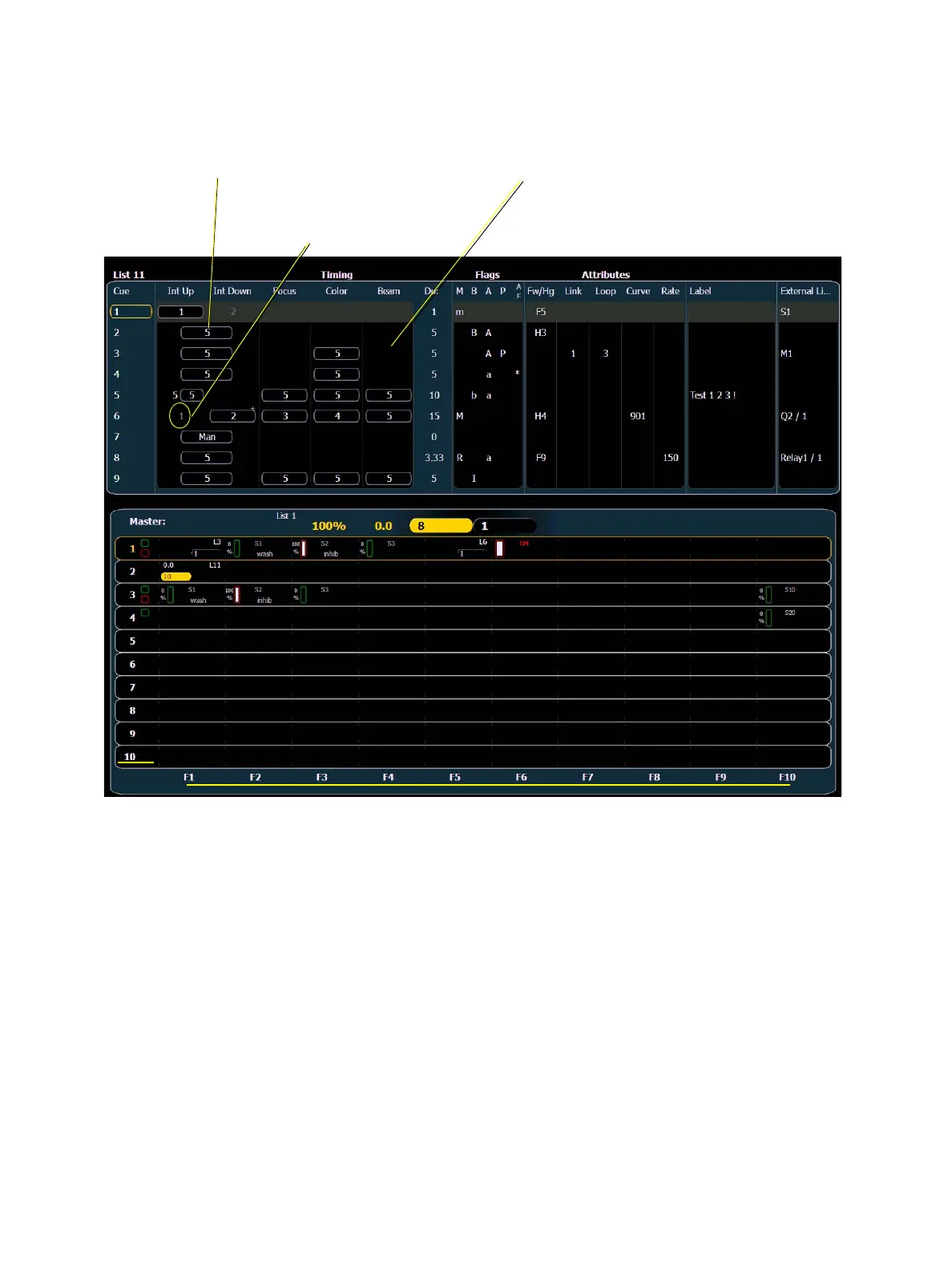
Indicators in the Playback Status Display
Color indicators
• Gold . . . . . . . . . . . . . . . .Any item (cue, list, page) highlighted in gold indicates
“current”.
Outlined in gold indicates “selected”.
• Green . . . . . . . . . . . . . . .Submaster is an additive submaster.
• Red. . . . . . . . . . . . . . . . .Cue fade is in progress (cue list area)
-or-
Submaster is an inhibitive submaster or grandmaster (fader
display area).
Cue Display
Fader Display
Fader Pages 1-10
Faders 1-10
Indicates the timing for a
category.
Indicates that timing has
been applied but there is
no move instruction.
If blank, default time is
used and there is no move
instruction



 To Next Page