54 Eos Operations Manual
Create a New Show File
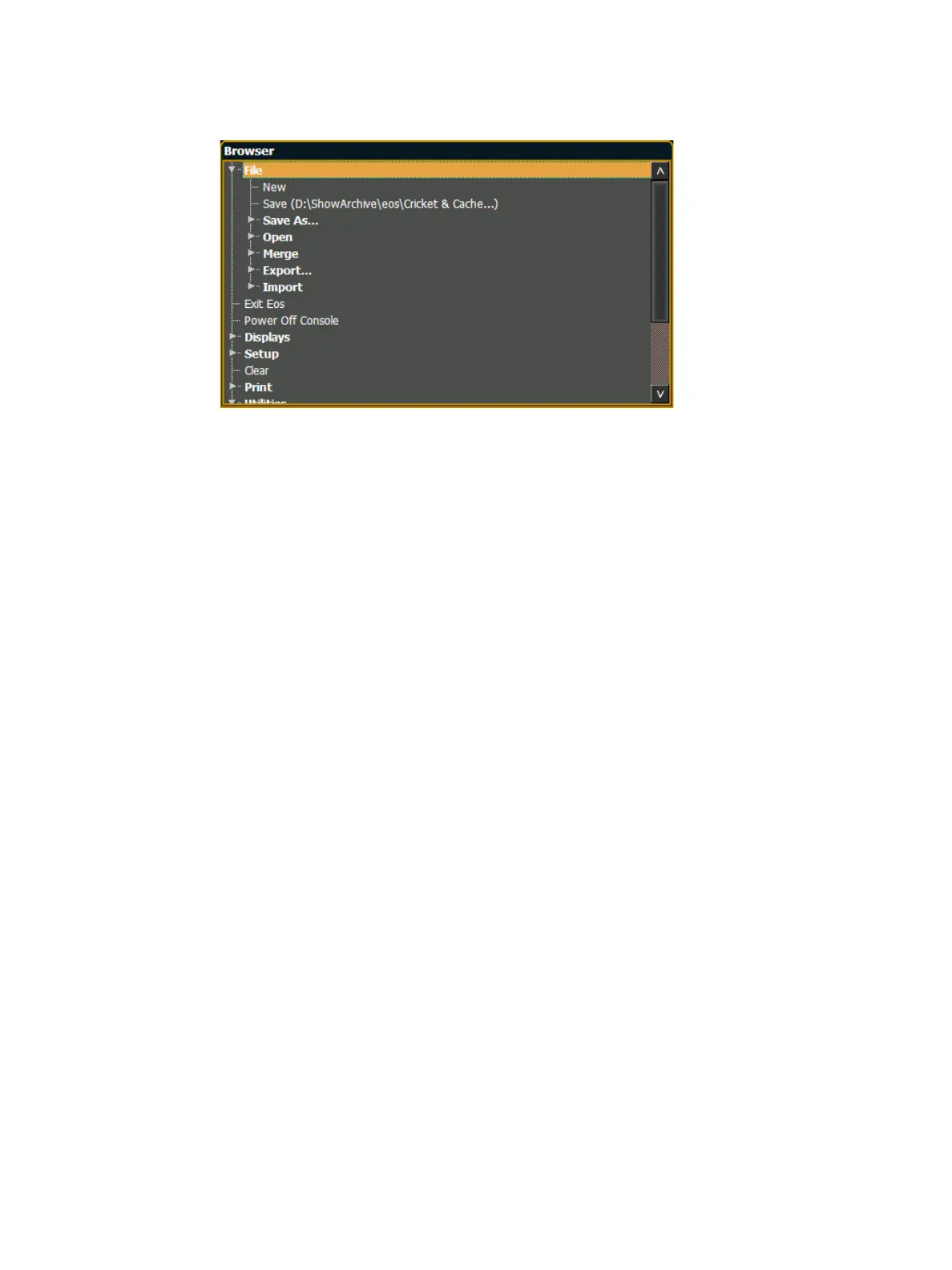
To create a new show file, navigate within the browser to: File> New> and press [Select].
You will be prompted for confirmation that you want to reset the system. Press {OK} to confirm or
{Cancel} to discontinue the operation.
Show File Names
Names of show files may appear in the browser list in normal text or in bold text. Files in normal
text indicate that there is only one show file stored by that name.
Bold show names indicate that there are several versions of the show file stored under that name,
the bold one being the most recent. To access the most recent show file, simply select the bold
name. You may right arrow [Page
X] from the bold name to expand a list of previous versions
beneath it in the browser. Select the desired show from the expanded list.



 To Next Page