314 Eos Operations Manual
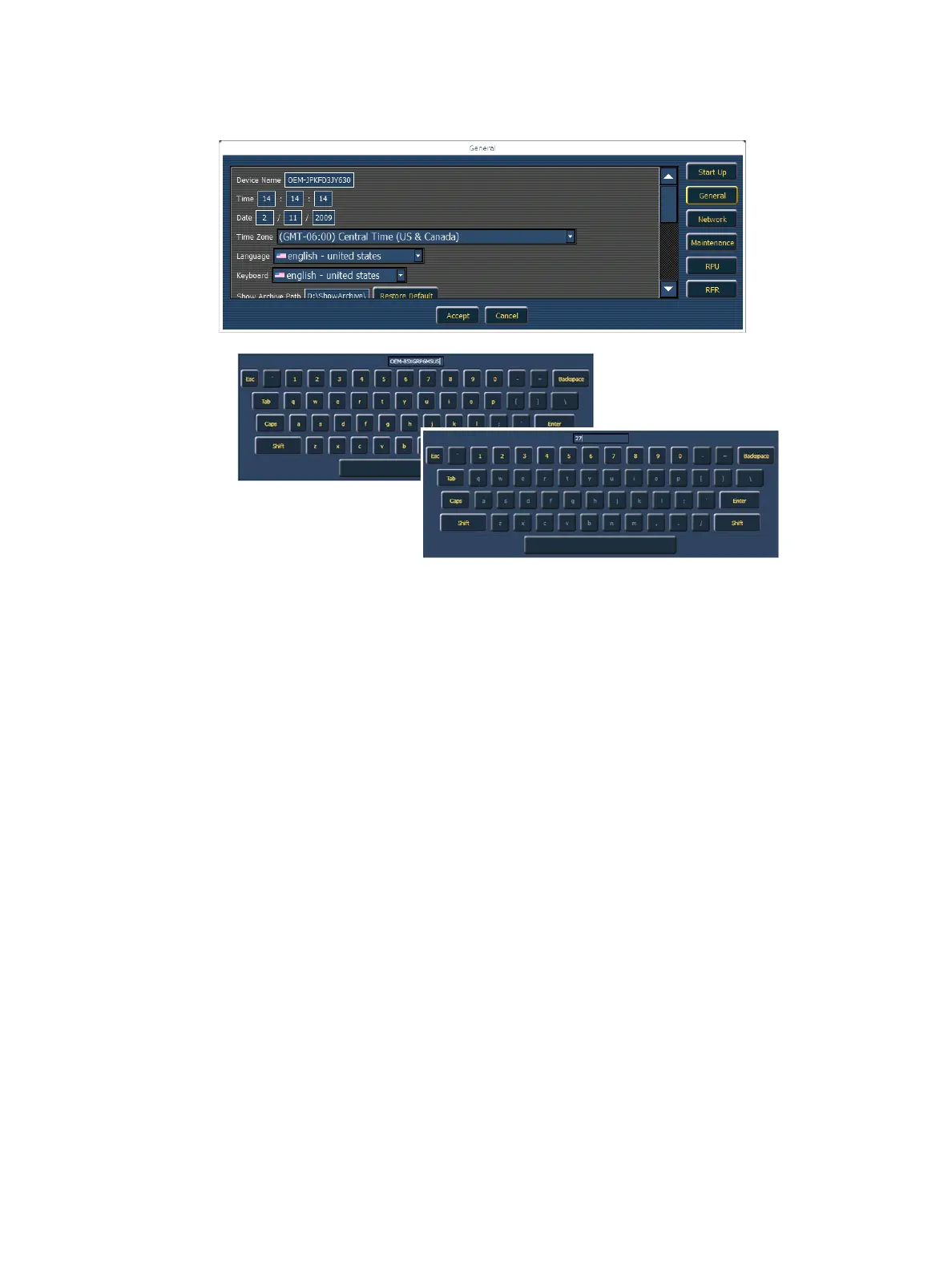
General Settings
Device Name
This specifies the name the Eos console will use to identify itself on the network to other devices.
Examples might be Booth Console and Tech Table.
Time
The time the console is using. This can be set manually (direct data-entry) or via SNTP (Simple
Network Time Protocol) time service. Please see Network Settings, page 317 for more information.
The time is displayed in a 24-hour format as HH : MM : SS.
Date
The date the console is using. This can be set manually (direct data-entry) or via SNTP (Simple
Network Time Protocol) time service. Please see Network Settings, page 317 for more information.
The time is displayed as MM / DD / YYYY.
Time Zone
The time zone the console is using. This is an offset from Greenwich Mean Time (GMT). Each
setting in the pull-down list displays the offset, the name of the time zone and a couple of cities in
that time zone.
Language
Allows you to select the display language of Eos. Choices are English, German, French, Spanish,
Turkish, Italian, Russian, Japanese, and Chinese.
When you click on a field to change the
entry, an appropriate keyboard (numbers
only vs. full alphanumeric) will pop-up to
provide a data-entry method even without a
keyboard connected to the console.
If you do have a USB keyboard attached, you
can use either keyboard for the data-entry.



 To Next Page