6 Setup 103
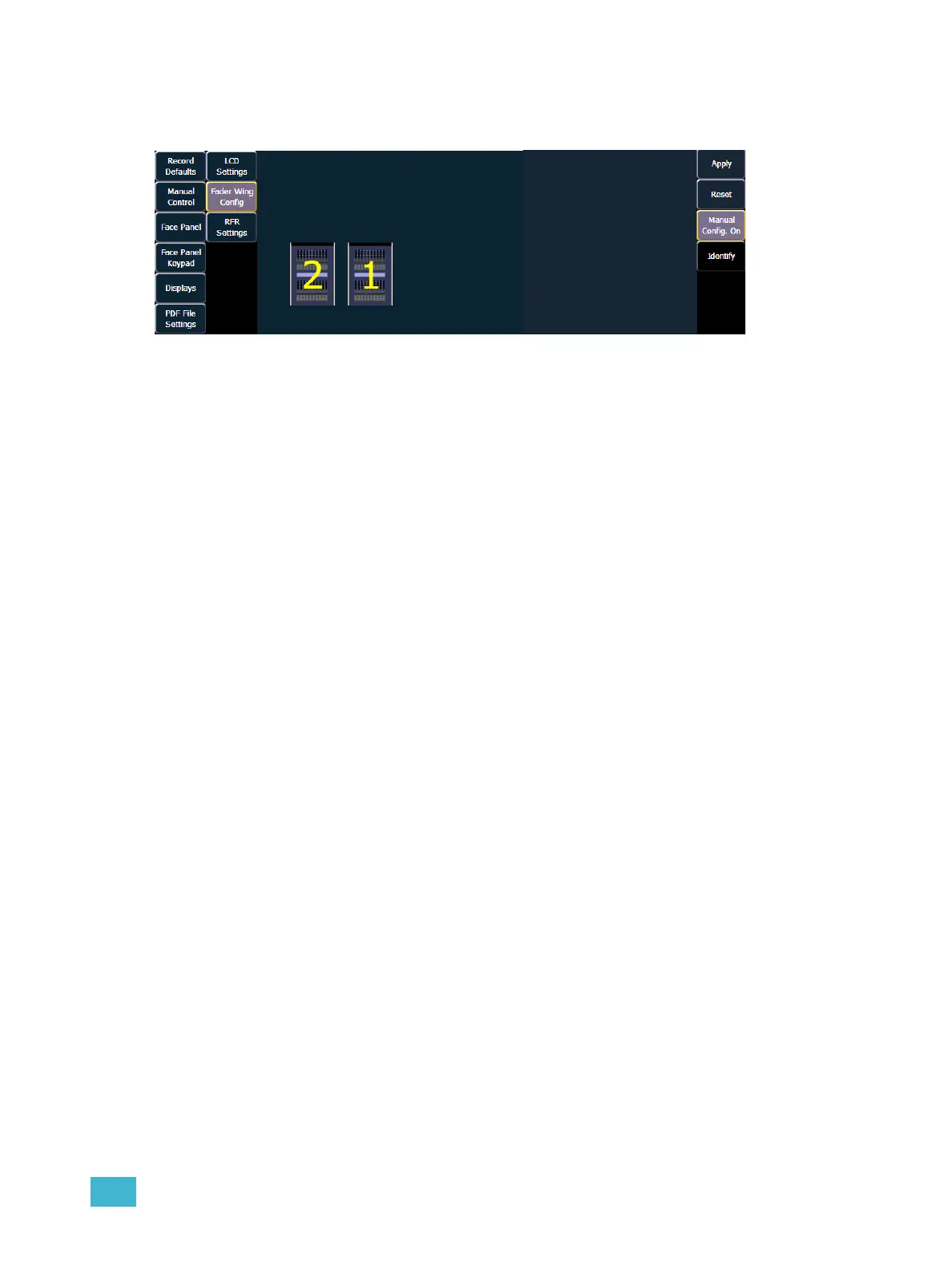
Clicking {Identify} will display numbers on each wing’s display to aid in configuration. The numbers
do not identify the wings as to their actual order. Order is determined from left to right. The left most
wing will contain the first faders.
Click and drag the wings to match your physical layout. Click {Apply} to save the changes. Clicking
{Reset} will restore to the last saved configuration. Clicking {Manual Config. On} will turn off
manual configuration and will require a restart of the application before the console will
automatically configure the wings.
{RFR Settings}
This screen is for allowing RFR connections. The default setting is “Enabled”.
Security
This feature will be available in a future release.



 To Next Page