102 Eos Operations Manual
{PDF File Settings}
This screen allows you to select the orientation and paper type for PDF files.
{LCD Settings}
This screen allows you to adjust the brightness and contrast settings for the fader wing LCDs.
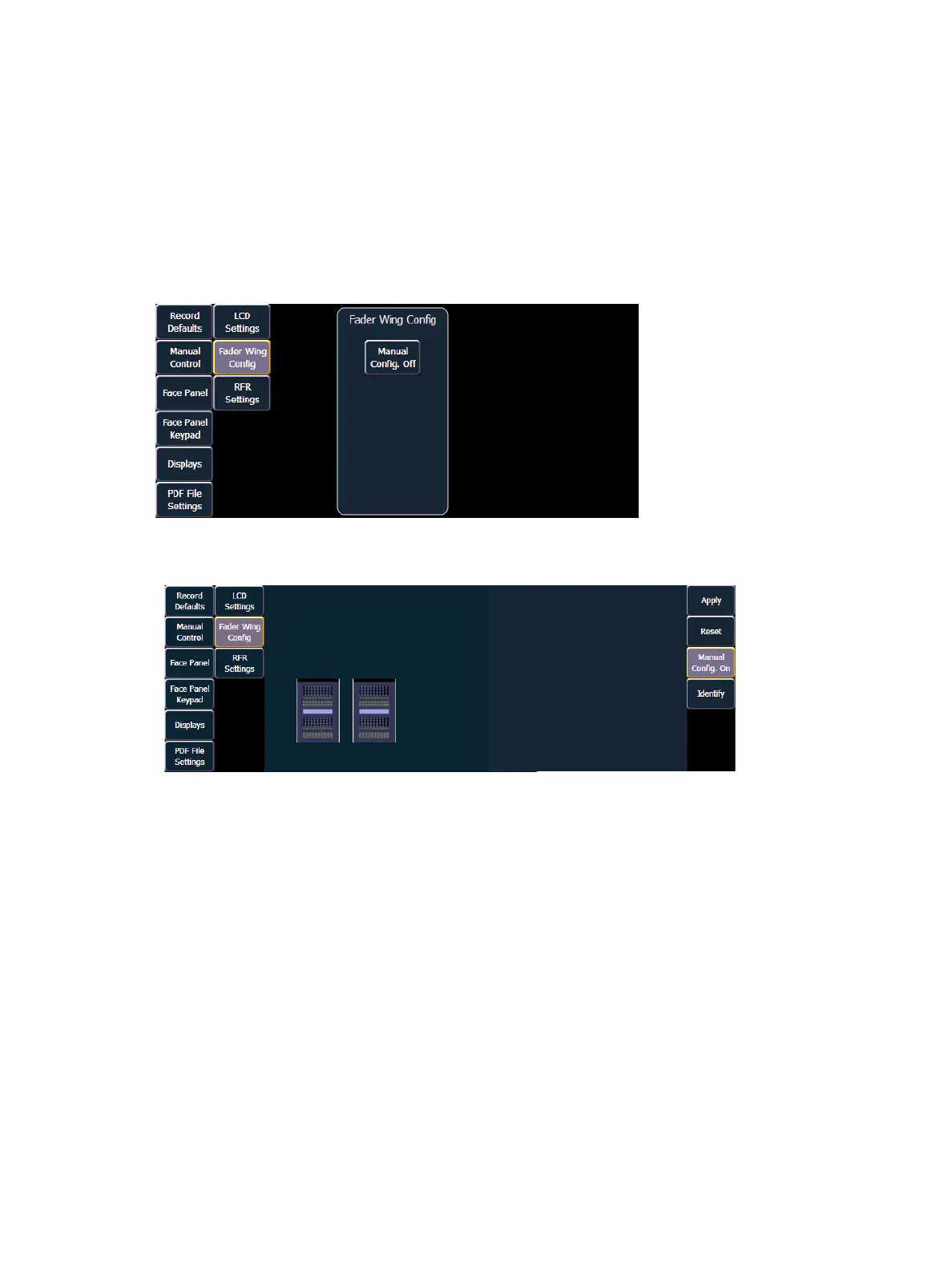
{Fader Wing Config}
This screen allows you to manually configure the positions of fader wings connected to the Eos.
The console will default to configuring the wings on its own.To manually configure, you must click
on the {Manual Config. Off} softkey.
Clicking on the {Manual Config. Off} button turns manual configuration on and displays the Fader
Wing Configuration screen.



 To Next Page