7 Basic Manual Control 127
Lamp Controls
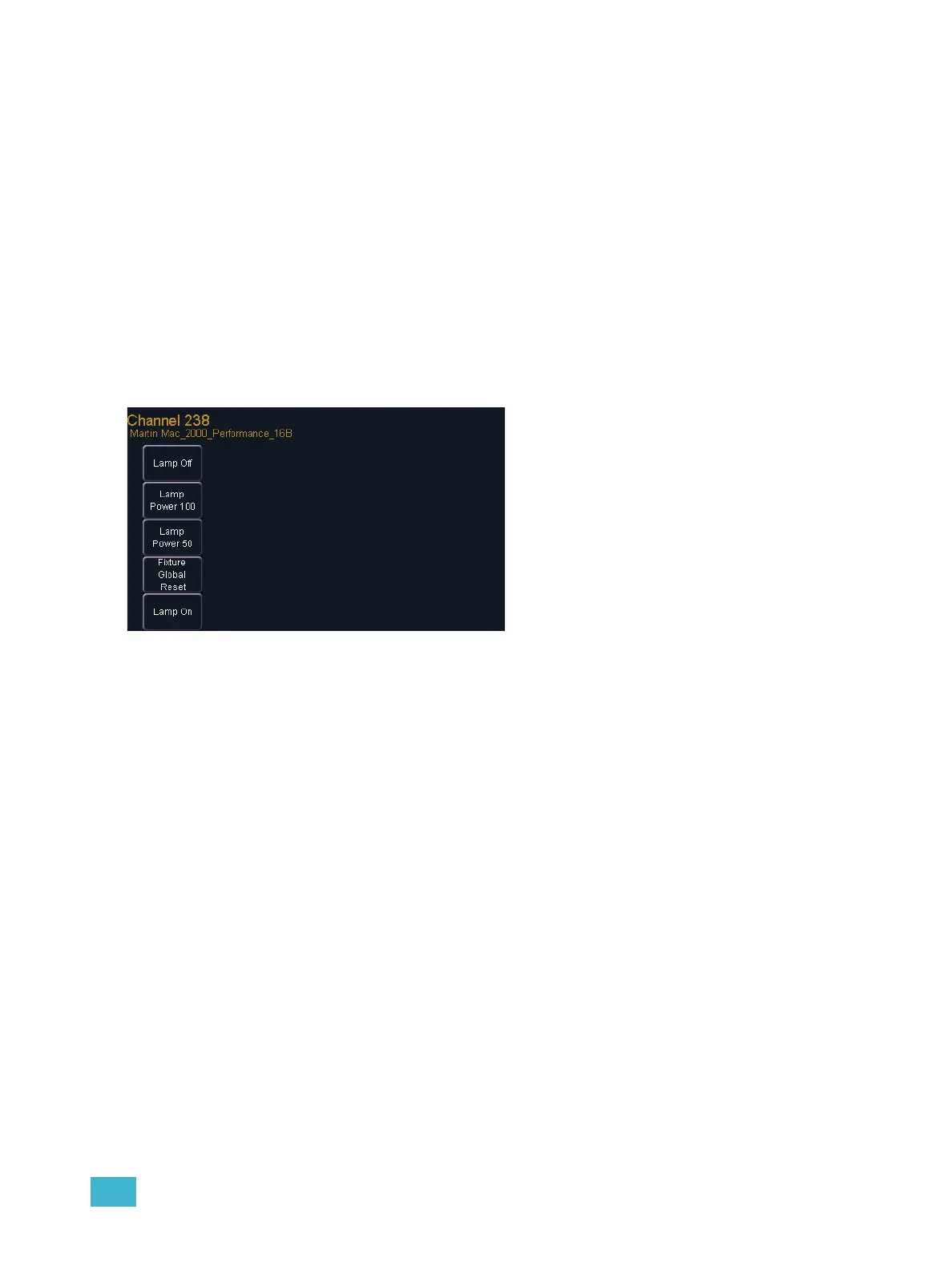
Lamp controls allow you to execute control functions of selected fixtures such as calibrate, douse
lamp, strike lamp and reset. Each fixture type has its own set of lamp control options which are
available to you when you select the fixture from live and press the {Lamp Cntrls} softkey. This
information is also available using [About] (see Using About, page 267).
For Example:
• [1] [1] [Enter] {Lamp Cntrls}
-or-
• [1] [1] [Enter] [About] {Lamp Cntrls}
This screen displays any lamp controls associated with the selected channel (this is also the “Lamp
Controls” subscreen of About). If the channel is a conventional (intensity-only) fixture, no
parameters will be displayed. When the selected channel is an automated luminaire, options
specific to the fixture type will display for use.
Exit the lamp controls display by pressing [Displays].
Pressing any of these parameter control
buttons will affect the selected channel
immediately.



 To Next Page