76 Eos Operations Manual
{Attribute} Display and Settings
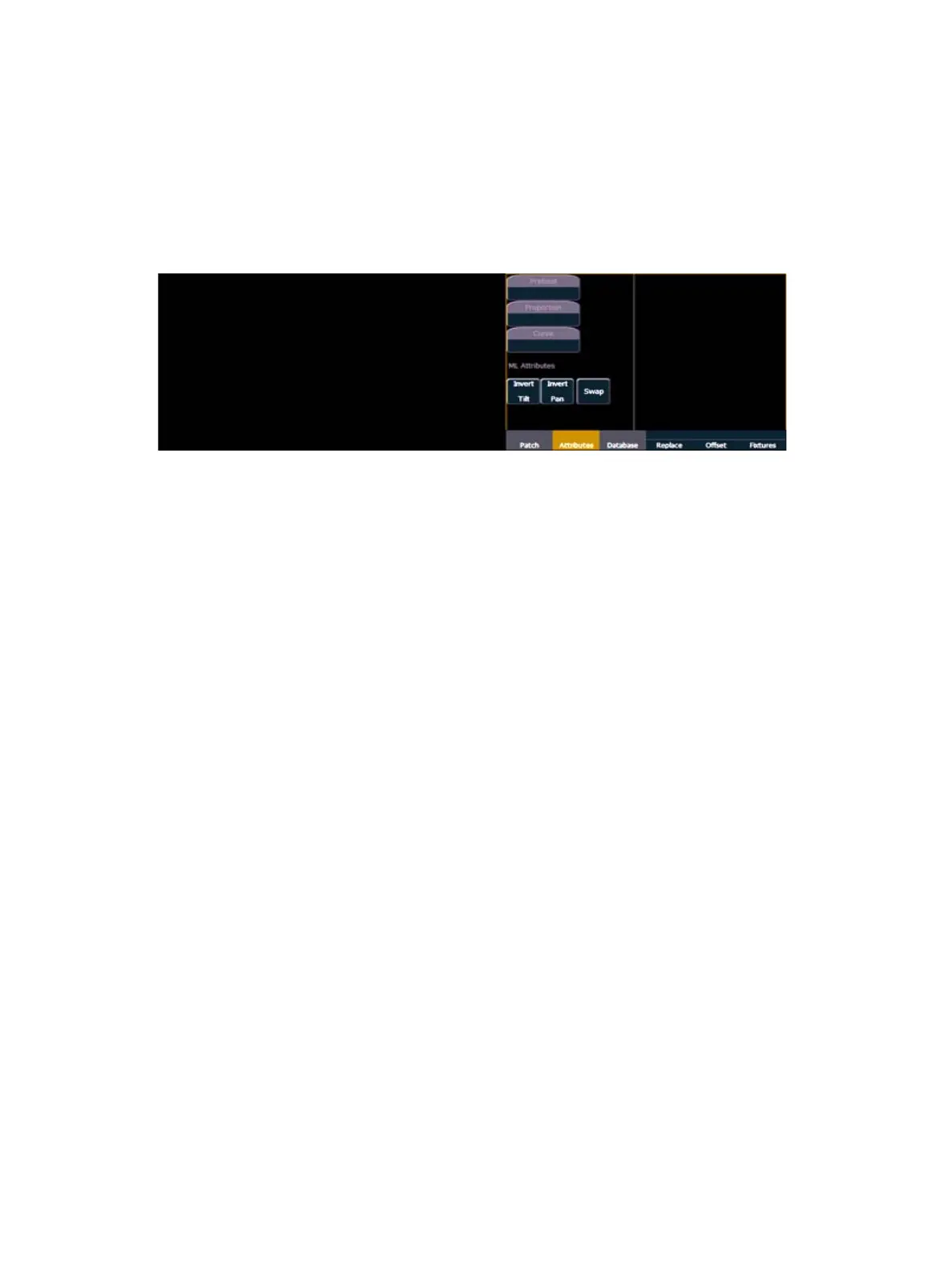
The {Attributes} page provides you with optional fields for additional information and details about
the configuration of your rig. Attribute settings include {Preheat}, {Proportion}, {Curve}, {Invert
Pan}, {Invert Tilt}, and {Swap}.
When the selected device includes a color scroller, a {Scroller} button will be displayed in the CIA,
when the selected device includes a color wheel and/or a gobo wheel, {Color Wheel} and/or
{Gobo Wheel} buttons will appear.
Press the desired attribute button and use the keypad to set the attribute value.
• {Preheat} - This field allows you to specify an intensity value to preheat incandescent
filaments. When a preheat flag is applied to a cue, any channels that are fading from zero to
an active intensity and have been assigned a preheat value in patch will preheat in the
immediately preceding cue.
• [1] {Preheat} [0] [3] [Enter] - channel 1 is assigned a patched preheat value of 3%.
The preheat flag is applied to a cue as an attribute when the cue is recorded.
• {Proportion} - An attribute to set a modifier for the intensity of the device. If the patch limit is
set at 90% (for example), the actual output will always be 10% lower than the specified
intensity parameter, as impacted by the various playbacks or submasters. This value is set
numerically in a range of 0% to 200%.
• [1] {Attributes} {Proportion} [1] [2] [5] [Enter] -applies a 125% proportion to channel
1.
• [1] {Attributes} {Proportion} [Enter] - removes the applied proportion from channel 1.
• {Curve} - Used to assign a curve to an address in patch. In patch, curve is applied to intensity
parameters only.
From channel view:
• [1] {Curve} [4] [Enter] - applies curve 4 to the intensity parameter of channel 1.
• [2] [Part] [3] {Curve} [3] [Enter] - applies curve 3 to the intensity assigned to channel
2, part 3.
From address view:
• [3] {Curve} [3] [Enter] - assigns curve 3 to address 3.
• [3] [/] [2] {Curve} [4] [Enter] - assigned curve 4 to universe 3, address 2.
• {Invert} - A moving light attribute used to invert the output of pan, tilt, or both. Select either the
{Invert Tilt} or the {Invert Pan} button on the CIA.
• [2] {Attributes} {Invert Pan} - inverts the output of the pan parameter on channel 2.



 To Next Page