68 Eos Operations Manual
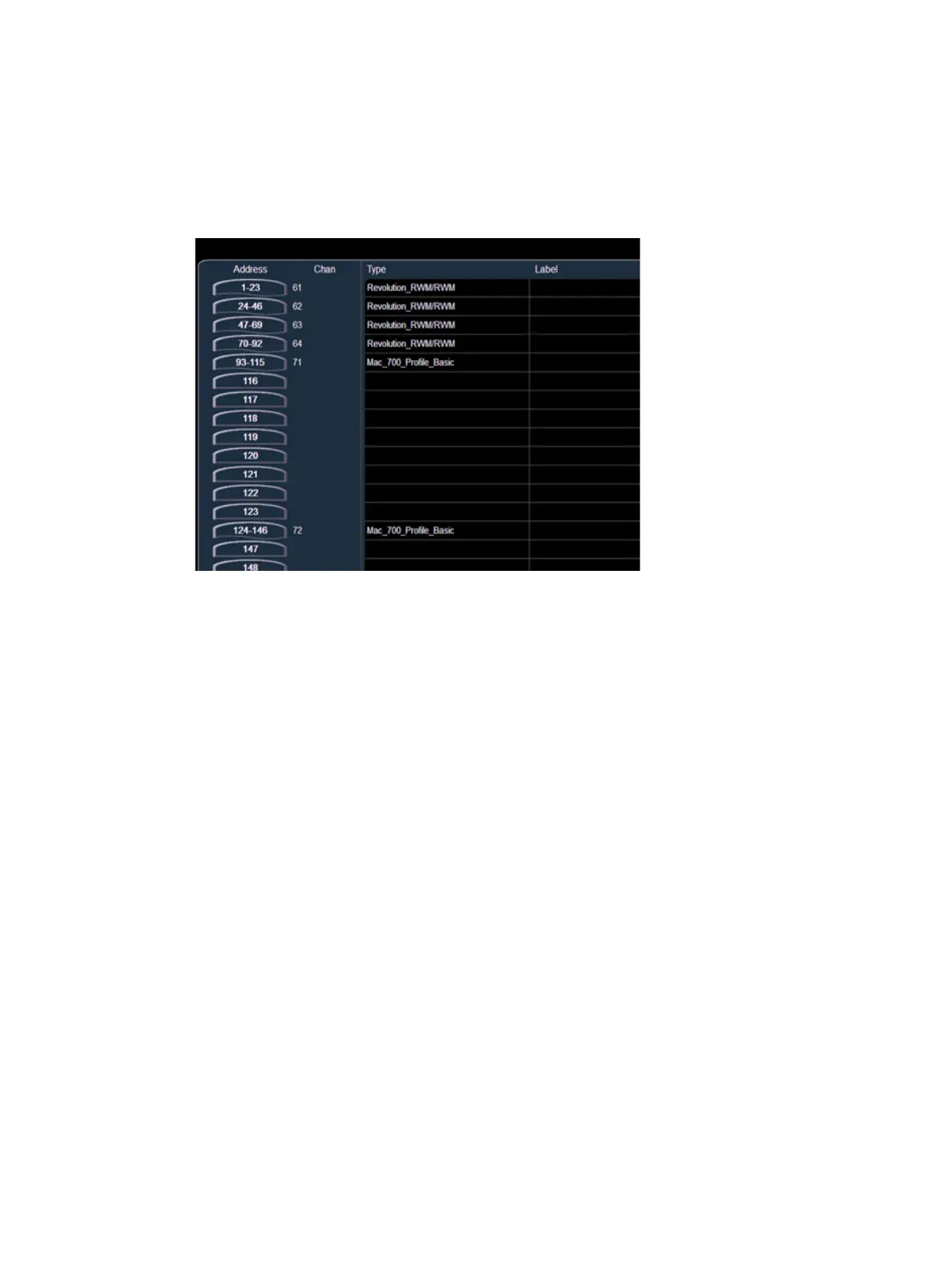
Address View
You can change the patch display to sort by DMX address by pressing [Format]. The channel
number is now indicated in the second column and the command line changes its default entry to
“Address”. To specify a channel in this mode, use the {Channel} key located in the CIA or press
[At] after the DMX address entry.
While in address patch view, any numeric entry from the keypad is assumed to be an output
address.
As it is possible to patch by either output address or port/offset, pressing the [Data] key will toggle
the display to show the alternate output information.



 To Next Page