E Radio Focus Remote (RFR) 339
Appendix E
Radio Focus Remote (RFR)
Overview
The Net3 Radio Focus Remote (RFR) provides remote
access to frequently used console features such as dimmer
and channel checks of conventional and multi-parameter
devices (moving lights, etc.) as well as update and record
functions.
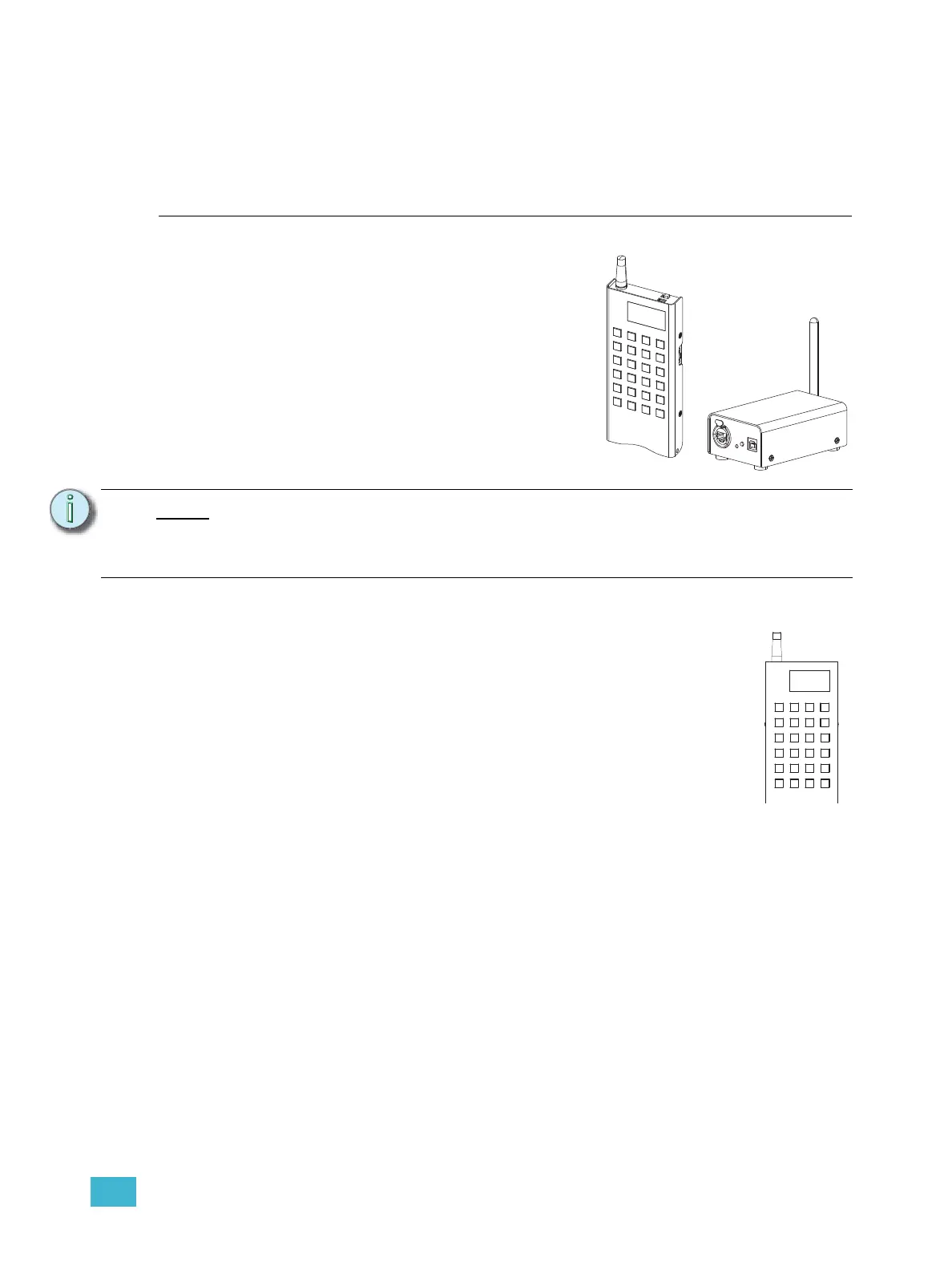
The RFR handheld remote and receiver unit features a high
frequency (HF) link for bi-directional communication with a
connected console. During operation, the system status can
be viewed on the LCD of the remote.
Handheld Remote
The RFR handheld unit features 24 backlit buttons and two push-button thumb
wheels, one on either side for scrolling to desired targets and selecting them for
interaction. The top side of the remote has an on/off power switch, a high frequency
antenna and a USB mini b port. The USB mini b connection may be used to connect
the remote directly to the console, bypassing the base station, or to supply power for
the internal rechargeable NiMH battery cell.
Note:
This appendix covers only RFR operation with the Eos control system. For
information on using the RFR with Congo
™
or Congo jr consoles, see the “Congo/
Congo jr User Manual” or the “Net3 Radio Focus Remote Setup Guide” for more
information.
m
o
r
e s
k
mode
s
1
s
2
s
3
@
T
H
7
8
9
-
4
5
6
+
1
2
3
E
n
t
e
r
C
h
a
n
C
.
s
6
s
5
0
s
4



 To Next Page