5 Patch 67
Changing the Patch View
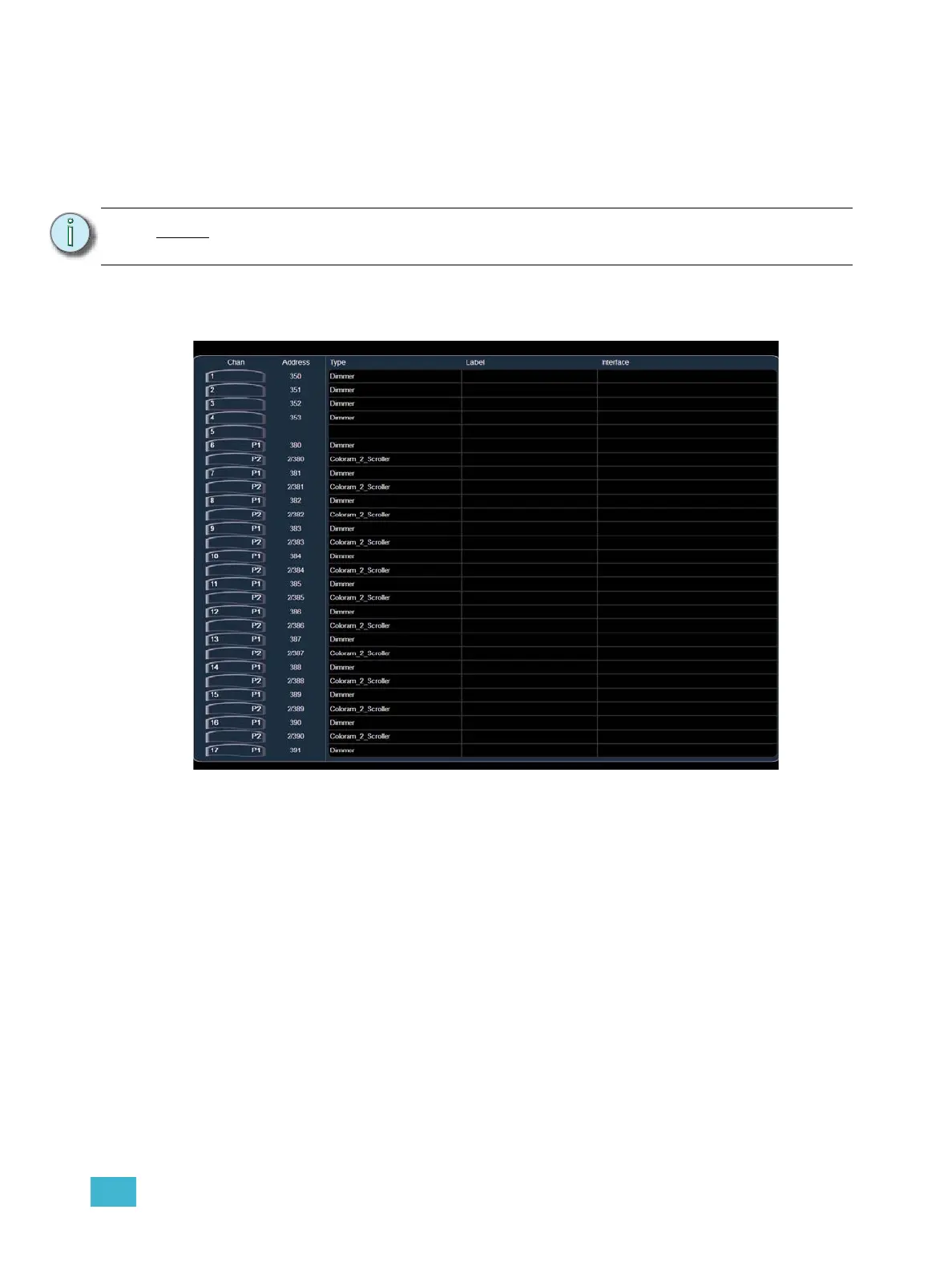
By default, patch is displayed in a sequential channel view. While in the channel patch view, any
numeric entry from the keypad is assumed to be a channel.
Channel View
The patch display lists channels on the X axis and device attributes on the Y axis. In this view the
channels are sorted numerically with the DMX address in the second column. In the “patch by
channel” display, the command line entry defaults to selecting channels.
Note:
It is recommended that you use the patch by channel display when working with
moving lights or other multi-parameter devices.



 To Next Page