7 Basic Manual Control 121
Shutter Control
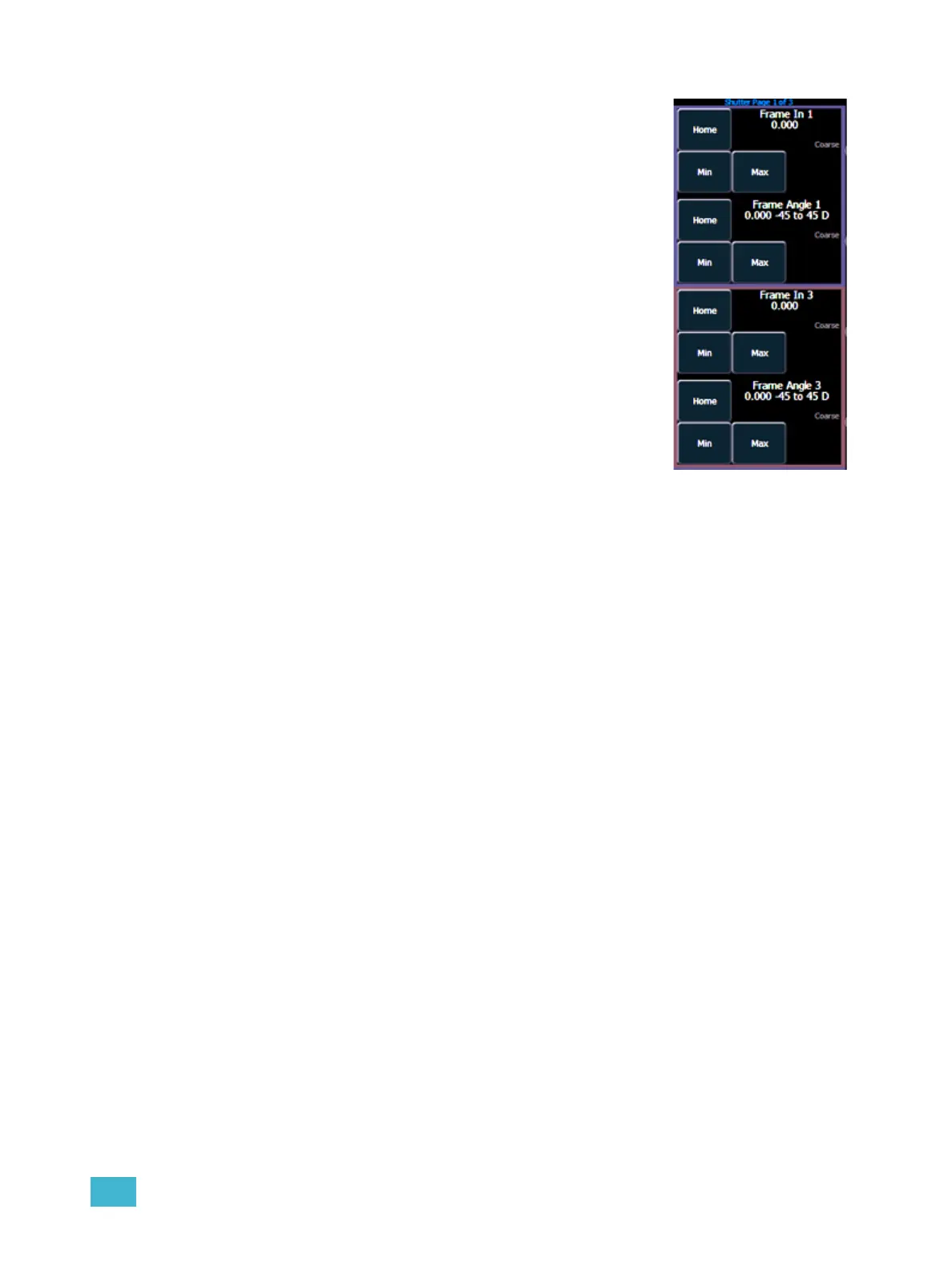
Pressing the [Shutter] button displays shutter controls, if there are any
fixtures with framing devices patched. The encoders control either the
“Frame in” parameter or the “Frame Angle” for all available shutters.
Use paging to access the other shutters.
• Frame in- determines how far in and out of the beam the blade
travels.
• Angle - determines the angle that the blade sits in the beam.
Different fixtures control shutters in different ways. Eos provides you
standardized use of all shutters through patch.
Press the [Shutter] button again to access the additional shutter
controls, available to the specific channel.



 To Next Page