7 Basic Manual Control 123
Color Control
Note:
Color scroller data will display on the encoders and displays as frame numbers,
F1, which would be frame 1, F2 for frame 2, etc. F1.5 is halfway between 1 and 2.
F2+ will display if the frame is less than 2.5 and F2- if the frame is greater than 1.5.
After the frame number, the gel number will also be displayed. This is also true for
color and gobo wheels.
Frame numbers can be used from the command line. [2]{Scroller}[5][Enter] will
send channel 2’s scroller to frame 5. Frames can also be selected by using the
DMX address for that frame. Pressing [/] twice will post DMX to the command line.
[3] {Scroller} [/][/][2][5][5] [Enter] will send channel 3’s scroller to the frame with
the DMX address of 255.
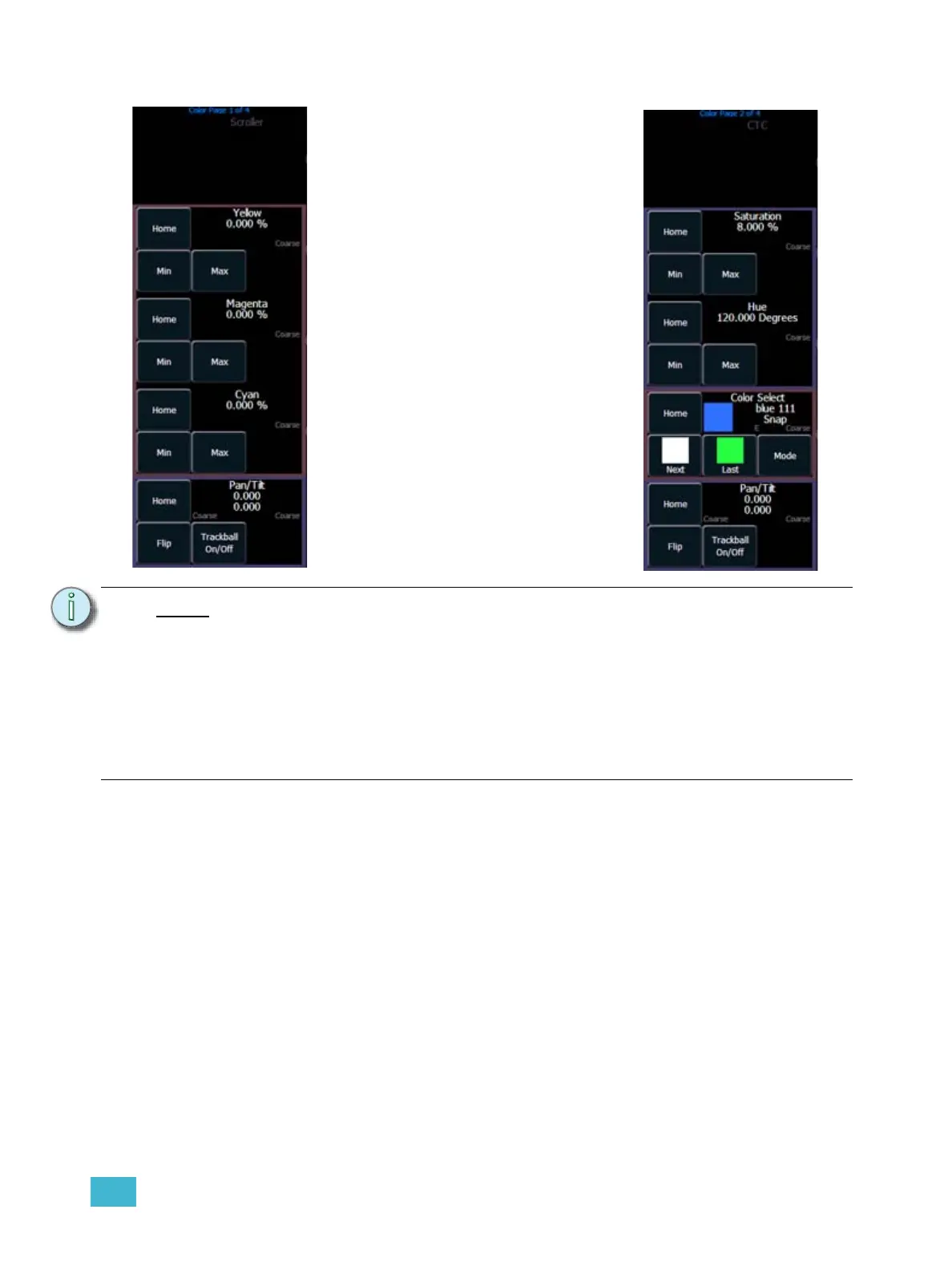
Depending upon the specific device, color
can be established manually with the
encoders using:
• CMY color mixing
• hue and saturation color mixing
• RGB color-mixing
• selection from a color wheel or
scroller
You may also specify color by using the
hue and saturation (HS) color picker.
It is also possible to set non-intensity
parameter data with direct entry using the
control keypad and using the parameters
on the CIA.
• [1] [At] [4] <0> {Cyan} [5] [5]
[Enter]



 To Next Page