B Multi-console and Synchronized Backup 325
Change IP Address
All Eos consoles by default have the same static IP address. All Eos RPUs also, by default, have
the same static IP address.
Default Eos Console IP Address: 10.101.90.101
Default Eos RPU IP Address: 10.101.95.101
Each Eos device on the network should be given a unique IP address. If running multiple devices
of the same type (for example - two consoles, or two RPUs), you must alter the default static IP
addresses to ensure proper functionality.
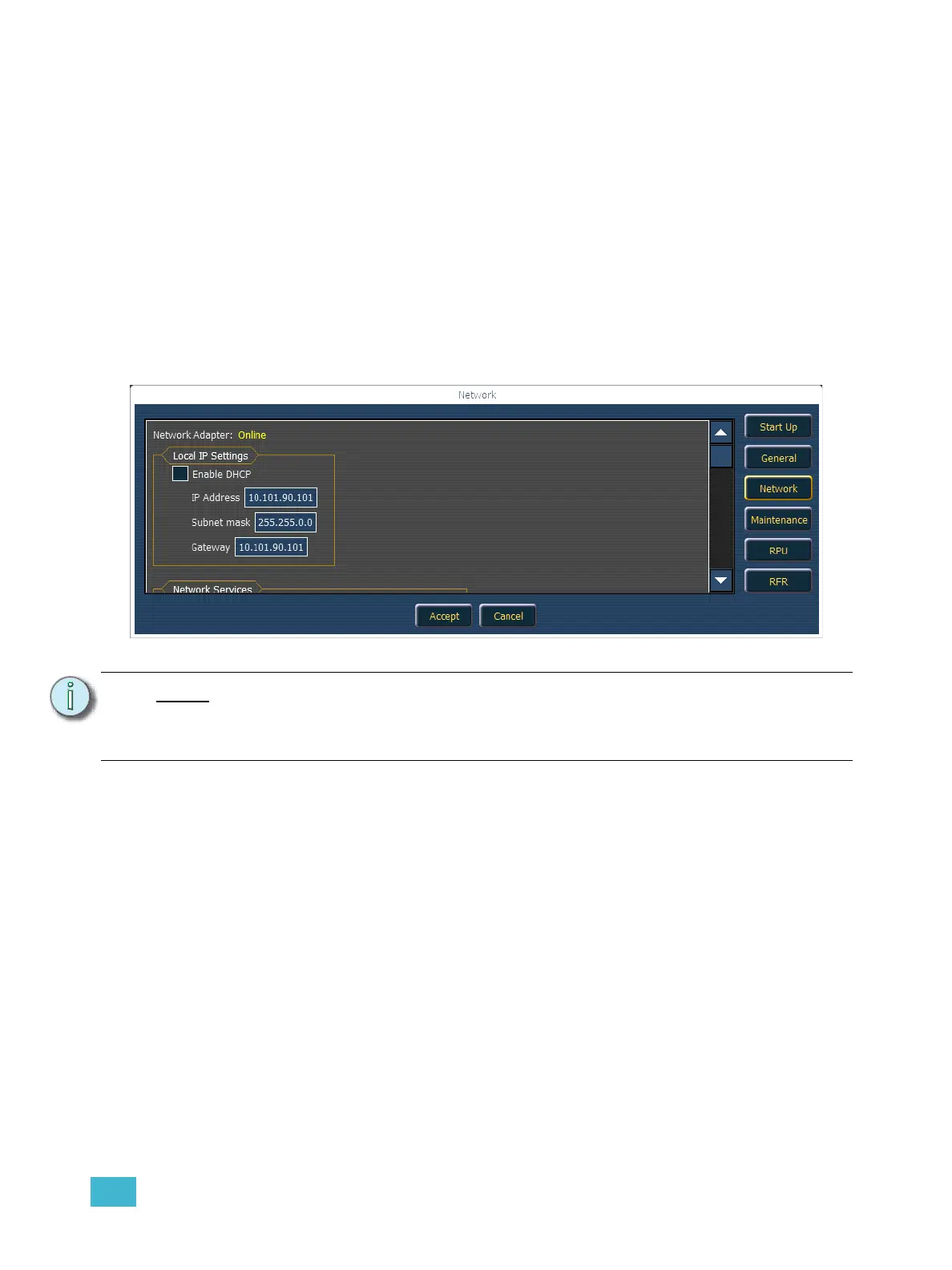
Changing the static IP address is done through the ECU (see Network Settings, page 317), on the
{Network} page. Manually change the IP address of any non-master Eos device by clicking in the
IP Address field and entering the new number from the keyboard. When done, press [Enter].
Note:
It is recommended that you alter the very last digit of the static IP address by an
increment of one for each additional Eos device on the network. Therefore, if the
master ends in “101”, change the backup to end is “102”, a client to end in “103”
and so on.



 To Next Page