Overture Software Manual
USING OVERTURE Revision 1.5 Page 2-1
2. USING OVERTURE
2.1. GETTING STARTED
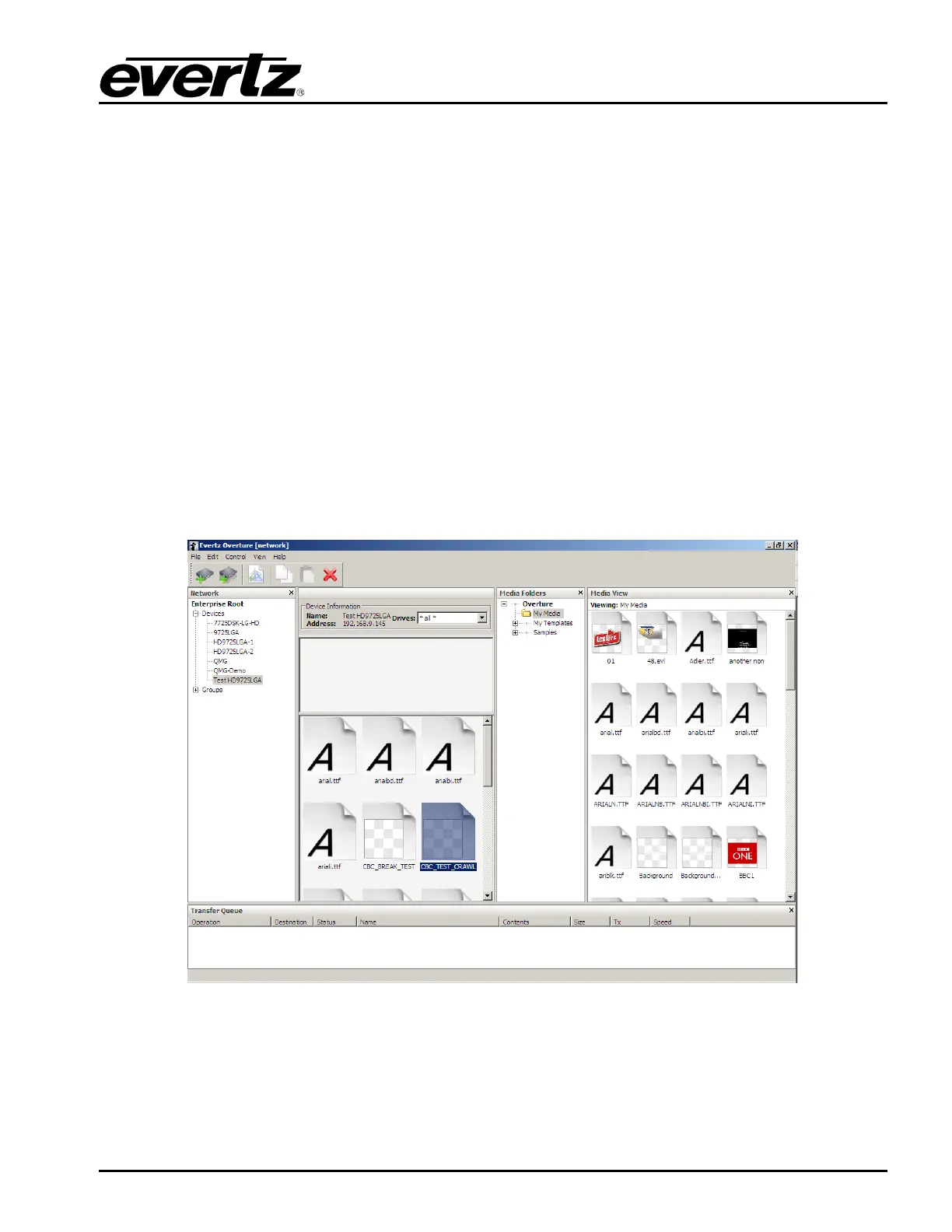
When Overture is launched, the user will be presented with the Main Screen (or Media Management
Screen). This is Overture’s main media management interface. Users will use the Media Management
Screen to manage the media files in their network and Media Branding products. Users will be able to
view, add to, remove from, and activate any media files in their network or Media Branding products.
The Media Management Screen has many panels to manage the media files. The screen consists of
the following areas:
• Main Toolbar
• Network Panel
• Media View Panel
• Media Folder Panel
• Transfer Queue Panel
The various panels are outlined in Figure 2-1.
Figure 2-1: Overture Main Screen



 To Next Page