Overture Software Manual
Page 2-4
Revision 1.5 USING OVERTURE
2.2.1.4. View Menu
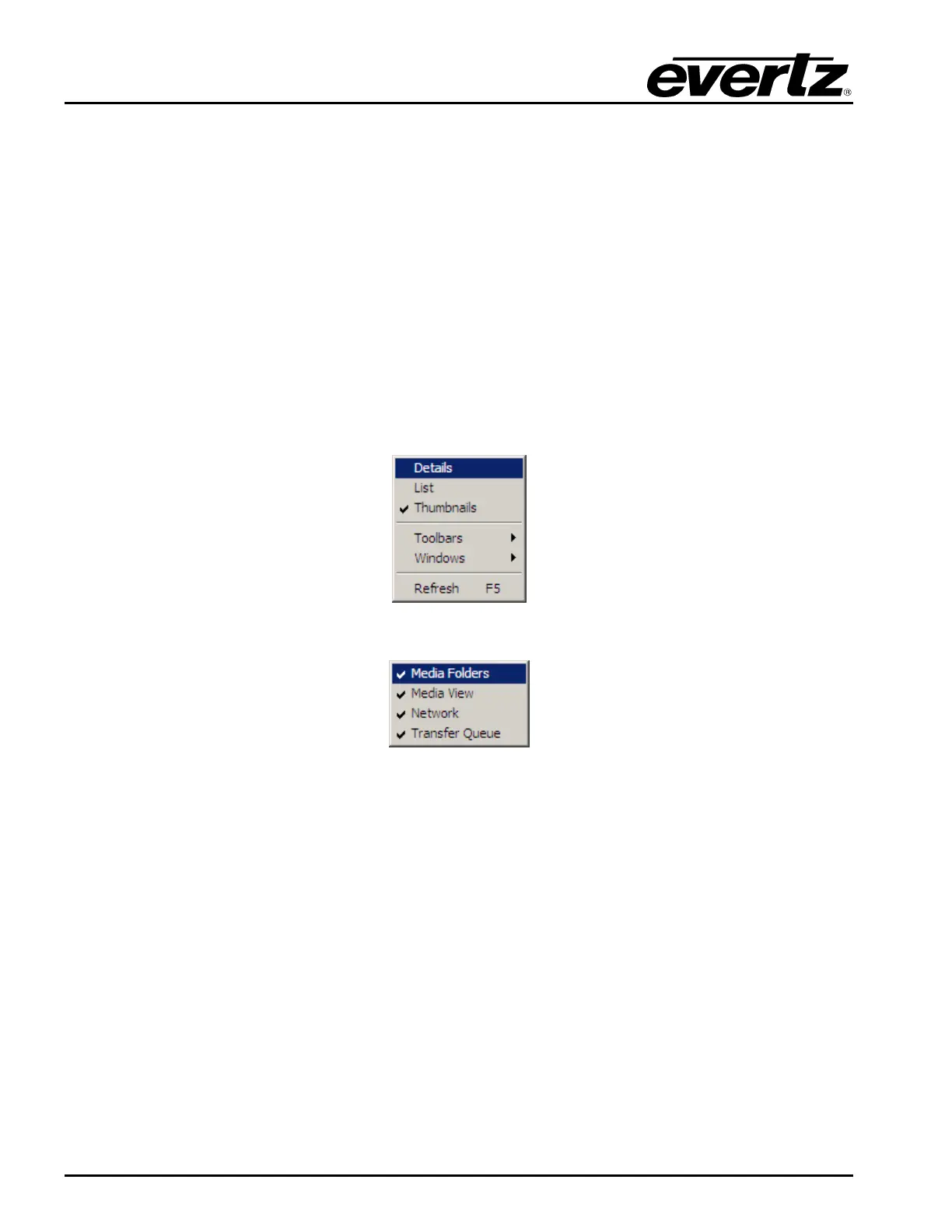
The View drop down menu has the following options (as shown in Figure 2-6):
• Details displays the media files in full format (includes the description name and file size).
• List will display the media files in a list format.
• Thumbnails will display the media files with a Thumbnail of the file.
• Toolbars will display the graphical toolbar.
• Windows selects which windows to display on the Main Screen. The choices are shown in
Figure 2-7.
• Refresh will refresh the view of the selected window.
Figure 2-6: View Menu
Figure 2-7: Windows Choices
2.2.1.5. Help Menu
Clicking the About button in the Help drop down menu displays the version number of the Overture
software.



 To Next Page