Overture Software Manual
Page 2-8
Revision 1.5 USING OVERTURE
2.2.2.4. Upgrading Firmware of Devices in Resources List
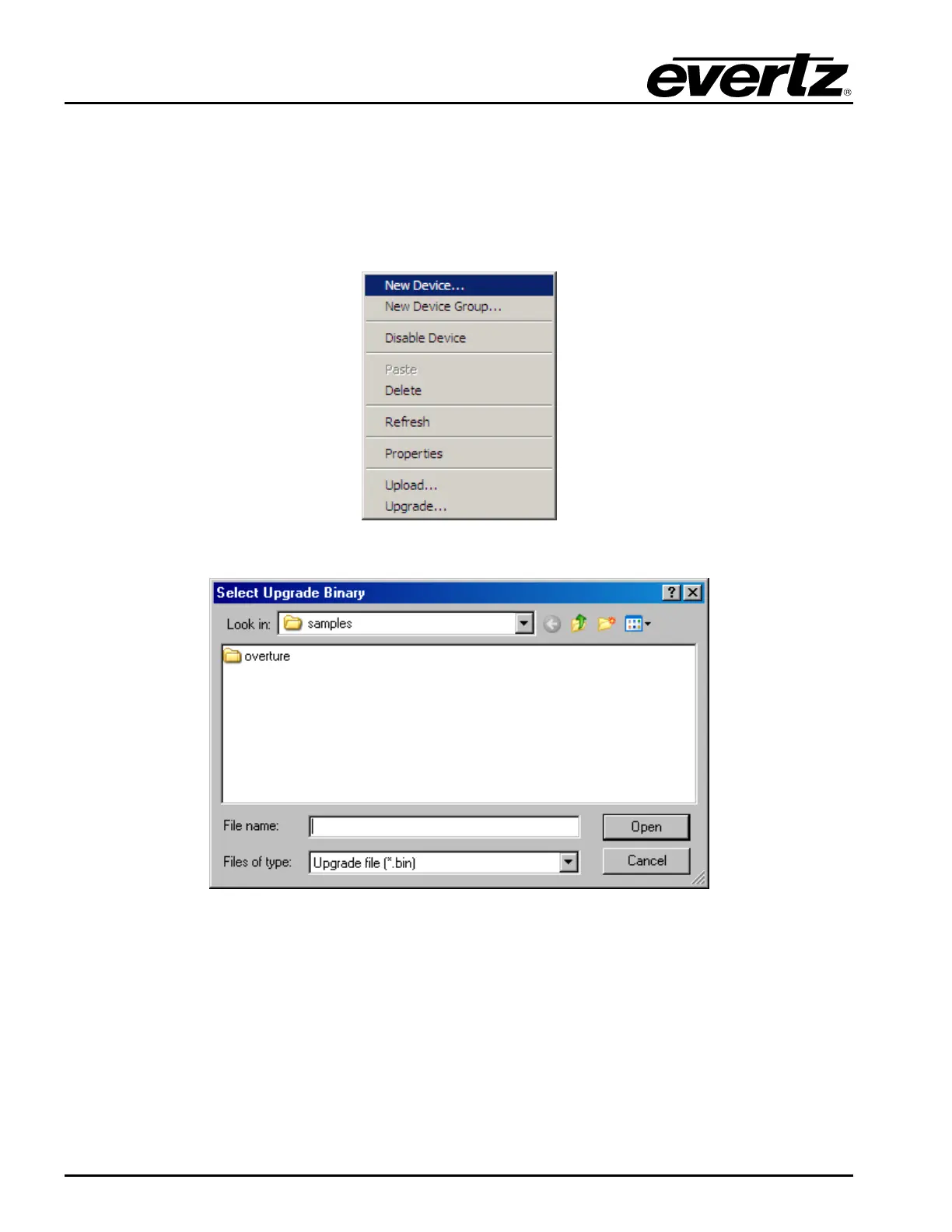
The device firmware in the Resources list can be upgraded using Overture. To access the device
firmware in the Resource list, select a device in the list and Right-click the mouse button. The menu
shown in Figure 2-11 displays the options available. To upgrade firmware, the user selects Upgrade…
An upgrade window (see Figure 2-12) will appear. The user will then select the location of the BIN file
required for the firmware upgrade.
Figure 2-11: Resource List Menu
Figure 2-12: Upgrade Window



 To Next Page