Overture Software Manual
USING OVERTURE Revision 1.5 Page 2-25
2.4. Creating Animated Text
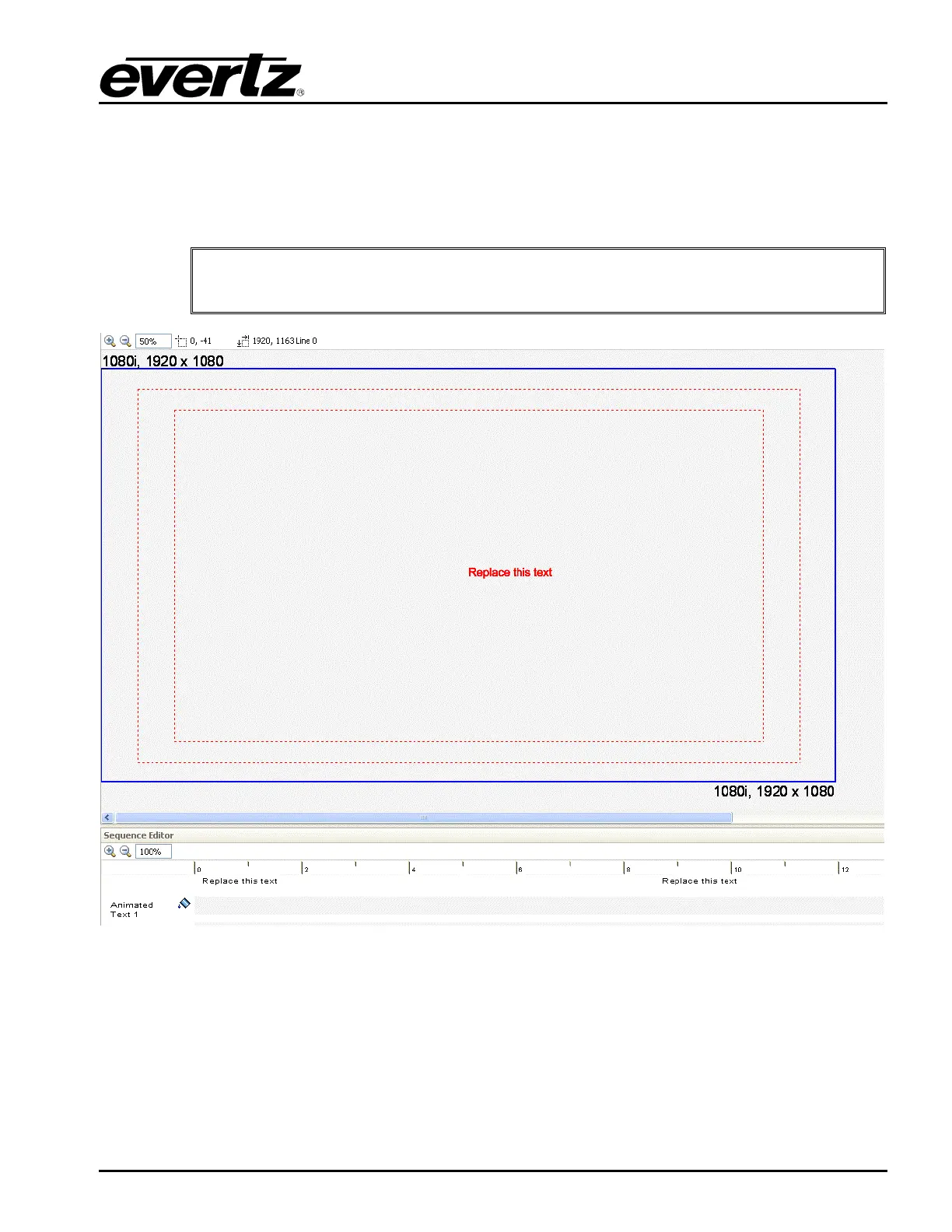
The user can create an Animated Text object by selecting Image Object then Animated Text from the
Insert menu in the top toolbar (see section 2.3.1.5). Once selected, the user will see a text object
appear on the design canvas as shown in Figure 2-39. The user can set the placement of the text by
using the mouse to select and drag the text object to the desired position.
"
The user may insert multiple animated texts.
Figure 2-39: Animated Text



 To Next Page