Overture Software Manual
Page 2-52
Revision 1.5 USING OVERTURE
2.10.2. Sequence Editor Panel
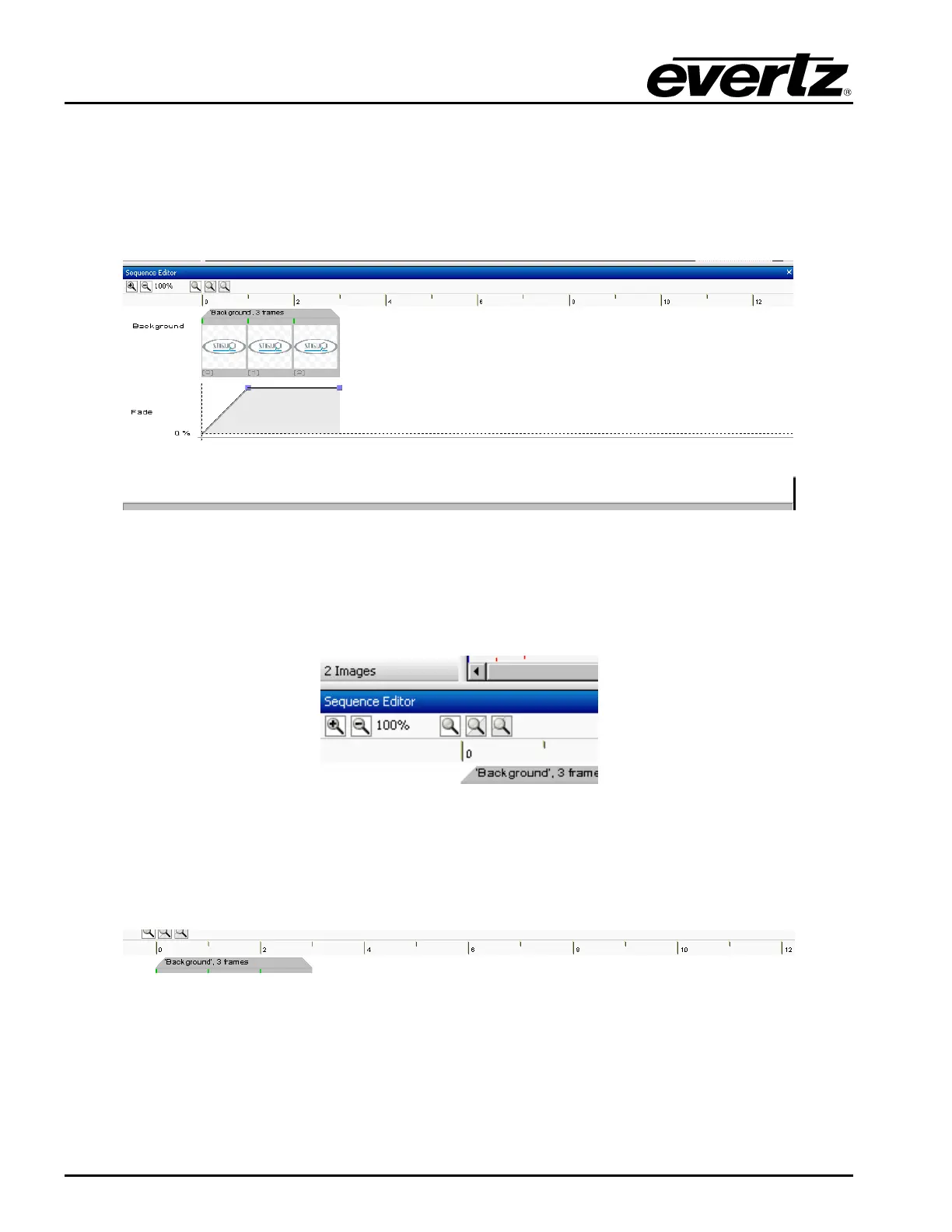
The Sequence Editor Panel (see Figure 2-68) is used to create a frame accurate animated sequence.
The user can take frames from the Frame Panel and place them into the Sequence Editor. The
Sequence Editor has a number of important components, which include the Zoom controls, the
Timeline, the Background, and the Fade Control.
Figure 2-68: Sequence Editor Panel
2.10.2.1. Zoom Control
The Zoom control allows the user to zoom in and out of the sequence of frames to view some or all of
the animation sequence. This enables the user to validate the length (in frames) of the animated logo.
Figure 2-69: Zoom Control
2.10.2.2. Timeline
The timeline bar shows the length in frames of the animation. The gray tab in the timeline shows the
length of the current animation.
Figure 2-70: Timeline



 To Next Page