Overture Software Manual
USING OVERTURE Revision 1.5 Page 2-19
2.3.1.4. Logo Properties
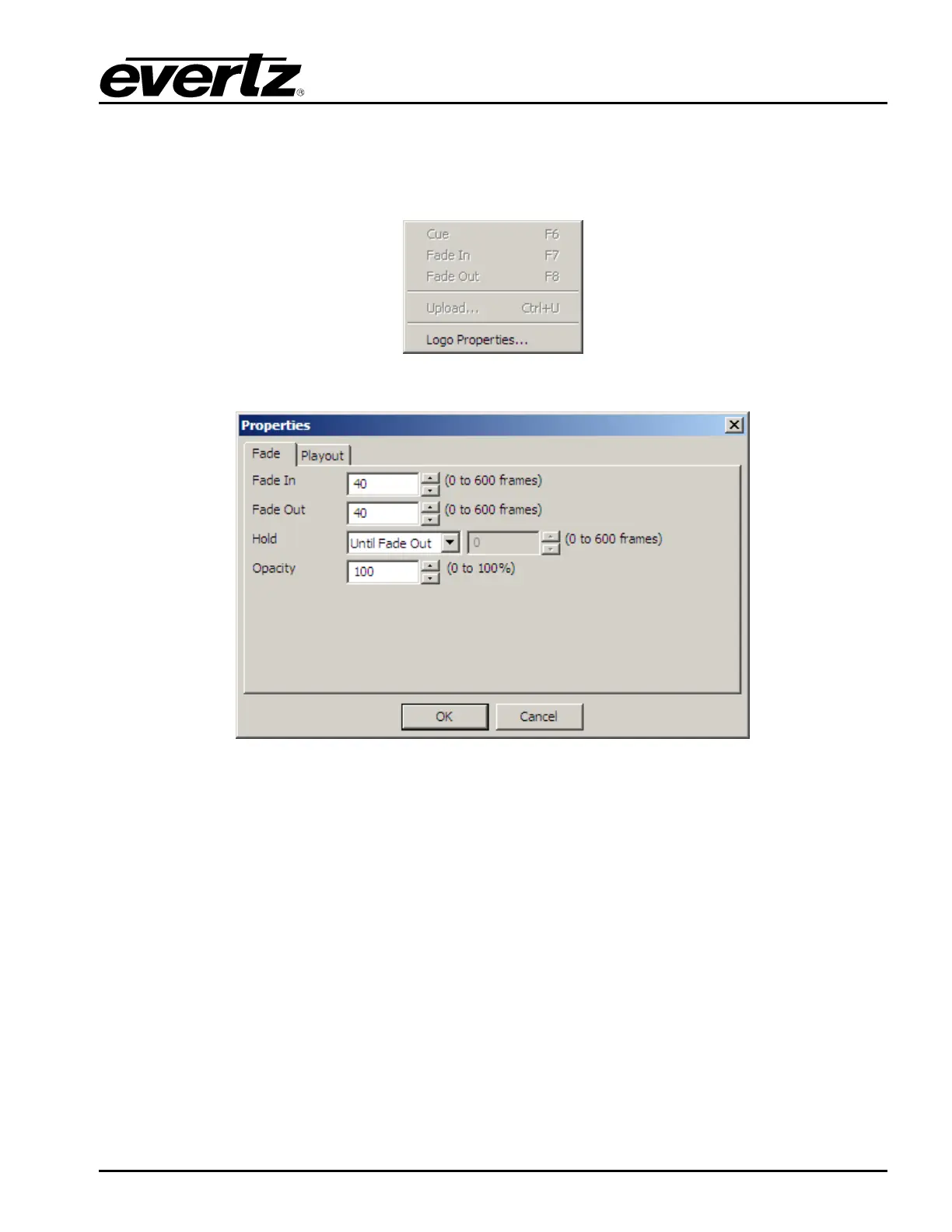
The first tab in the Logo Properties… is called Fade. Once selected, this tab (see Figure 2-27)
will enable the user to set the fade in, fade out, hold and opacity settings of the static logo or a
crawl.
Figure 2-26: Design Control Menu
Figure 2-27: Logo Properties - Fade
The second tab in the Logo Properties… is called Playout. This enables the user to specify the layer
the logo should be displayed on, the Quick Effect In duration, Quick Effect Out duration, Effect In, and
Effect Out.
The Quick Effect In and Out duration allows the user to fix the duration of the Effect In and Out
respectively. These values, when enabled, will override any Fade In or Out settings that have been
created.
There are three main types of effects that can be applied to logos and crawls. They are: Fades, Wipes
(in various directions), and Pushes. The duration of these effects are defined by the Quick Effect In
and Out settings.



 To Next Page