Overture Software Manual
USING OVERTURE Revision 1.5 Page 2-37
2.5.1. Crawl Menu
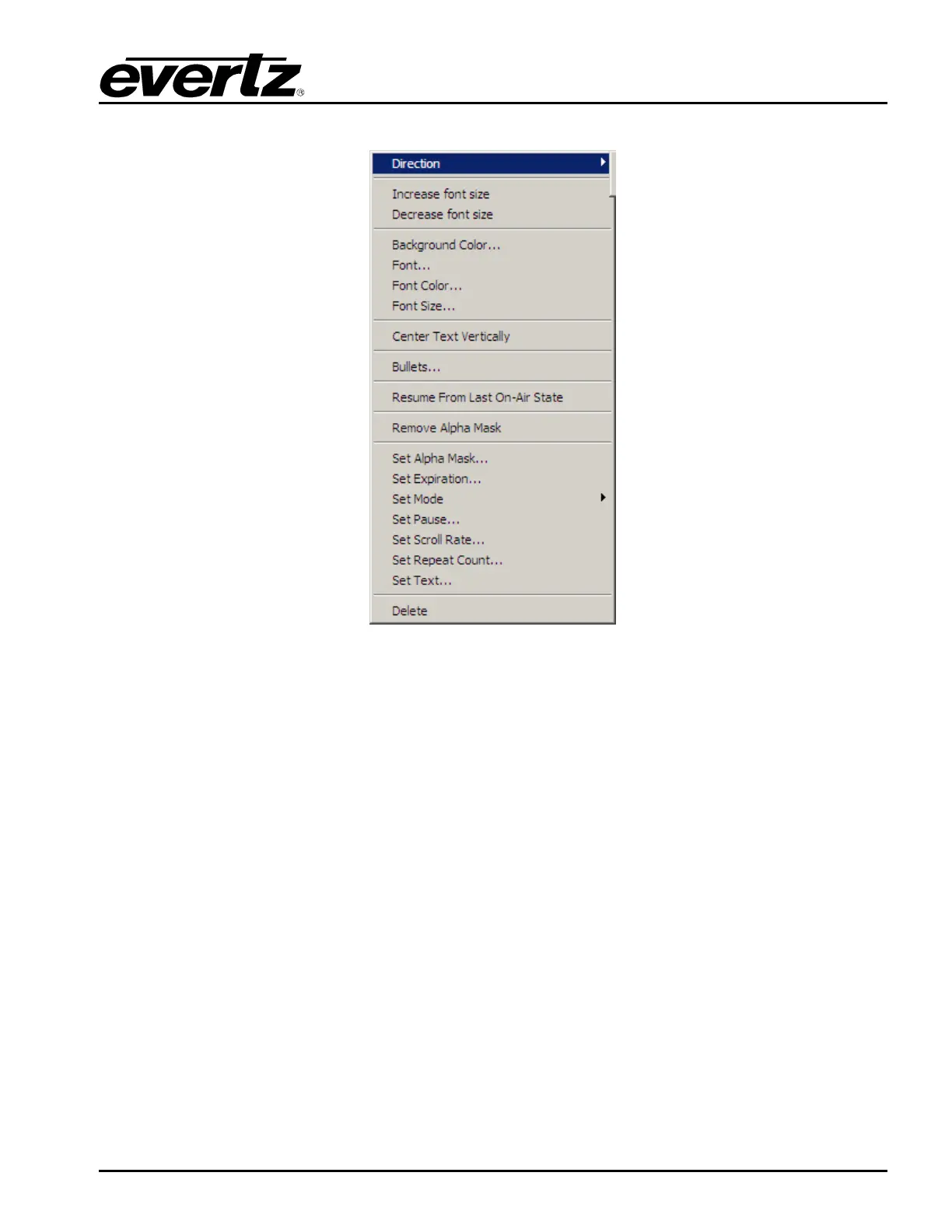
Figure 2-55: Crawl Menu
The Crawl menu provides the options shown in Figure 2-55. The choices available are:
• Direction enables the user to set the direction of the crawl. Currently, only left to right and right
to left crawls are supported.
• Increase font size enables the user to increase the font size of the crawl by a single increment
at a time.
• Decrease font size enables the user to decrease the font size of the crawl by a single
decrement at a time.
• Background Colour… enables the user to set the background colour of the crawl.
• Font… enables the user to specify the font type of the crawl. Note that this font MUST BE on
the device with the crawl in order for the crawl to appear.
• Font Colour… enables the user to set the font colour of the crawl.
• Font Size… enables the user to set the font size of the crawl. The size of the crawl is
adjustable from 10 to 200 point size.
• Center Text Vertically enables the user to center the text vertically inside the crawl.



 To Next Page