Overture Software Manual
Page 2-36
Revision 1.5 USING OVERTURE
2.5. Creating a Crawl
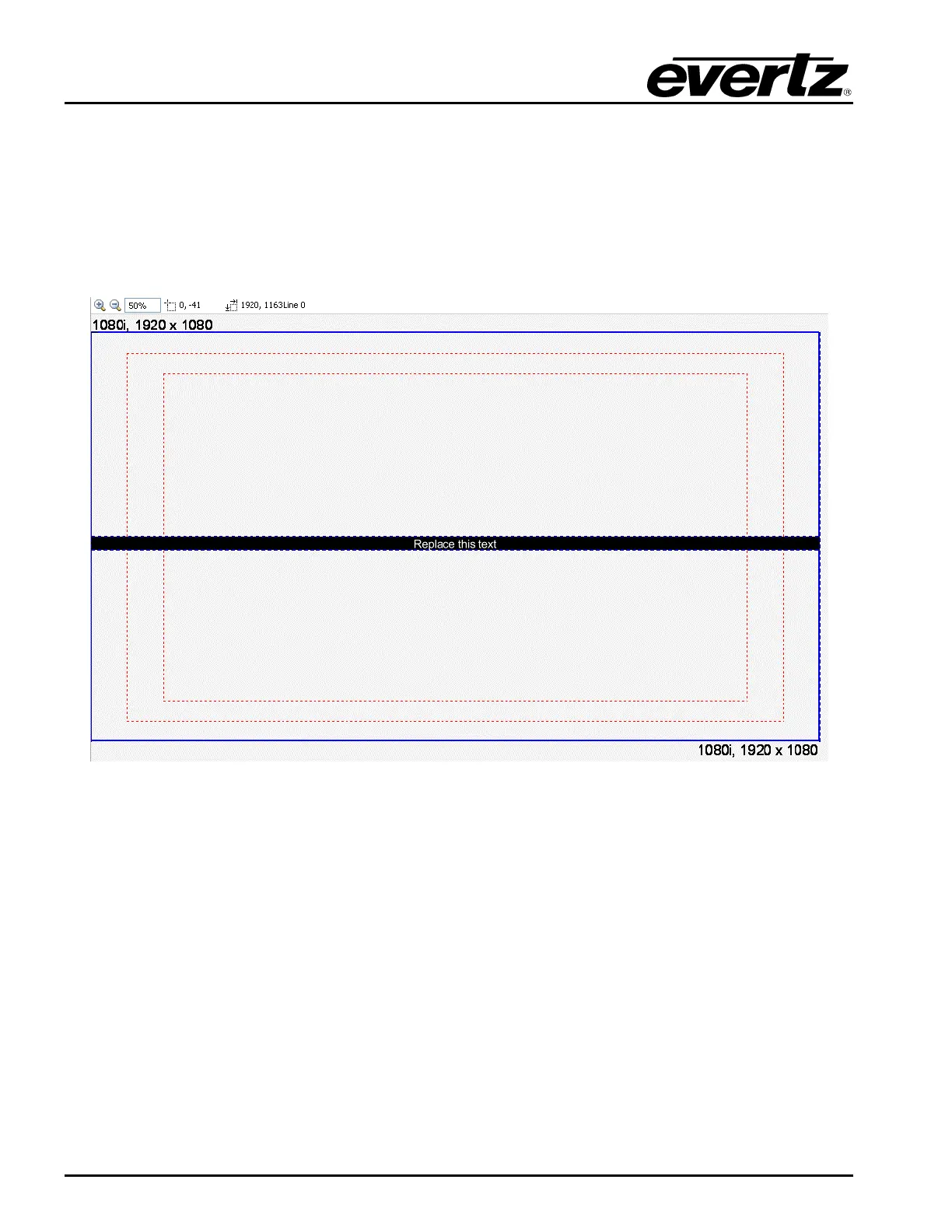
To create a horizontal, the user can select the Crawl from the Image Object (see section 2.3.1.5).
Once selected, the user will see a horizontal crawl that will move left to right by default as shown in
Figure 2-54. To access the Crawl Menu, select the text object box inside the crawl and Right-click the
mouse button. The Crawl Menu will be displayed as shown in Figure 2-55. The user can set the
placement of the crawl by selecting the crawl and dragging it to the desired position by using the
mouse.
Figure 2-54: Horizontal Crawl



 To Next Page