Overture Software Manual
USING OVERTURE Revision 1.5 Page 2-3
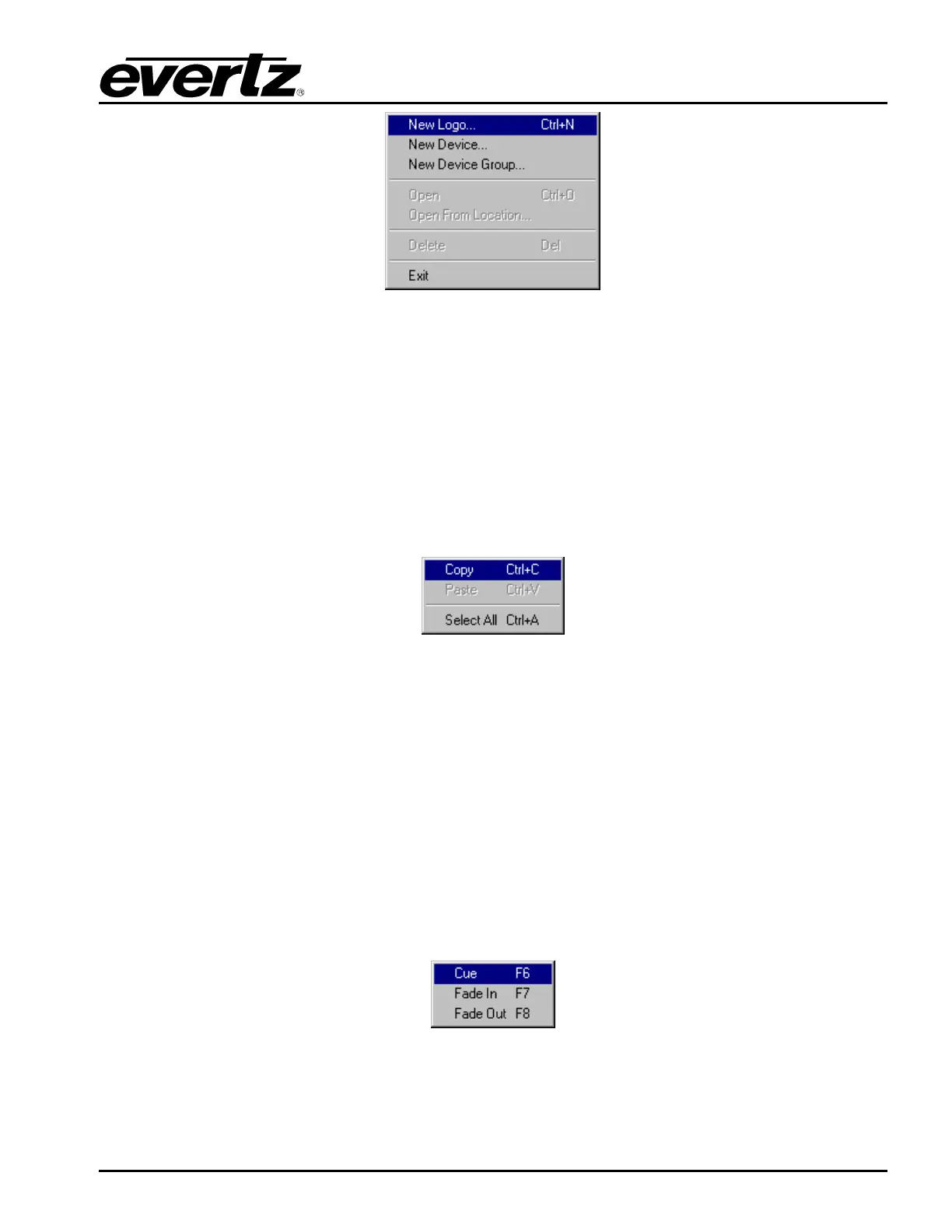
Figure 2-3: File Menu
2.2.1.2. Edit Menu
The Edit drop down menu has the following options (as shown in Figure 2-4):
• Copy allows the user to copy media files from the device memory or the Media Library.
• Paste enables the user to paste media files into the device memory or the Media Library.
• Select All enables the user to select all of the media files on either the device memory or the
Media Library.
Figure 2-4: Edit Menu
2.2.1.3. Control Menu
The Control drop down menu has the following options (as shown in Figure 2-5):
• Cue enables the user to cue a media file on the selected device or device group. This will load
the selected media file into the device’s memory cache and output on the preview output of the
device.
• Fade In enables the user to fade in the selected media file. If the logo has not been loaded into
the device’s memory cache, this action will load the media file and fade it into the video signal.
• Fade Out enables the user to fade the selected media file out of the video signal.
Figure 2-5: Control Menu



 To Next Page