Overture Software Manual
USING OVERTURE Revision 1.5 Page 2-45
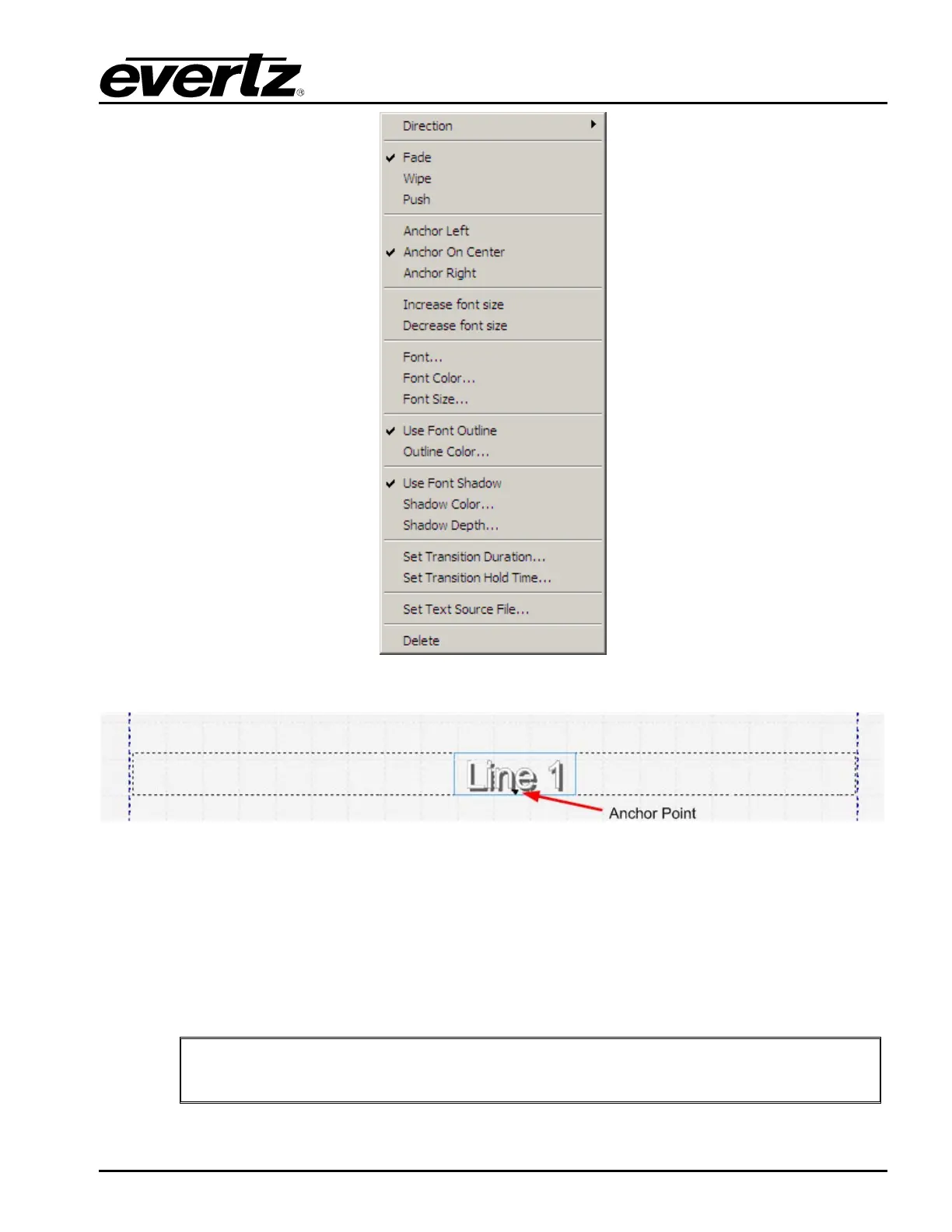
Figure 2-61: Display Object Menu
Figure 2-62: Text Anchor Points
2.6.2. Creating Text Source File
To create the source file, the user simply needs either WordPad or Notepad. The file is a simple Text
file (see Figure 2-63). In the file, each headline is separated by a blank line (carriage return only).
Currently, the CG text headliner feature allows for UP TO THREE lines per headline. The length of
each line in the headline is based on the font type and size selected for the headline.
"
The maximum size that the source file can be is 64 headlines or 8Kbytes
(depending on which occurs first).



 To Next Page