Overture Software Manual
USING OVERTURE Revision 1.5 Page 2-23
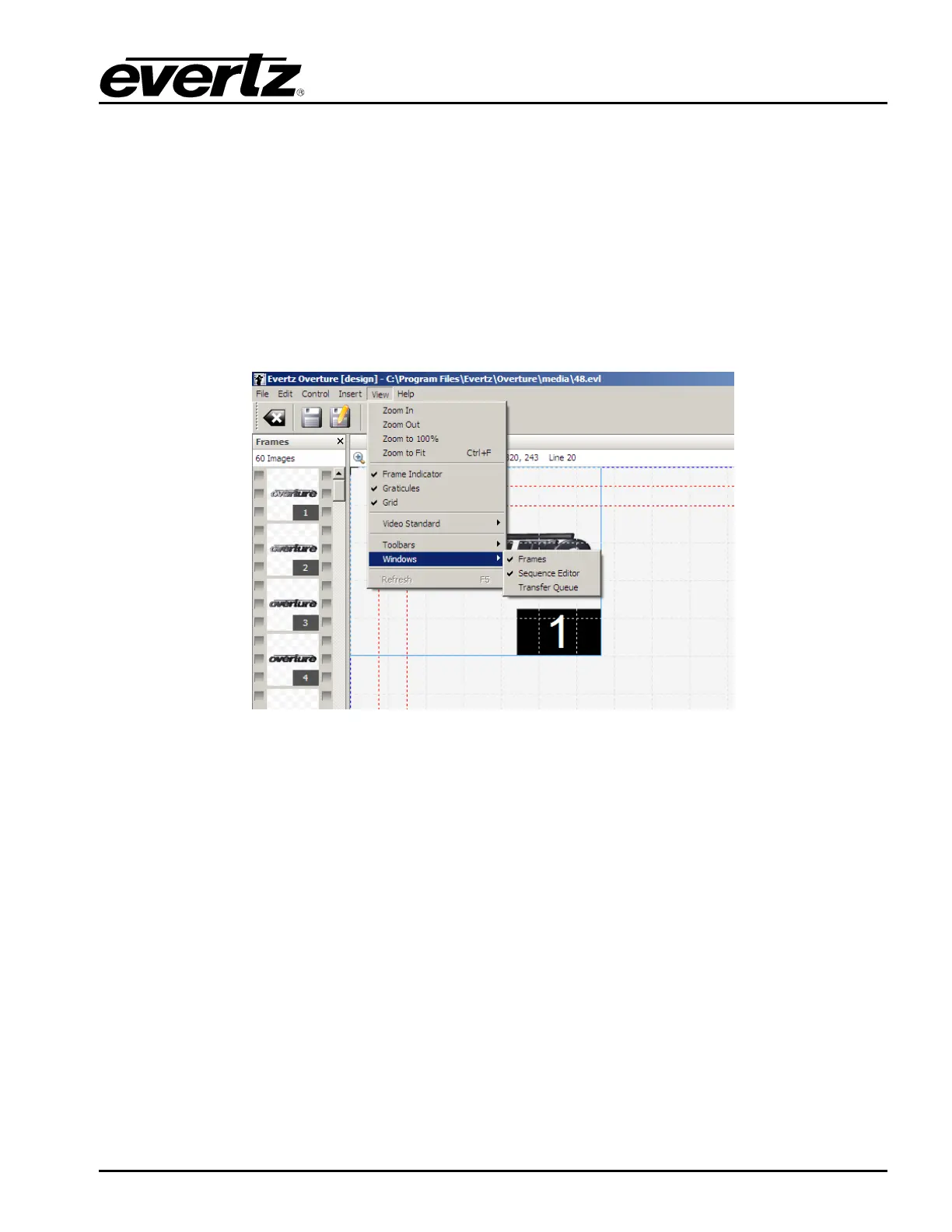
• Graticules enables the user to display the graticules, which define safe areas for the particular
video standard.
• Grid enables the user to activate a grid overlay onto the design canvas.
• Video Standard enables the user to specify the video standard they want the design canvas to
be set in. The choices are: 525i, 625i, 720p, and 1080i.
• Windows enables the user to set which panels are visible on the design canvas. The panels
are: Frames, Sequence Editor, and Transfer Queue (shown in Figure 2-37)
Figure 2-36: Design View Menu



 To Next Page