Overture Software Manual
Page 2-6
Revision 1.5 USING OVERTURE
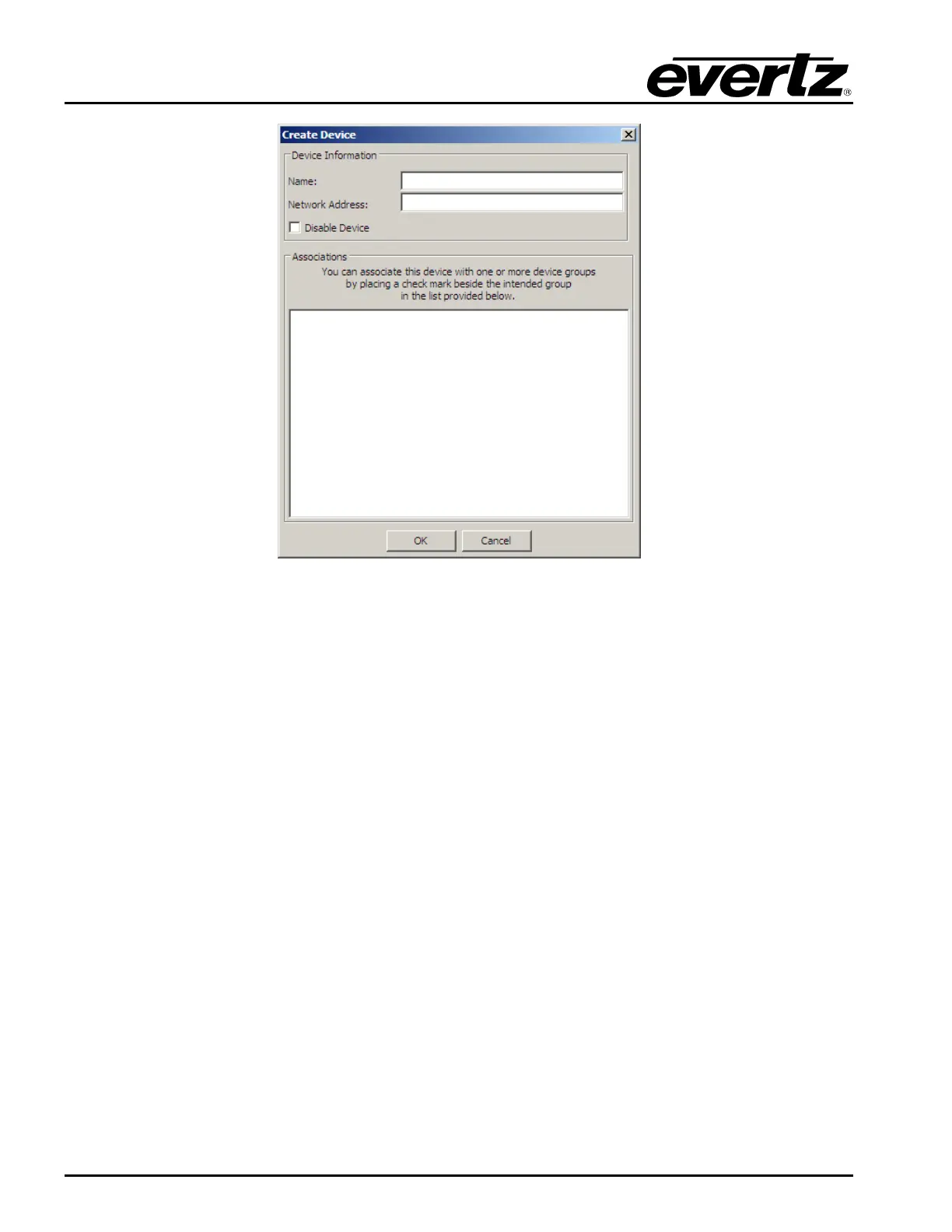
Figure 2-9: Create Device Window
2.2.2.2. Adding a Device Group
Overture enables the user to manage media files for a group of devices at one time. To do so, the user
must create a group of devices by selecting Add a New Device Group in the toolbar.
Once selected, the Create Device Group window (shown in Figure 2-10) will appear. The user will be
required to:
1. Create a group name. This name can be anything that uniquely identifies the group of devices.
2. Add Associations. This allows the user to select the devices that will be part of the group.



 To Next Page